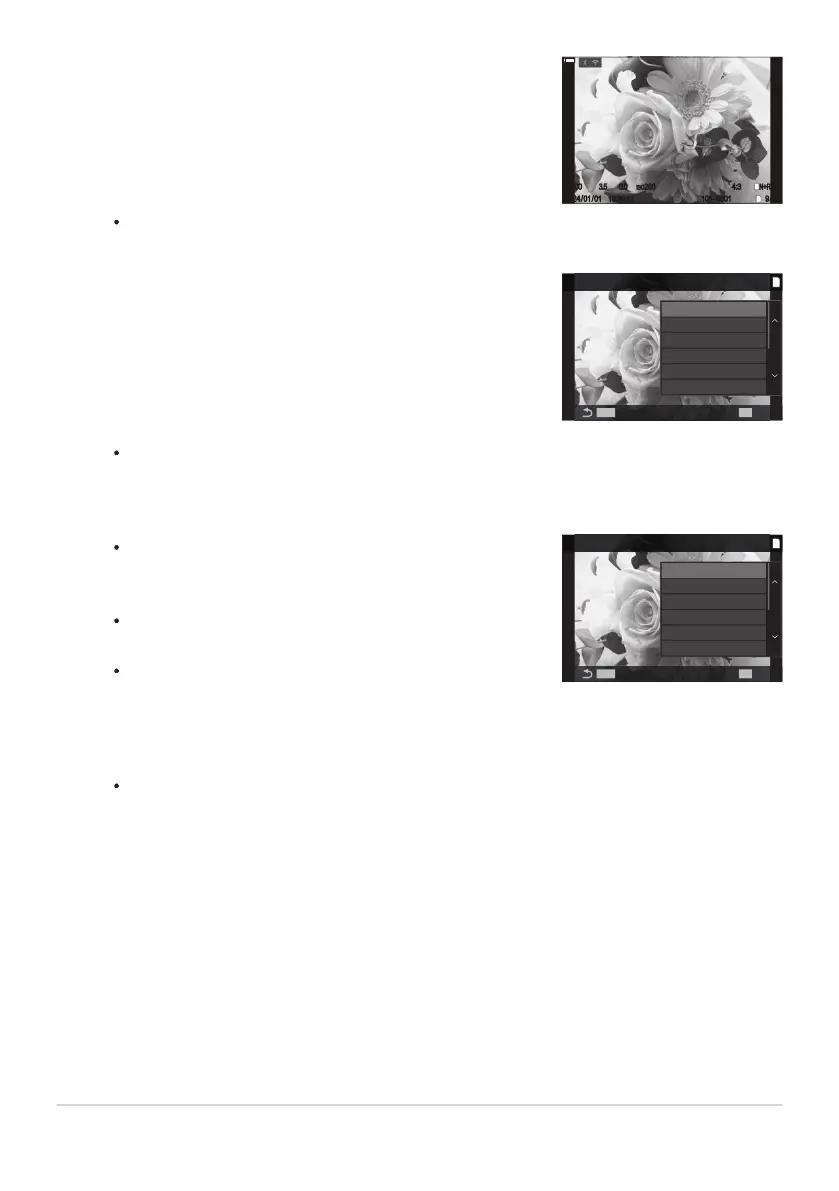
Display an image you want to edit and press the OK button.
16:30:43
4:3
±
0.0
1/100
16:30:43 101-0001
4:3
19/32
F3.5
ISO
200
±
0.0
1
N+RAW
L
100
%
100
%
1/100
101-0001 19/32
F3.5
ISO
200
N+RAW
2024/01/01
Highlight [JPEG Edit] using FG and press the OK button.
JPEG
MENU
OK
1
JPEG Edit
Share Order
Rating
0
c
Rotate
The effect can be previewed in the display. If multiple
options are listed for the selected item, use FG to choose
the desired option.
When [M] is selected, you can size the crop using the dials
and position it using FGHI.
When [Aspect] is selected, you can select an option using
FG, and then position the crop using FGHI.
JPEG Edit
MENU
OK
1
Shadow Adj
Red-eye Fix
M
Aspect
Black & White
Sepia
The playback direct menu will be displayed.
The editing menu will be displayed.
Highlight an option using FG and press the OK button.
Highlight [Yes] using FG and press the OK button.
The new copy will be saved at the selected settings and the camera will return to the
playback display.
323
Retouching Pictures (Edit)
1.
2.
3.
4.


 To Next Page
 Loading...




