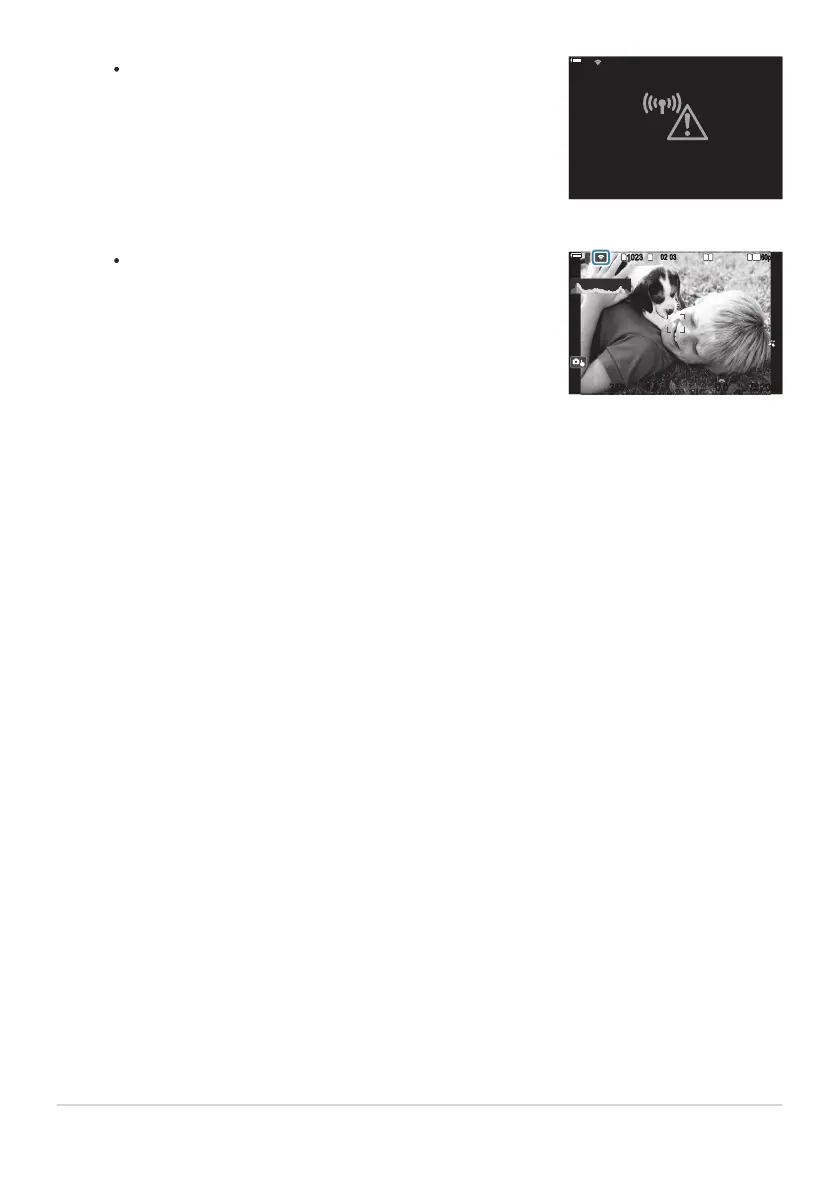
If the connection fails, the camera will display a message to
that effect, followed by the options shown in Step 3. Remove
and reinsert the memory card.
Connection failed
100
%
100
%
The camera will return to the standard shooting display. A
on the screen will turn green.
1
10231023
P
1
/
250
P
1
/
F
250 5.65.6
1
1
[
1
:
02
:
03
][
1
:
02
:
03
]
FF
60p60p L
-
8L
-
8
S
-
AFS
-
AF
33
200200
L
1
4K
ISO
Auto
ISO
Auto
F
00
+
-
0.00.0
100
%
100
%
Press the OK button to exit to the shooting display.
443
Adjusting Wi-Fi Settings (Wi-Fi Connection)
5.


 To Next Page
 Loading...




