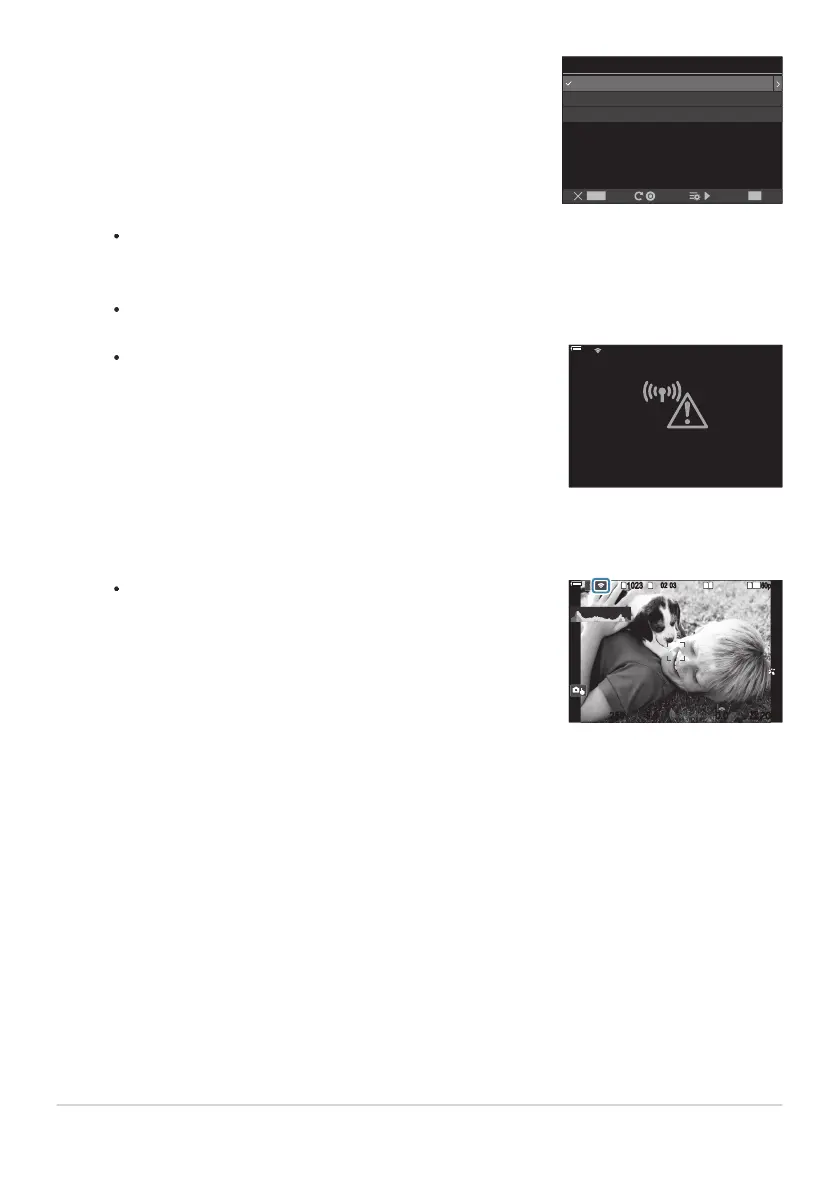
If the camera is able to connect, the network will be displayed
with a check (P) next to the network name.
PC Connection
Connect by WPS
Connect manually
SSID_001
2A
OK
MENU
If the connection fails, the camera will display a message to
that effect, followed by the options shown in Step 4. Remove
and reinsert the memory card.
Connection failed
100
%
100
%
The camera will return to the standard shooting display. A
on the screen will turn green.
1
10231023
P
1
/
250
P
1
/
F
250 5.65.6
1
1
[
1
:
02
:
03
][
1
:
02
:
03
]
FF
60p60p L
-
8L
-
8
S
-
AFS
-
AF
33
200200
L
1
4K
ISO
Auto
ISO
Auto
F
00
+
-
0.00.0
100
%
100
%
If the camera has been paired with more than one computer, you will be prompted to choose
a computer before the network is displayed. Highlight the desired computer using the FG
buttons and press the OK button.
The camera can be used only with the selected computer. To select a different computer, you
must first terminate the current connection.
Press the OK button to exit to the shooting display.
446
Adjusting Wi-Fi Settings (Wi-Fi Connection)
5.
6.


 To Next Page
 Loading...



