USB Device Server Option Type M19A (D3BC-33, -34)
D0AP/D0C4/D0C5/D0C6/M0BQ/M0D1 2-100 SM
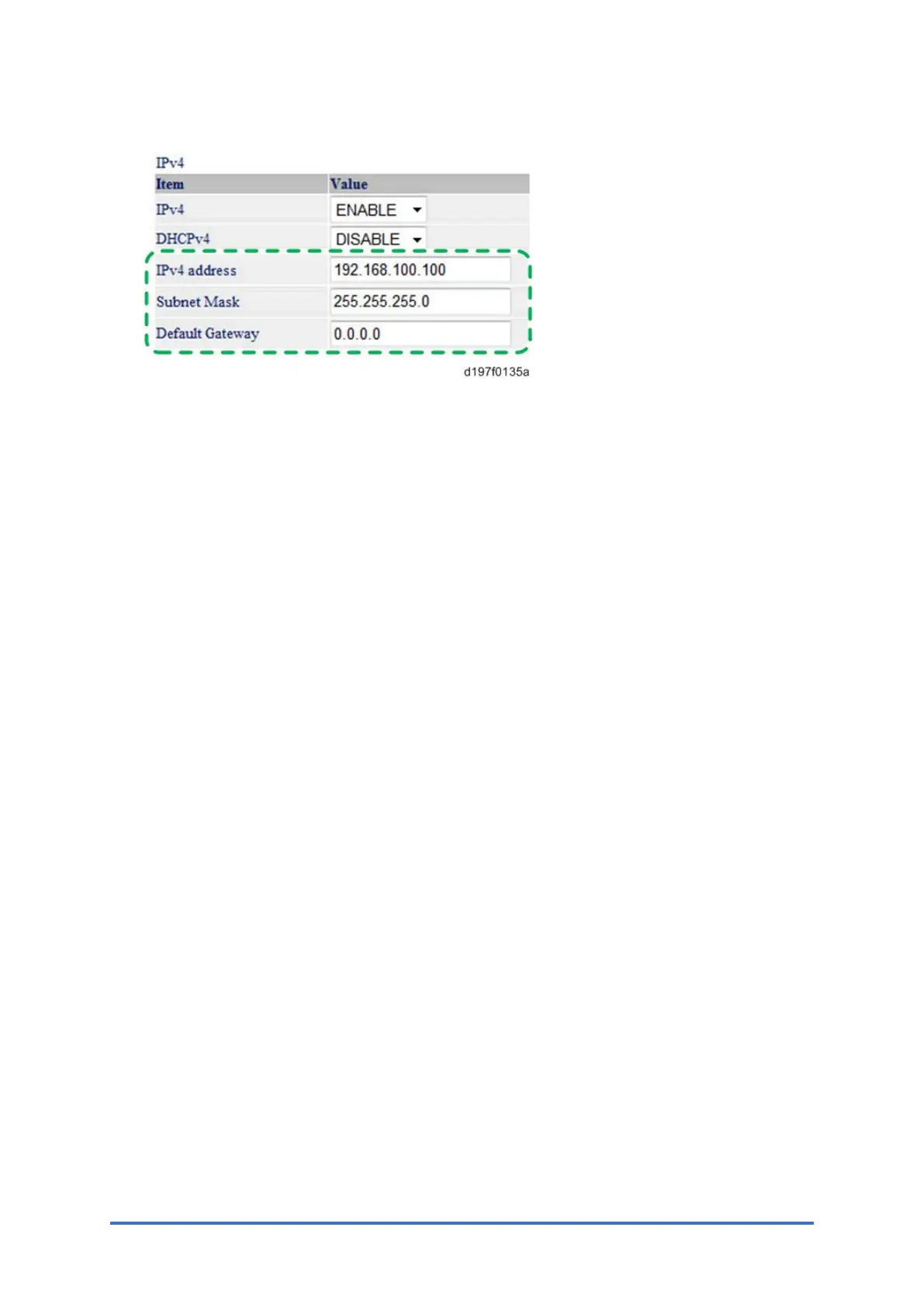
9. Input the [IP Address], [Subnet Mask] and [Default Gateway].
10. Specify other items if needed.
11. Press [Set]
12. Close the web browser.
13. Disconnect the Ethernet cable from the PC.
14. Connect the Ethernet cable to a network device (such as a switching hub).
15. Specify the IP address of the USB device server option in the printer driver that you are
using.



 To Next Page