Scanner (MF Model Only)
D0AP/D0C4/D0C5/D0C6/M0BQ/M0D1 4-72 SM
4.9.3 PLATEN COVER SENSOR (S13)
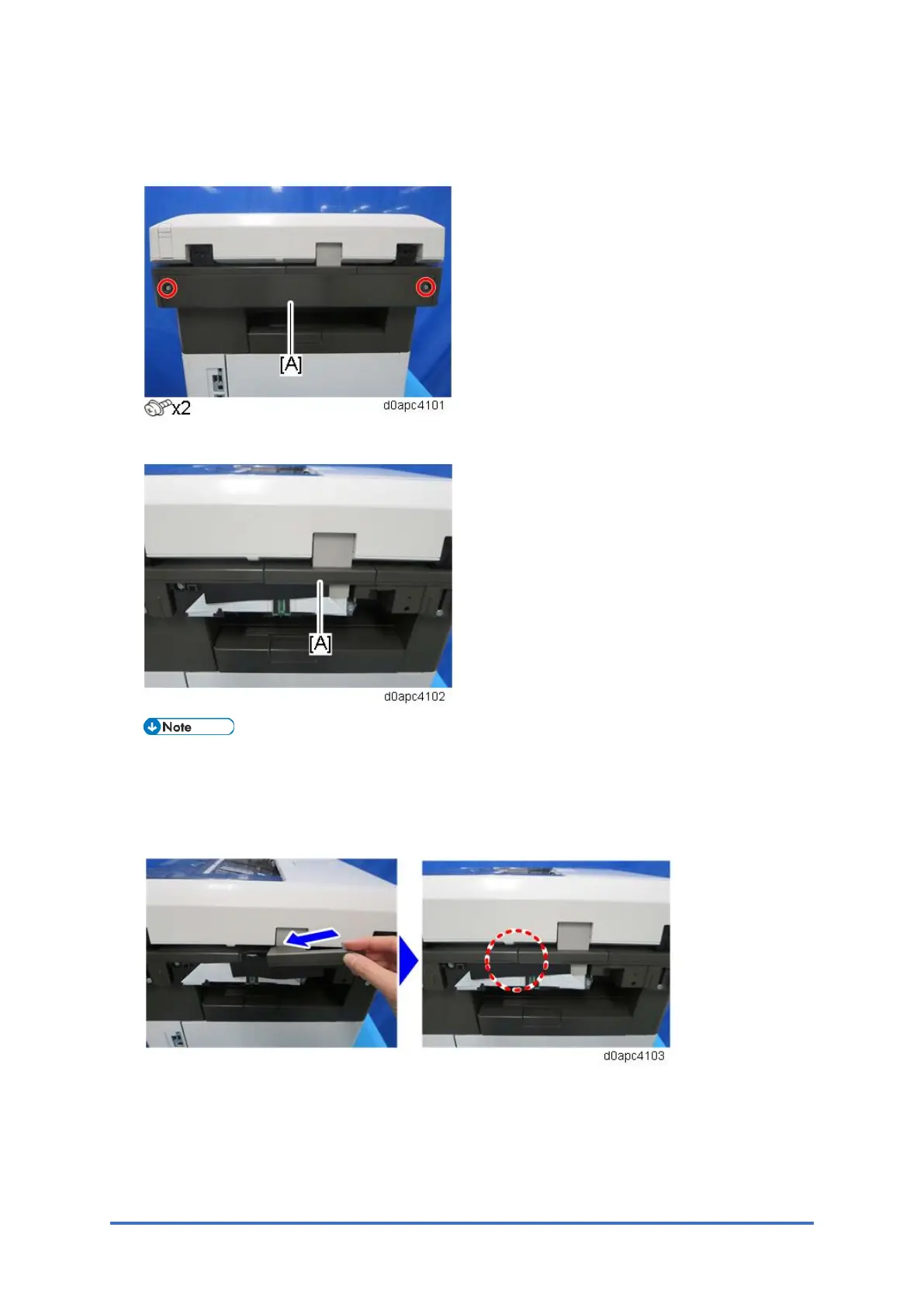
1. Remove the scanner rear cover [A].
2. Remove the scanner rear upper cover [A].
When you attach the rear upper cover of the scanner, insert the anti-static sheet from the
right so it slides inside the cover, and confirm that the sheet does not ride up on the
scanner cover.
If the protective sheet is not installed correctly, static electricity could damage the CIS unit.
3. Remove the relay board [A] and remove the screw [B] fastened the FFC.



 To Next Page