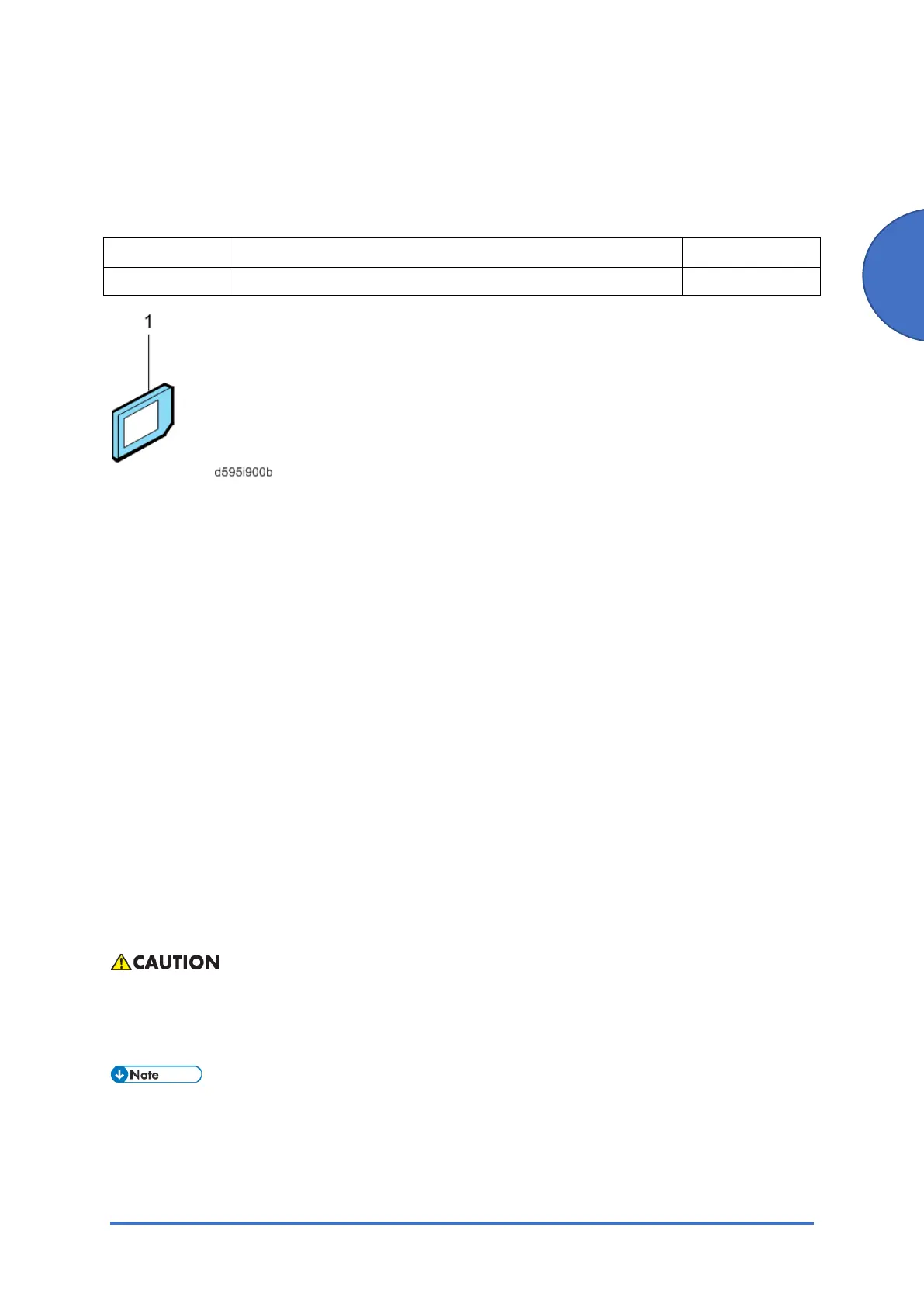
OCR Unit Type M13 (D3AC-23, -24, -25)
SM 2-113 D0AP/D0C4/D0C5/D0C6/M0BQ/M0D1
2.24 OCR UNIT TYPE M13 (D3AC-23, -24, -25)
2.24.1 ACCESSORIES
No. Description Q’ty
1 OCR Unit SD card 1
2.24.2 OVERVIEW OF SEARCHABLE PDF FUNCTION
This option adds a searchable PDF function to the scanner function.
• With this option, OCR is performed on a document read with the scanner, and text data is
embedded in the P D F. This enables PDF text browsing, automatic assignment of file
names, and automatic alignment of document orientation.
• This option is provided as an SD card. When the SD card is installed on the machine, an
icon for the function is added. It is not necessary to install any software on a PC.
• If this option is installed, various settings related to the searchable PDF function are
available.
• OCR is performed is after reading of the document is completed (after it is read by the
SPDF and output). After the reading is completed, the documents can be removed from the
document glass or SPDF.
• Other functions, such as the copier and printer functions, can be used during OCR.
2.24.3 INSTALLATION PROCEDURE
To prevent injury from electrical shock or damage to the machine, before installation always,
turn the main machine power off, and then unplug the machine power supply cord from the
power source.
When installing more than one SD card, perform the merge operation. (SD Card Appli Move)



 To Next Page