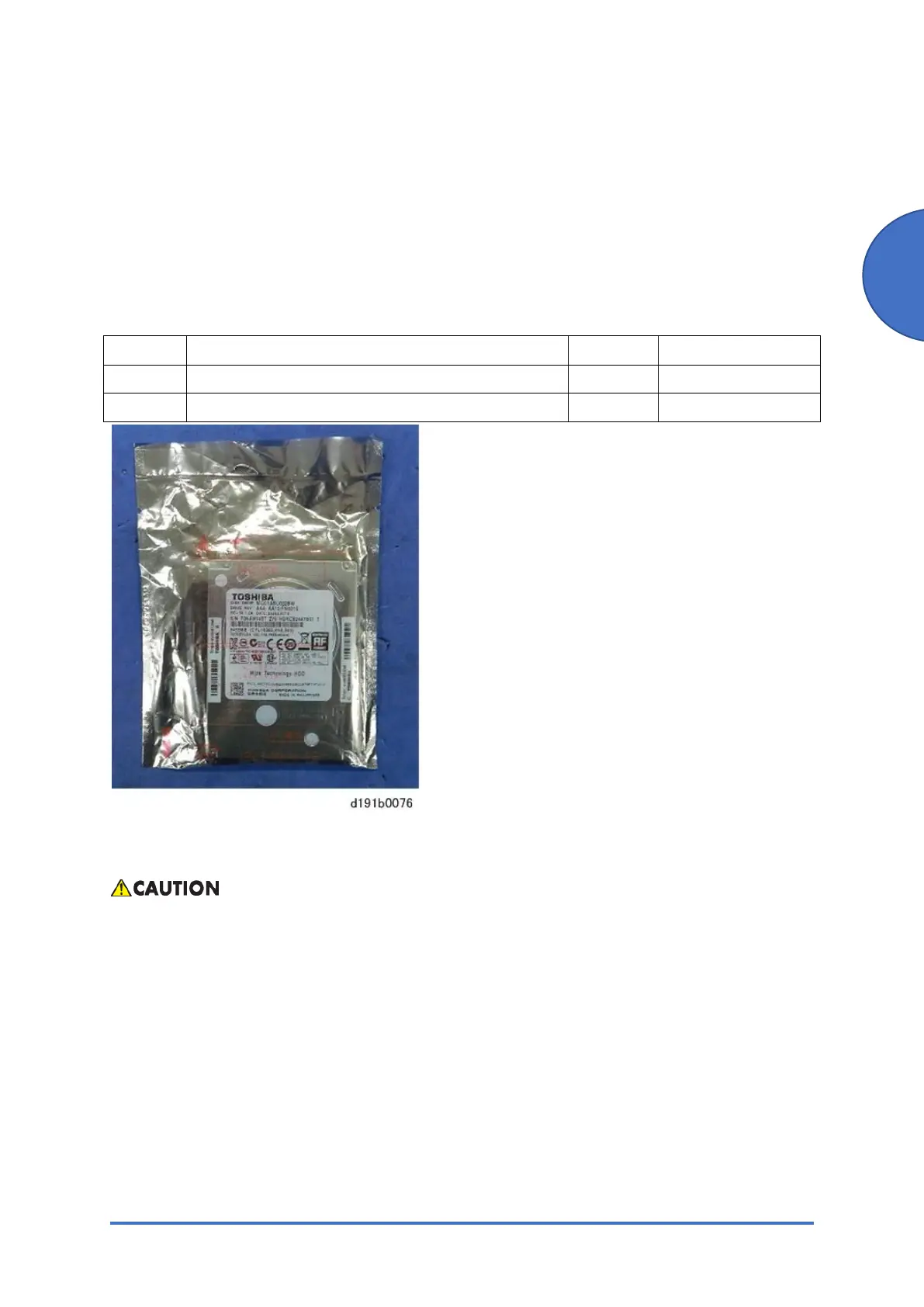
Enhanced Security HDD Option Type M10 (D792-09)
SM 2-77 D0AP/D0C4/D0C5/D0C6/M0BQ/M0D1
2.13 ENHANCED SECURITY HDD OPTION TYPE M10
(D792-09)
This option is only for NA/EU.
2.13.1 ACCESSORIES
No. Description Q’ty Remarks
1 Enhanced Security HDD 1
- EMC Address 1
2.13.2 INSTALLATION PROCEDURE
To prevent injury from electrical shock or damage to the machine, before installation always turn
the main machine power off, and then unplug the machine power supply cord from the power
source.



 To Next Page