Exterior Covers (MF Model)
SM 4-41 D0AP/D0C4/D0C5/D0C6/M0BQ/M0D1
&
4.6.4 UPPER COVER (MF)
1. Remove the right cover. (Right Cover (MF))
2. Remove the left cover. (Left Cover (MF))
3. Remove the operation panel. (Operation Panel Unit)
4. Remove the scanner unit. (Scanner Unit (with SPDF))
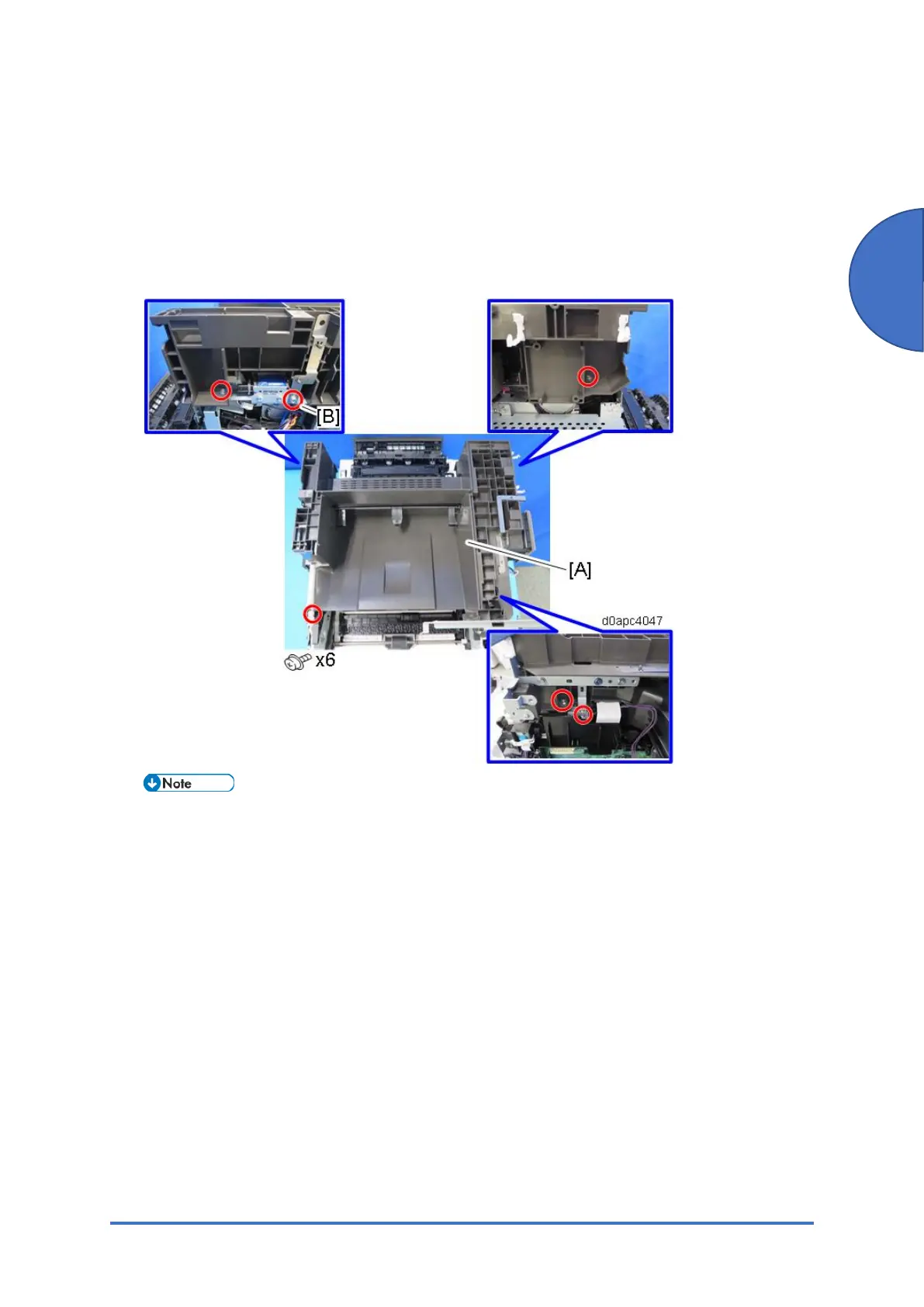
5. Remove the upper cover [A].
Remove only screw [B] from the side, and then remove the other screws from the top.



 To Next Page