IPDS Unit Type P18 (M543-07, -08, -09)/ M34 (D3EN-13, -14, -15)
D0AP/D0C4/D0C5/D0C6/M0BQ/M0D1 2-110 SM
2.23 IPDS UNIT TYPE P18 (M543-07, -08, -09)/ M34
(D3EN-13, -14, -15)
2.23.1 ACCESSORIES
No. Description Q'ty
1 IPDS Unit SD card 1
2.23.2 INSTALLATION PROCEDURE
To prevent injury from electrical shock or damage to the machine, before installation always,
turn the main machine power off, and then unplug the machine power supply cord from the
power source.
When installing more than one SD card, perform the merge operation. (SD Card Appli Move)
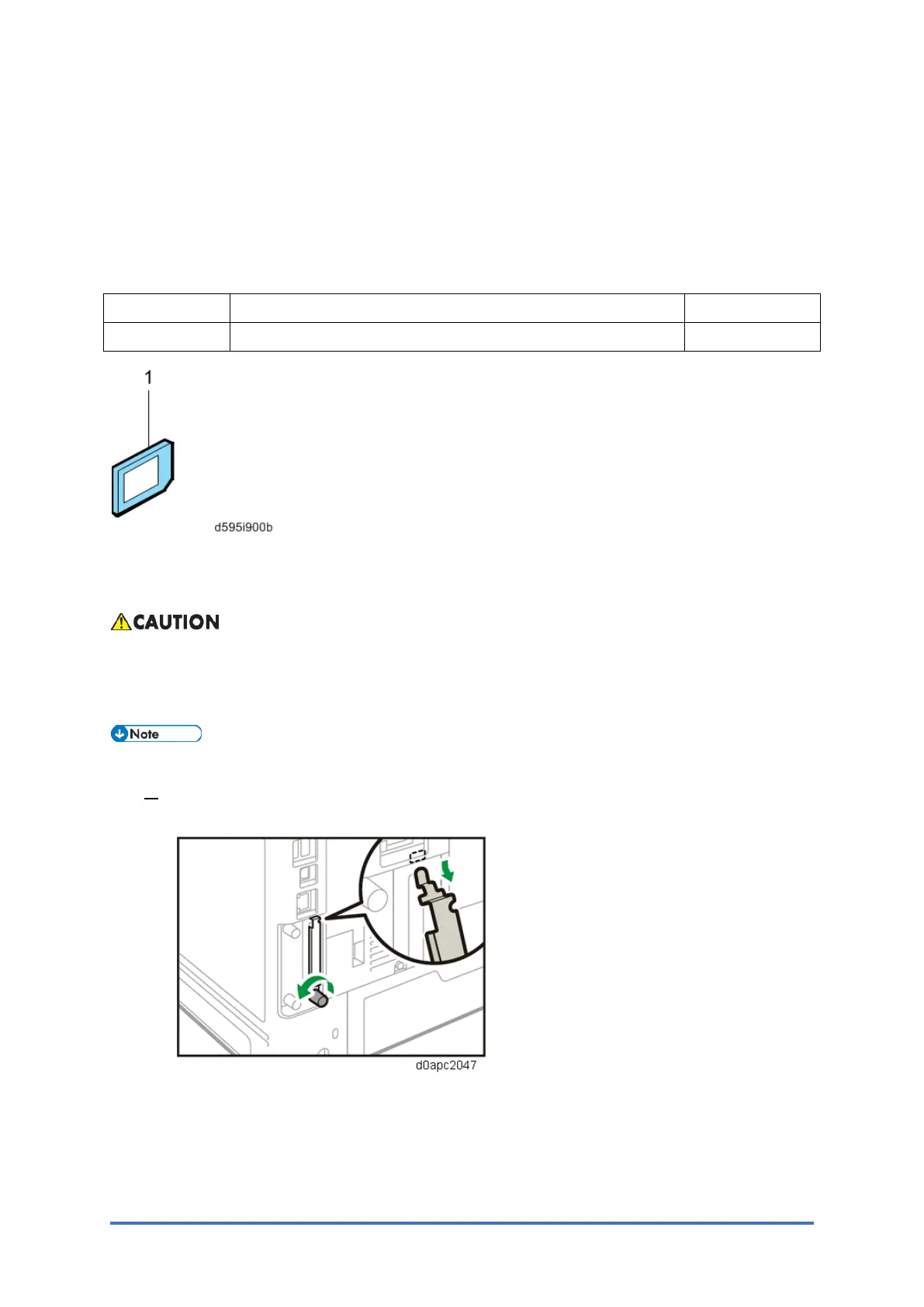
1. Loosen the screw and remove the SD card slot cover.
Printer model:



 To Next Page