Main Machine Installation (P 502/501)
SM 2-5 D0AP/D0C4/D0C5/D0C6/M0BQ/M0D1
2.2 MAIN MACHINE INSTALLATION (P 502/501)
The service maintenance model (P 502 (Machine code: M0D1)) is for installation by the
customer engineer.
The user maintenance model (P 501 (Machine code: M0BQ)) is for installation by users.
However, the customer engineer must do the installation if the sales representative requests it.
2.2.1 ACCESSORIES
P 502 (M0D1)/ P 501 (M0BQ)
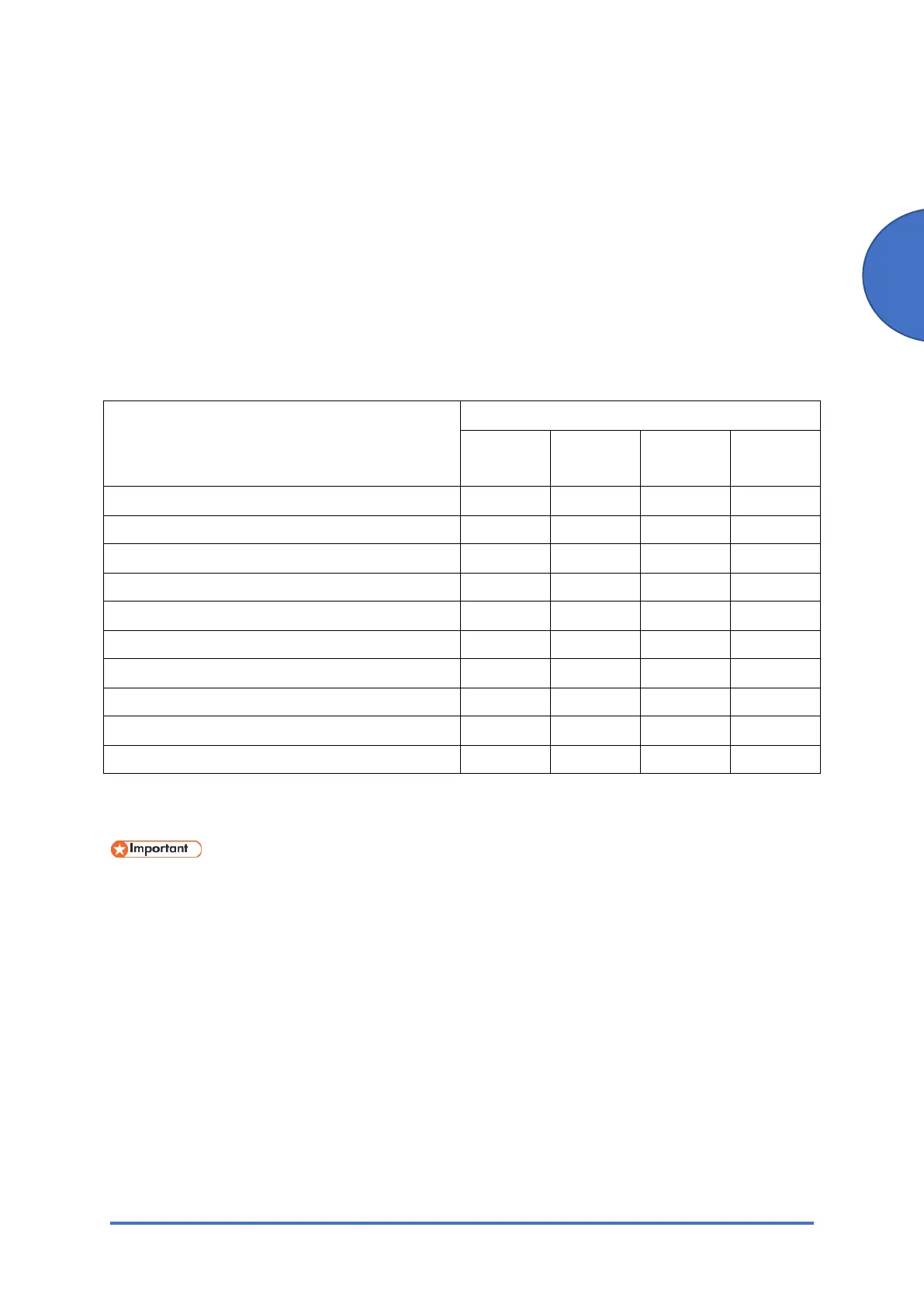
Description Q'ty
M0D1-17
M0BQ-17
M0D1-27
M0BQ-27
M0BQ-21 M0BQ-19
Power cord 1 1 1 1
Sheet - EULA (End User License Agreement) 1 1 1 1
Sheet - Notes for Using This Machine Safely 1 1 1 1
Sheet - User Registration Sheet 1 - - -
CD-ROM - Driver 1 1 1 1
Manual - Safety Information 1 1 1 1
Manual - Setup Guide 1 1 1 1
Manual - PRINTER LIMITED WARRANTY 1 - - -
Guarantee (Chinese) - - 1 -
Decal - Call Center - - 1 -
2.2.2 INSTALLATION PROCEDURE
Condensation may form inside the machine when it is moved from a cold location to a warm
location. Using the machine while condensation exists may cause a malfunction.
If condensation has formed, do not immediately turn on the power. Leave the machine, without
turning it on, in the location where it will be used for at least two hours. You can use the machine
when the room temperature and the temperature inside the machine are nearly the same.
If SC548 or the message for condensation appears on the control panel when you turn on the
machine's power, turn off the power and wait for the condensation to evaporate.



 To Next Page