Optional Counter Interface Unit Type M12 (B870-21)
SM 2-49 D0AP/D0C4/D0C5/D0C6/M0BQ/M0D1
2.10.2 INSTALLATION PROCEDURE
To prevent injury from electrical shock or damage to the machine, before installation, always
turn the main machine power off, and then unplug the machine power supply cord from the
power source.
1. Remove the paper cassette.
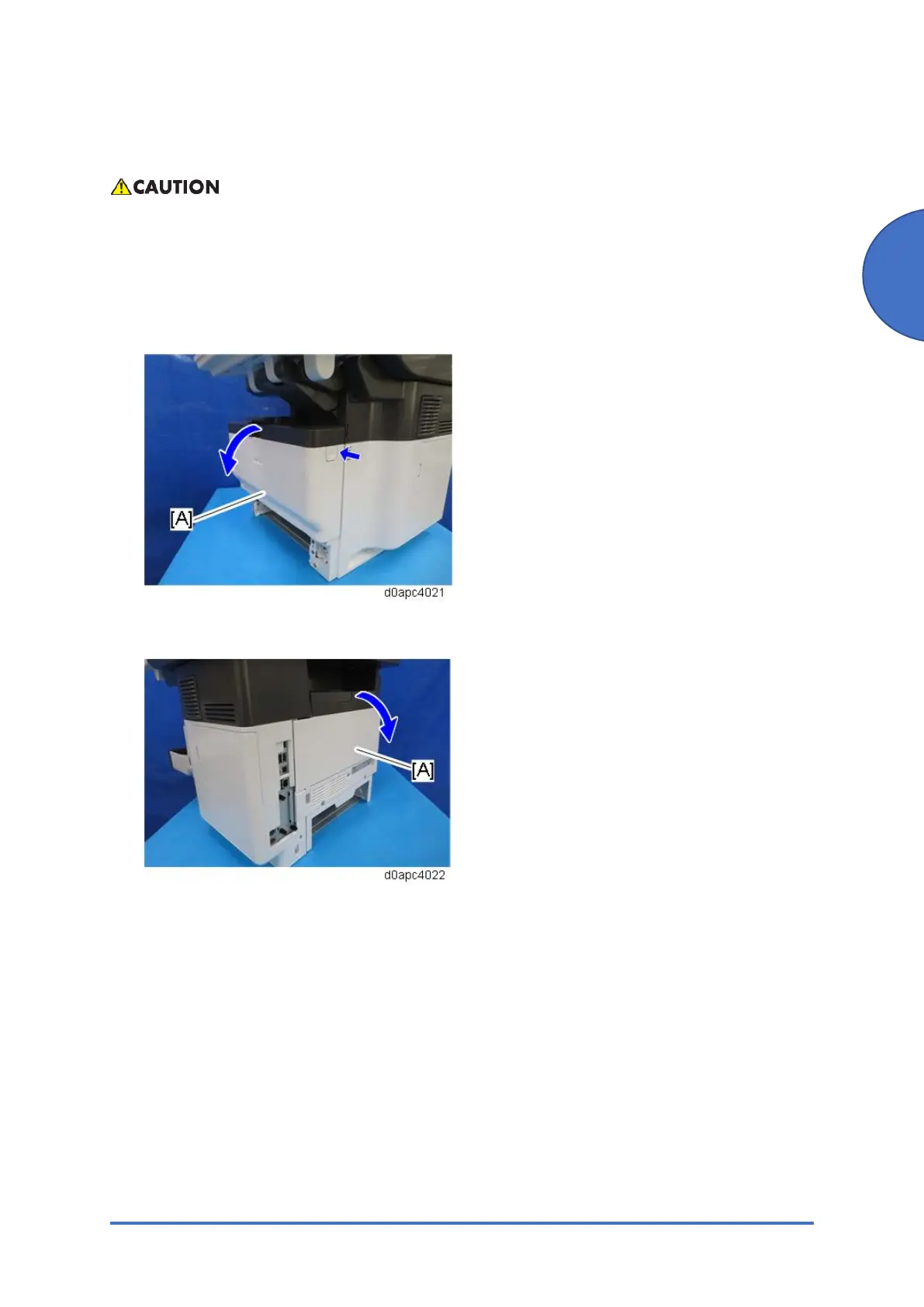
2. Open the front cover [A] by pressing the front cover open button.
3. Open the rear cover [A].
4. Remove the HDD cover [A] and the connector cover [B] and [C].
Remove the connector cover with a flathead screwdriver.



 To Next Page