Security Settings
SM 2-135 D0AP/D0C4/D0C5/D0C6/M0BQ/M0D1
Backing Up the Encryption Key (MF Model)
The encryption key can be backed up. Select whether to save it to an SD card or to print it.
The encryption key is required for data recovery if the machine malfunctions. Be sure to store
the encryption key safely for retrieving backup data.
1. Log in as the machine administrator from the operation panel.
2. Press the [User To o ls ] icon.
3. Press [Machine Features].
4. Press [System Settings].
5. Press [Administrator Tools].
6. Press [Next] three times.
7. Press [Machine Data Encryption Settings].
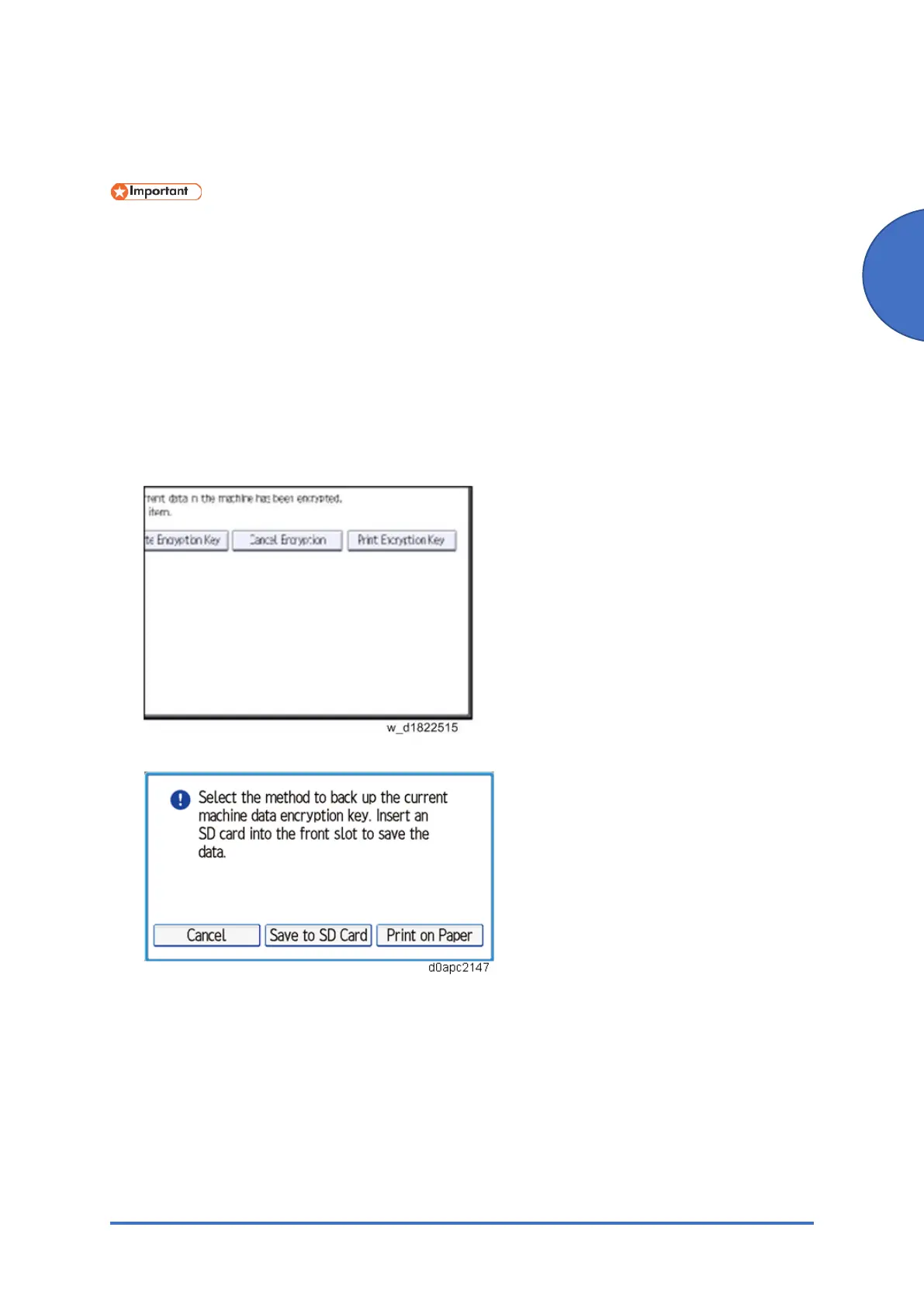
8. Press [Print Encryption Key].
9. Select the backup method.
If you have selected [Save to SD Card], load an SD card into the media slot on the side of
the operation panel and press [OK] to backed up the machine's data encryption key.
If you have selected [Print on Paper], press the [Start] key. Print out the machine's data
encryption key.
10. Press [Exit].
11. Log out.



 To Next Page