Exterior Covers (MF Model)
SM 4-35 D0AP/D0C4/D0C5/D0C6/M0BQ/M0D1
&
4.6 EXTERIOR COVERS (MF MODEL)
4.6.1 RIGHT COVER (MF)
1. Remove the paper cassette.
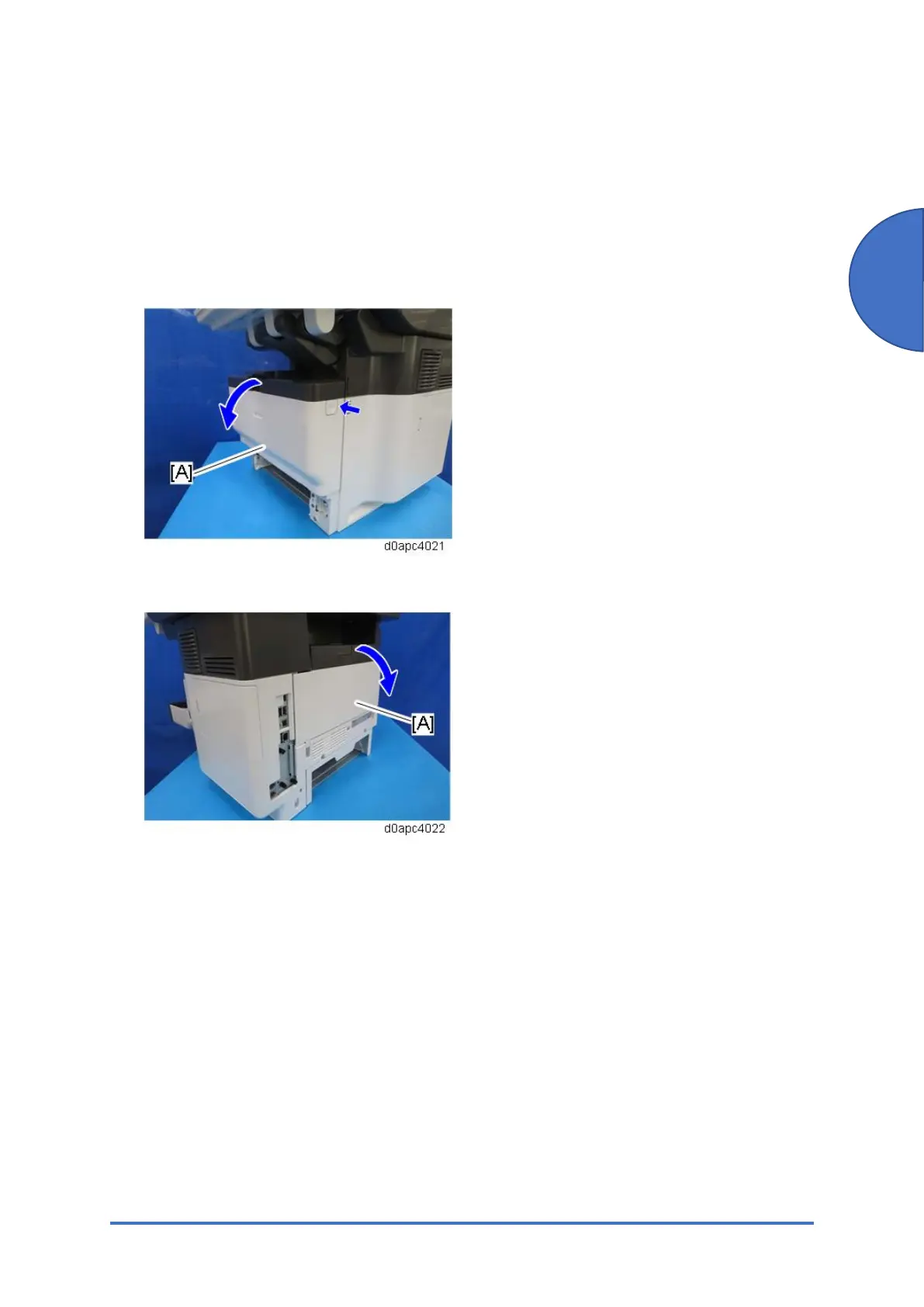
2. Open the front cover [A] by pressing the front cover button.
3. Open the rear cover [A].
4. Remove the HDD cover [A] and the connector cover [B] and [C].
Use a flathead screwdriver to remove the connector cover [B].



 To Next Page