SMC Report Storage
SM 4-23 D0AP/D0C4/D0C5/D0C6/M0BQ/M0D1
&
4.4 SMC REPORT STORAGE
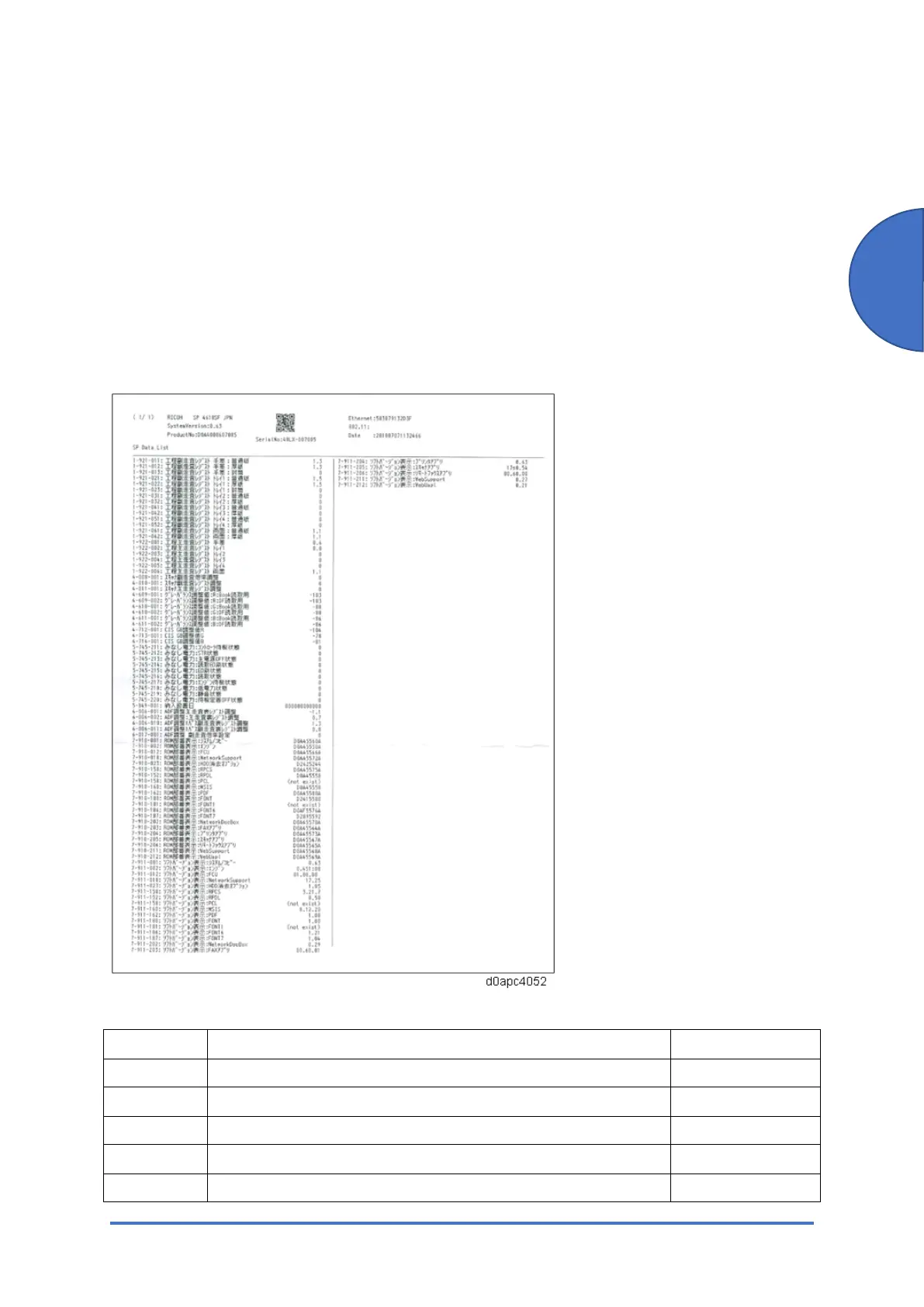
The SMC Report that lists the factory settings is stored behind the platen sheet of the SPDF on
MF models. An SMC Report is not provided with the printer model when it is shipped from the
factory. However, the factory settings can be output with SP5-990-006 (SP Print Mode:
Non-Default). If you are installing this printer model, print the SMC Report and store it in a safe
place.
Sample SMC Report for MF models
Factory Settings List (SP Print mode: Non-Default)
SP No. SP name Description
1-003-011 Paper Buckle By-pass: Plain
1-003-012 Paper Buckle By-pass: Thick
1-003-013 Paper Buckle By-pass: Envelope
1-003-021 Paper Buckle Tray1: Plain
1-003-022 Paper Buckle Tray1: Thick



 To Next Page