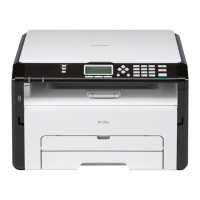
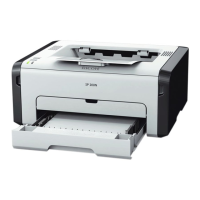
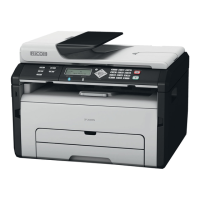
Software Accessories
SM 1-9 D0AP/D0C4/D0C5/D0C6/M0BQ/M0D1
1.3 SOFTWARE ACCESSORIES
The printer drivers and utility software are provided on one CD-ROM. An auto-run installer lets
you select the components you want to install.
1.3.1 PRINTER DRIVERS
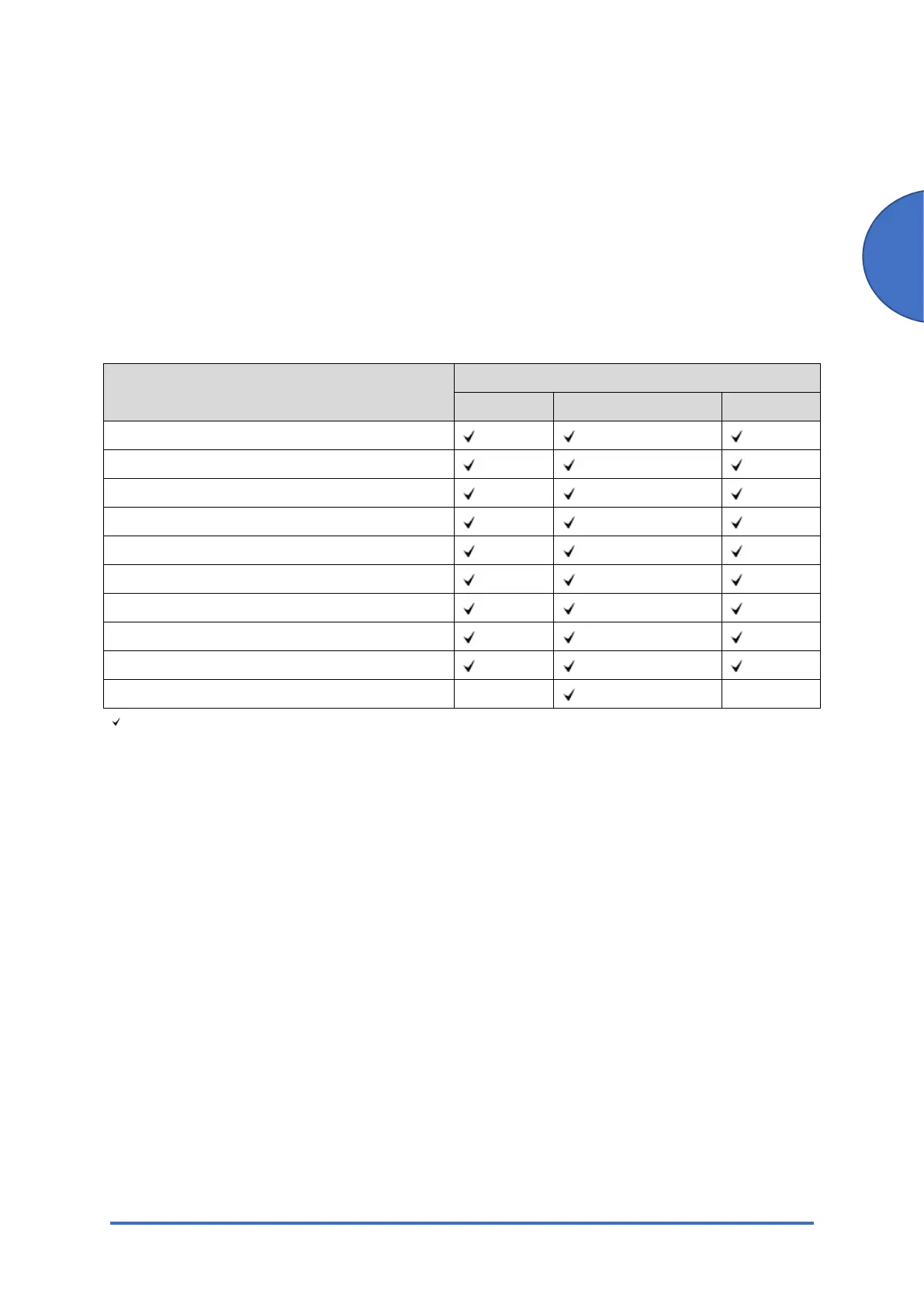
For printing, install a printer driver on your computer. The following drivers are included on the
CD-ROM:
Operating System*
1
Printer Drivers
RPCS PostScript 3 PCL 6
Windows Vista *
2
Windows 7 *
3
Windows 8.1 *
4
Windows 10 *
5
Windows Server 2008 *
6
Windows Server 2008 R2 *
7
Windows Server 2012 *
8
Windows Server 2012 R2 *
9
Windows Server 2016 *
10
Macintosh OS *
11
-
-
: Supported
- : Not Supported
*1 Printer drivers support both 32-bit and 64-bit Windows.
*2 Windows Vista Ultimate/Enterprise/Business/Home Premium/Home Basic
*3 Windows 7 Home Premium/Professional/Ultimate/Enterprise
*4 Windows 8.1/Pro/Enterprise
*5 Windows 10 Home/Pro/Enterprise/Education
*6 Windows Server 2008 Standard/Enterprise
*7 Windows Server 2008 R2 Standard/Enterprise
*8 Windows Server 2012 Foundation/Essentials/Standard
*9 Windows Server 2012 R2 Foundation/Essentials/Standard
*10 Windows Server 2016 Standard/Essentials/Datacenter/MultiPoint Premium Server
*11 OS X 10.9 Mavericks or later
1.3.2 SCANNER AND LAN FAX DRIVERS
Operating system for TWAIN driver:
Windows Vista/7/8.1/10, Windows Server 2008/2008 R2/2012/2012 R2/2016


 To Next Page