Bit Switches – 2
D0C5/D0C6/D0C4/D0AP FAX UNIT 62 SM
4.4 BIT SWITCHES – 2
• Do not adjust a bit switch or use a setting that is described as "Not used", as this may
cause the machine to malfunction or to operate in a manner that is not accepted by
local regulations. Such bits are for use only in other areas, such as Japan.
Default settings for bit switches are not listed in this manual. Refer to the System Parameter List
printed by the machine.
4.4.1 I-FAX SWITCHES
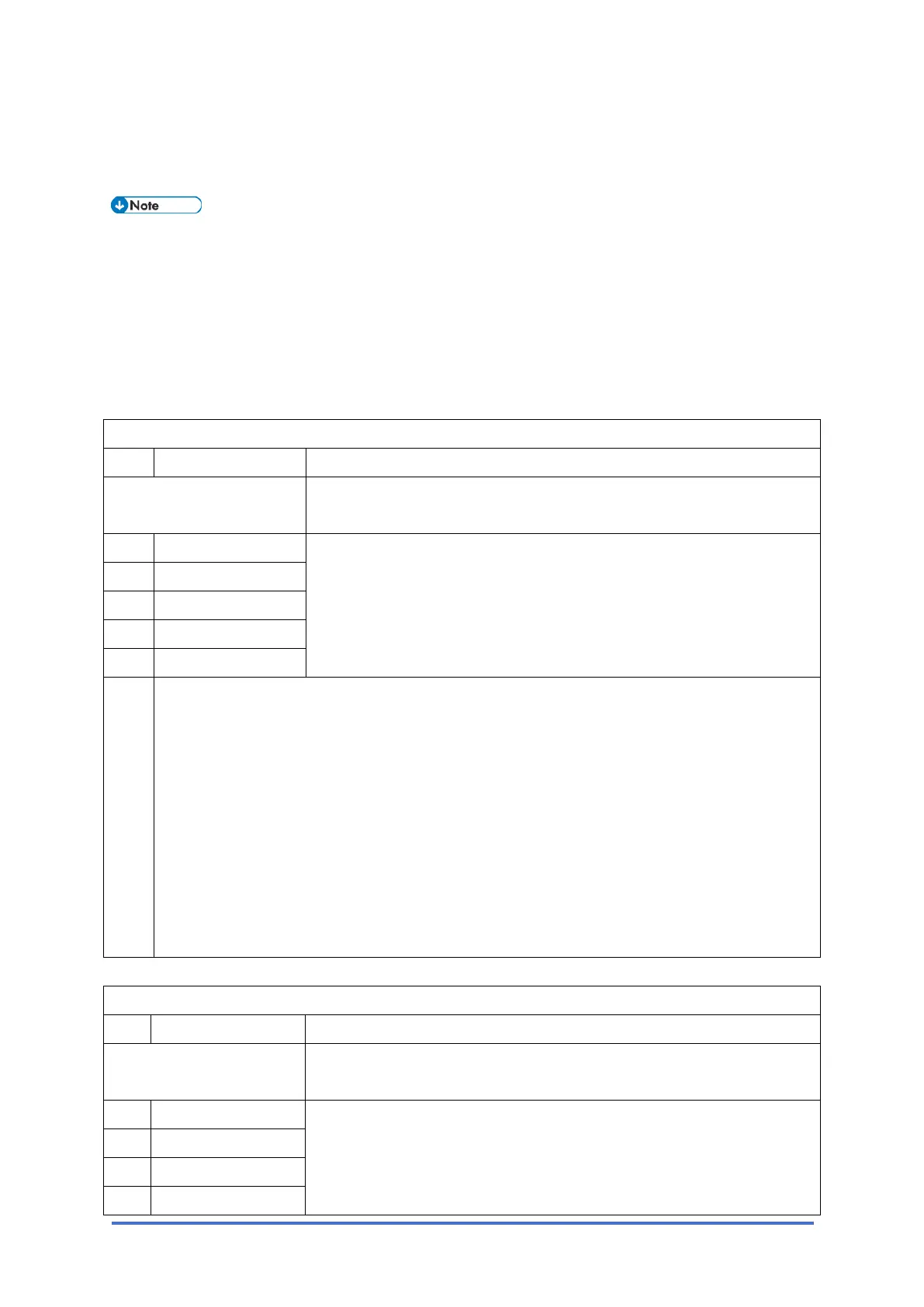
I-fax Switch 00 (SP No. 1-102-001)
No Function Comments
Original Width of TX
Attachment File
This setting sets the maximum size of the original that the destination
can receive. (Bits 3 to 6 are reserved for future use or not used.)
0 A4 -
1 B4
2 A3
3-6 Reserved
7 Not used
0: Off (not selected), 1: On (selected)
If more than one of these three bits is set to "1", the larger size has priority. For example, if
both Bit 2 and Bit 1 are set to "1" then the maximum size is "A3" (Bit 2).
When mail is sent, there is no negotiation with the receiving machine at the destination, so
the sending machine cannot make a selection for the receiving capabilities (original width
setting) of the receiving machine. The original width selected with this switch is used as the
RX machine's original width setting, and the original is reduced to this size before sending.
The default is A4.
If the width selected with this switch is higher than the receiving machine can accept, the
machine detects this and this causes an error.
I-fax Switch 01 (SP No. 1-102-002)
No Function Comments
Original Line Resolution
of TX Attachment File
These settings set the maximum resolution of the original that the
destination can receive.
0 200x100 Standard 0: Not selected
1: Selected
If more than one of these three bits is set to "1", the higher resolution
has priority. For example, if both Bit 0 and Bit 2 are set to "1" Then
1 200x200 Detail
2 200x400 Fine
3 300 x 300 Reserve



 To Next Page