Security Settings
D0AP/D0C4/D0C5/D0C6/M0BQ/M0D1 2-132 SM
encryption key, and then press the [Exit] key.
8. Press [Exit].
9. Log out.
10. Power cycle the machine.
The machine will start to convert the data on the memory. Wait until the message "Memory
conversion complete. Turn the main power switch off." appears, and then turn the machine
off again.
Enable Encryption Setting (MF Model)
Machine Data Encryption Settings can be enabled by the following procedure.
When setting up encryption, specify whether to start encryption after deleting data (initialize) or
encrypt and retain existing data. If data is retained, it may take some time to encrypt it.
1. Log in as the machine administrator from the operation panel.
2. Press the [User To o ls ] icon.
3. Press [Machine Features].
4. Press [System Settings].
5. Press [Administrator Tools].
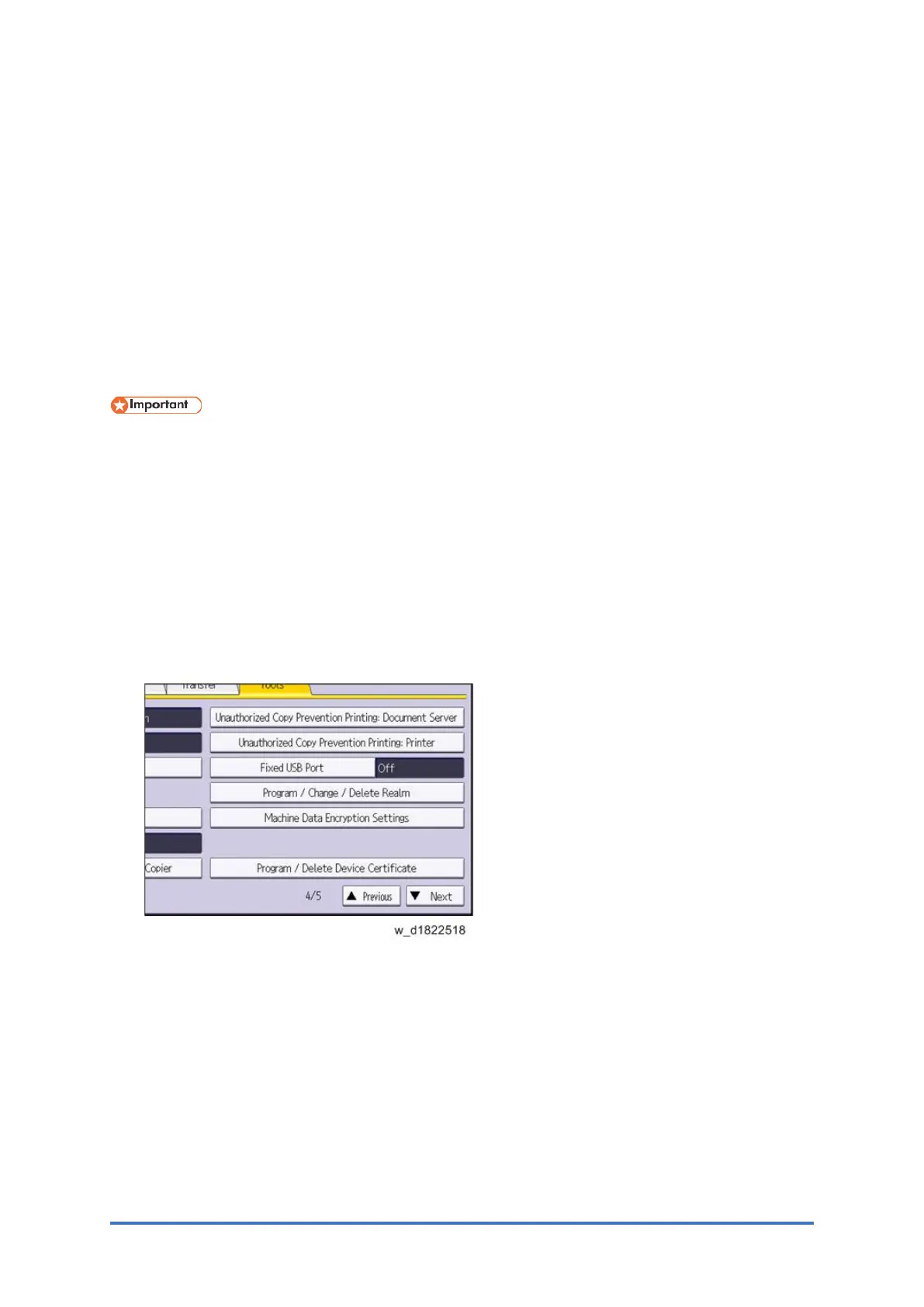
6. Press [Next] three times.
7. Press [Machine Data Encryption Settings].



 To Next Page