Main Machine Installation (P 502/501)
SM 2-7 D0AP/D0C4/D0C5/D0C6/M0BQ/M0D1
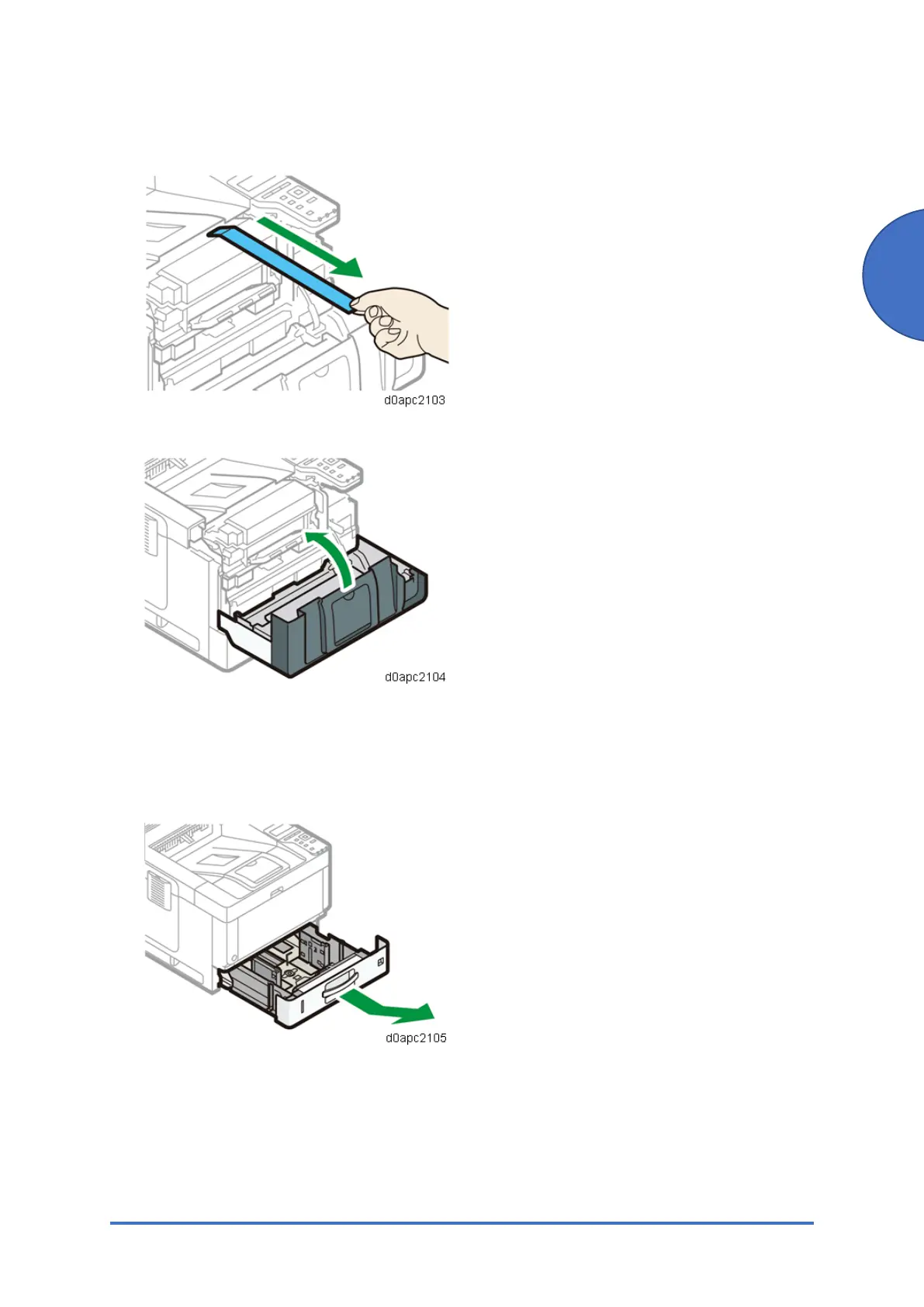
4. Pull out the tape straight towards you. Toner adheres to the edge of the tape. Be careful not
to touch it.
5. Close the front cover.
Loading Paper
1. Pull out the paper tray carefully until it stops. Lift the front side of the tray, and then pull it
out of the machine.



 To Next Page