Main Machine Installation (P 502/501)
D0AP/D0C4/D0C5/D0C6/M0BQ/M0D1 2-8 SM
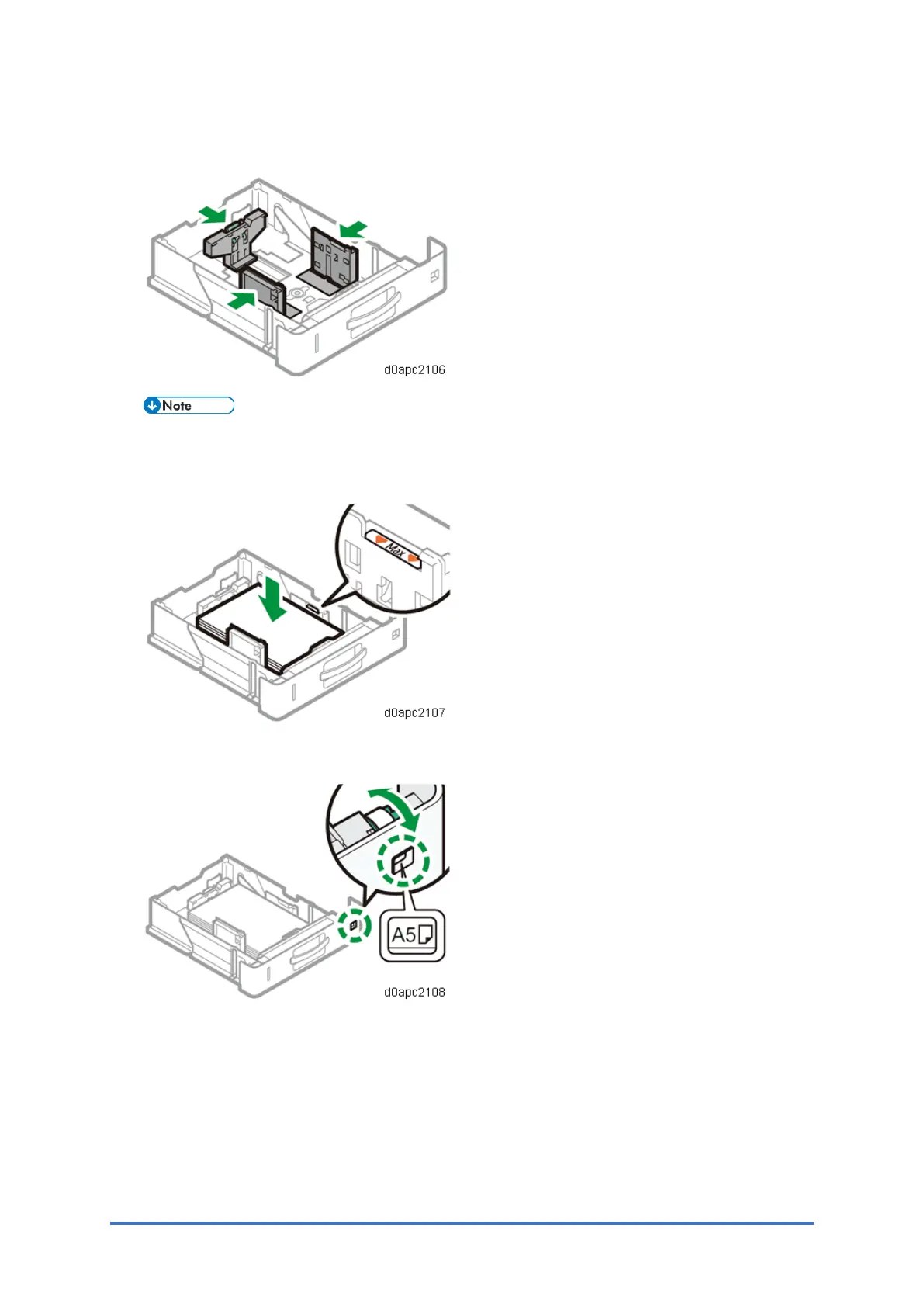
2. Pinch the lever of the back fence and align it with the paper size. Next, pinch the lever of
the right fence and align the right and left fences with the paper size.
Before setting the paper, set the side fences. Otherwise skew may occur.
3. Load the paper print side down.
Do not stack paper over the limit mark (the mark in the balloon shown above).
4. Rotate the paper size dial, which is located at the front right of the tray, so that the size and
the feed direction of the paper in the paper tray can be seen from the window.



 To Next Page