Security Settings
D0AP/D0C4/D0C5/D0C6/M0BQ/M0D1 2-130 SM
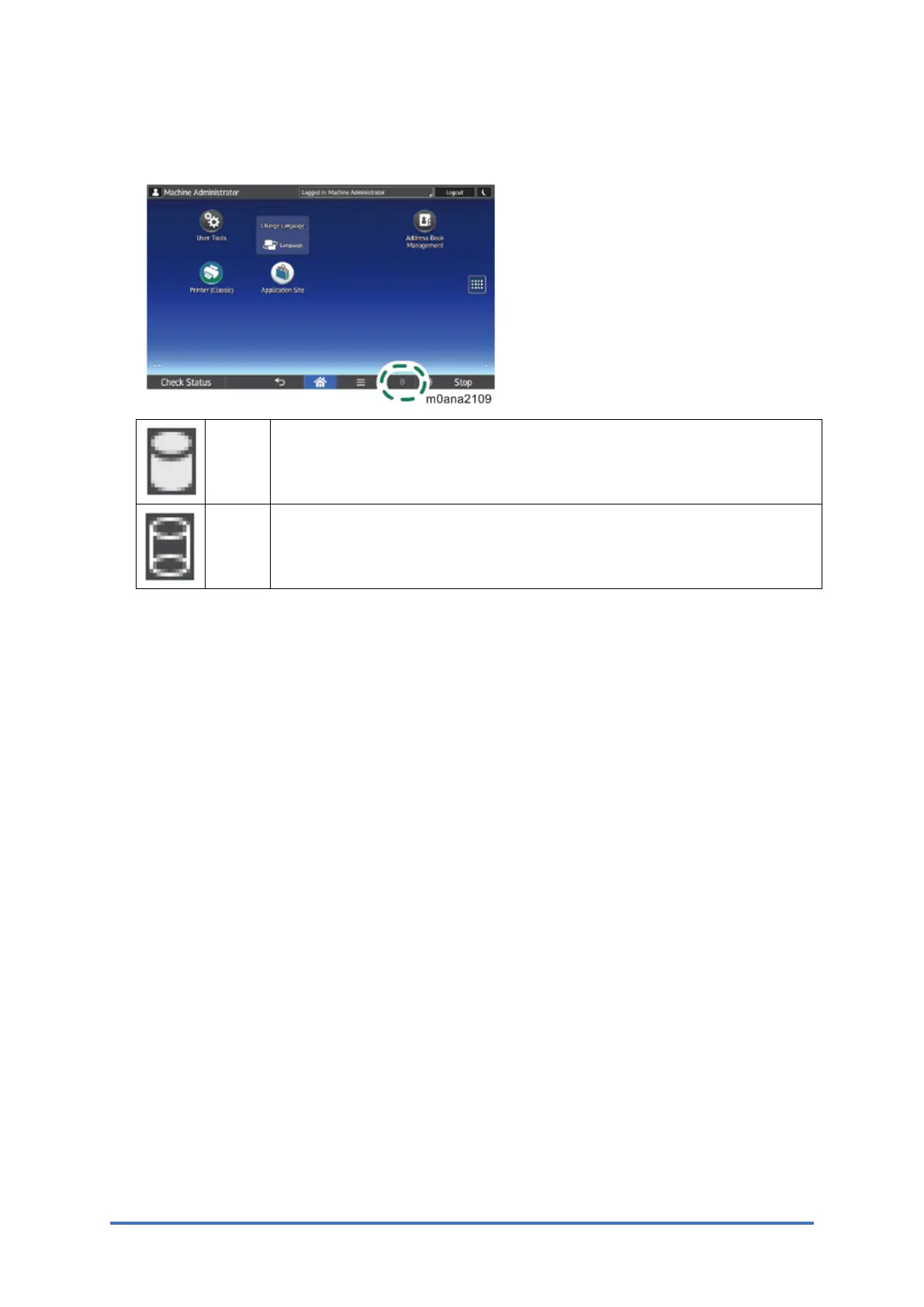
overwriting.
The icon [2] is lit when there is no temporary data to be overwritten.
Icon
[1]
This icon is lit when there is temporary data to be overwritten and blinks
during overwriting.
Icon
[2]
This icon is lit when there is no temporary data to be overwritten.
2.28.3 HDD ENCRYPTION
Before You Begin the Procedure:
1. Make sure that the following settings are not at their factory default values:
• Supervisor login password
• Administrator login name
• Administrator login password
If any of these settings are at a factory default value, tell the customer these settings must
be changed before you do the installation procedure.
2. Make sure that “Admin. Authentication” is ON and “Administrator Tools” is enabled
(selected).
Printer model:
1. Open a web browser from a networked computer, and then log in to Web Image Monitor
as the administrator.
2. Point to [Device Management], and then click [Configuration].
3. Click [Administrator Authentication Management] under "Device Settings".
4. From [User Administrator Authentication], [Machine Administrator Authentication],
[Network Administrator Authentication], and [File Administrator Authentication], select the
administrator authentication setting to [On], and then click [OK].
MF model:
1. Set "Admin. Authentication" to [On].
[User Tools] > [Machine Features] > [System Settings] > [Administrator Tools] >



 To Next Page