NFC Card Reader Type M27 (M502-10)
D0AP/D0C4/D0C5/D0C6/M0BQ/M0D1 2-52 SM
2.11 NFC CARD READER TYPE M27 (M502-10)
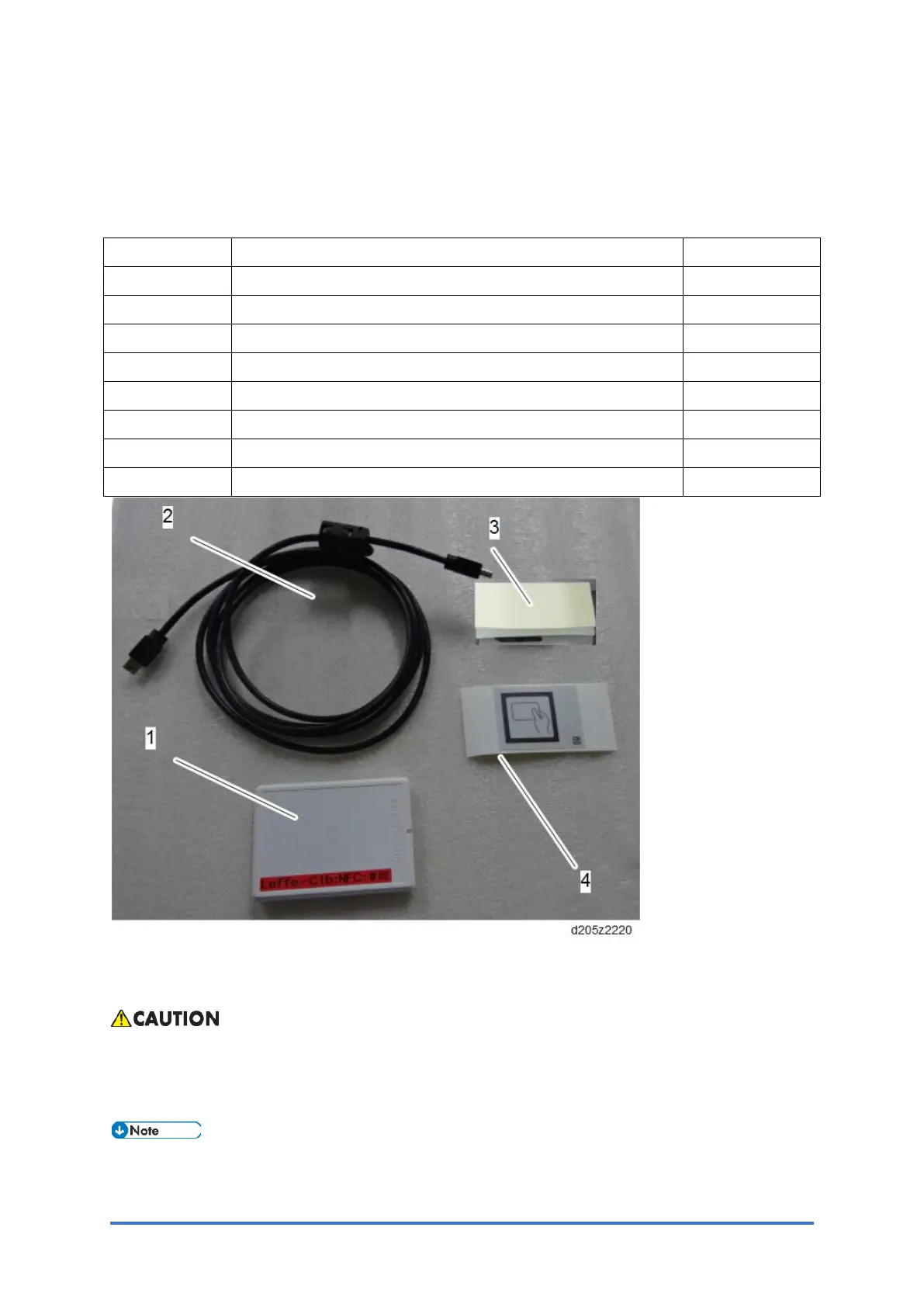
2.11.1 ACCESSORIES
No. Description Q'ty
1 NFC card reader 1
2 USB cable 1
3 Double-sided tape 2
4 Decal 1
- Cushion 1
- Clamp 4
- EMC address 1
- Caution chart 1
2.11.2 INSTALLATION PROCEDURE (1): USB CABLE EXPOSED
To prevent injury from electrical shock or damage to the machine, before installation, always
turn the main machine power off, and then unplug the machine power supply cord from the
power source.
Two installation methods are described below.
• Installation Procedure (1) is more convenient as the USB cable exposed



 To Next Page