Service Program Mode
SM 5-3 D0AP/D0C4/D0C5/D0C6/M0BQ/M0D1
For MF Models
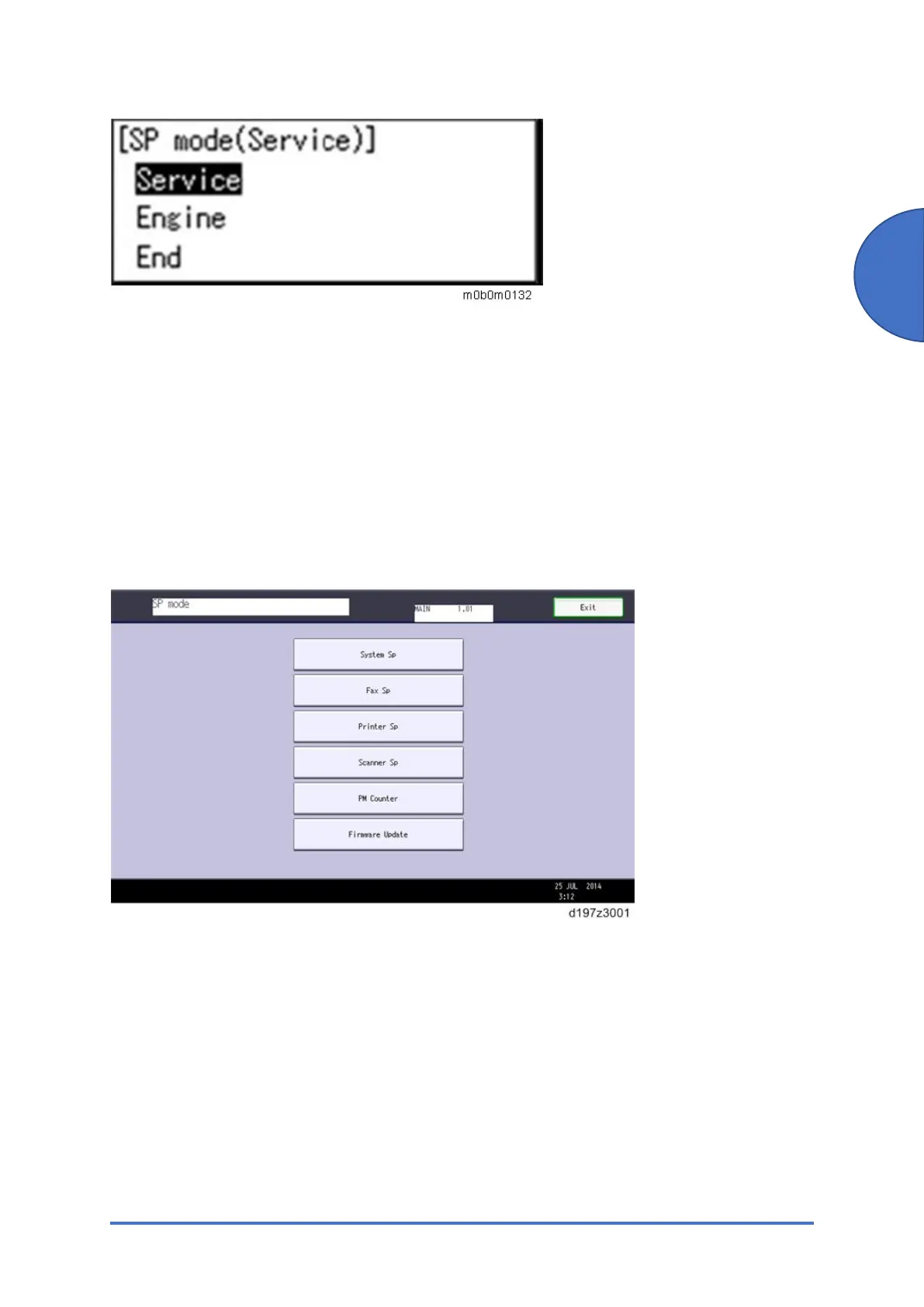
• System SP: SP modes related to the engine functions
• Printer SP: SP modes related to the controller functions
• Scanner SP: SP modes related to the scanner functions
• Fax SP: SP modes related to the fax functions
Select one of the Service Program modes (System, Printer, Scanner, or Fax) from the touch
panel as shown in the diagram below after you access the SP mode. This section explains the
functions of the System/Printer/Scanner SP modes. Refer to the Fax service manual for the Fax
SP modes.
Here is a short summary of the touch-panel buttons.



 To Next Page