Image Transfer
D0AP/D0C4/D0C5/D0C6/M0BQ/M0D1 4-90 SM
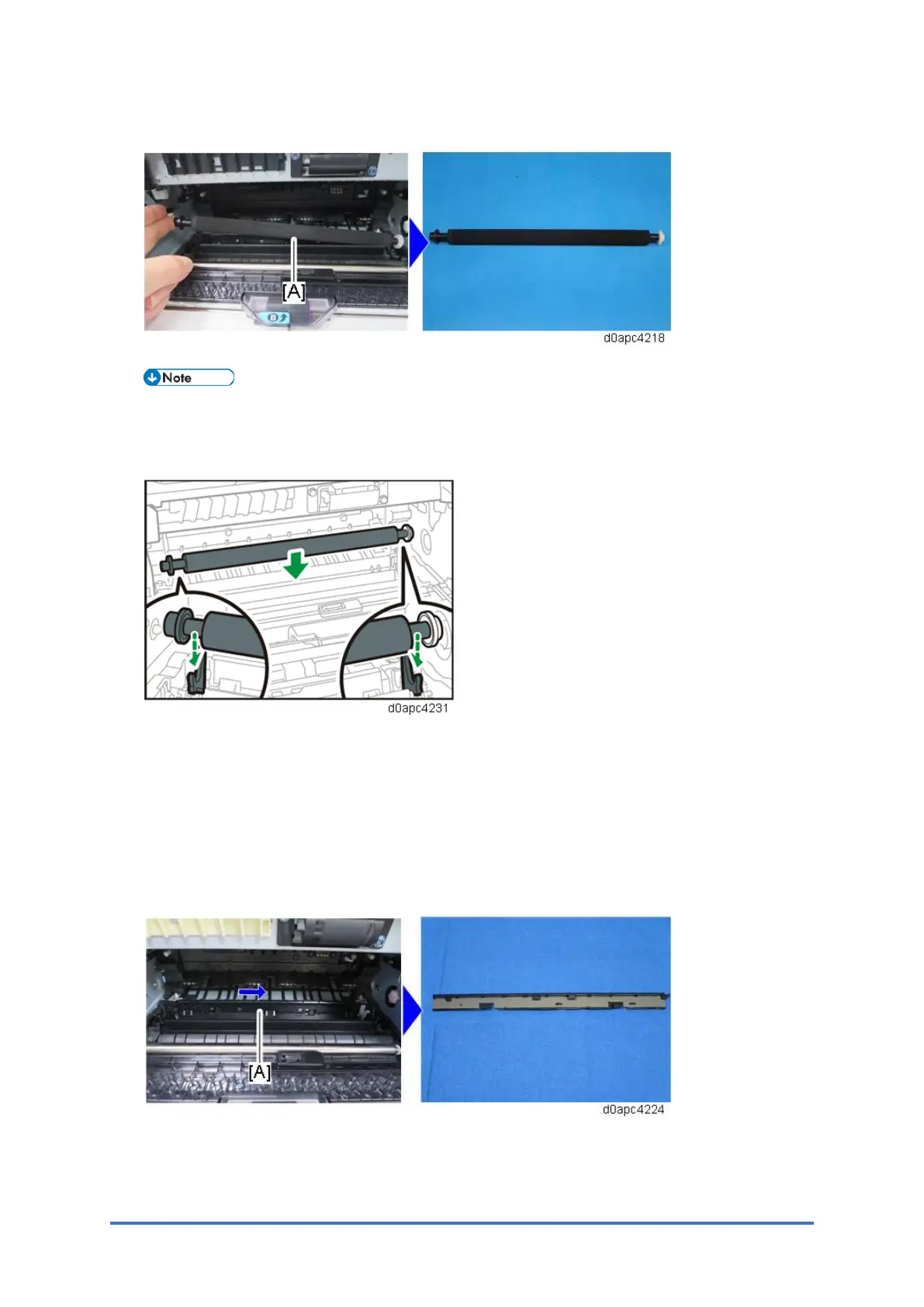
3. Remove the image transfer roller [A].
Attach the image transfer roller with the black ring on the left end and the white ring on the
right end. Place the transfer roller on the bearing of the guide plate pulled out in Step 2, and
then gently push the guide plate down.
4.13.2 DISCHARGE PLATE
To Remove the Discharge Plate
1. Remove the PCDU. (PCDU)
2. Remove the image transfer roller. (Image Transfer Roller)
3. Slide the discharge plate [A] to the right to remove it.
To Install the Discharge Plate



 To Next Page