Image Transfer
SM 4-91 D0AP/D0C4/D0C5/D0C6/M0BQ/M0D1
&
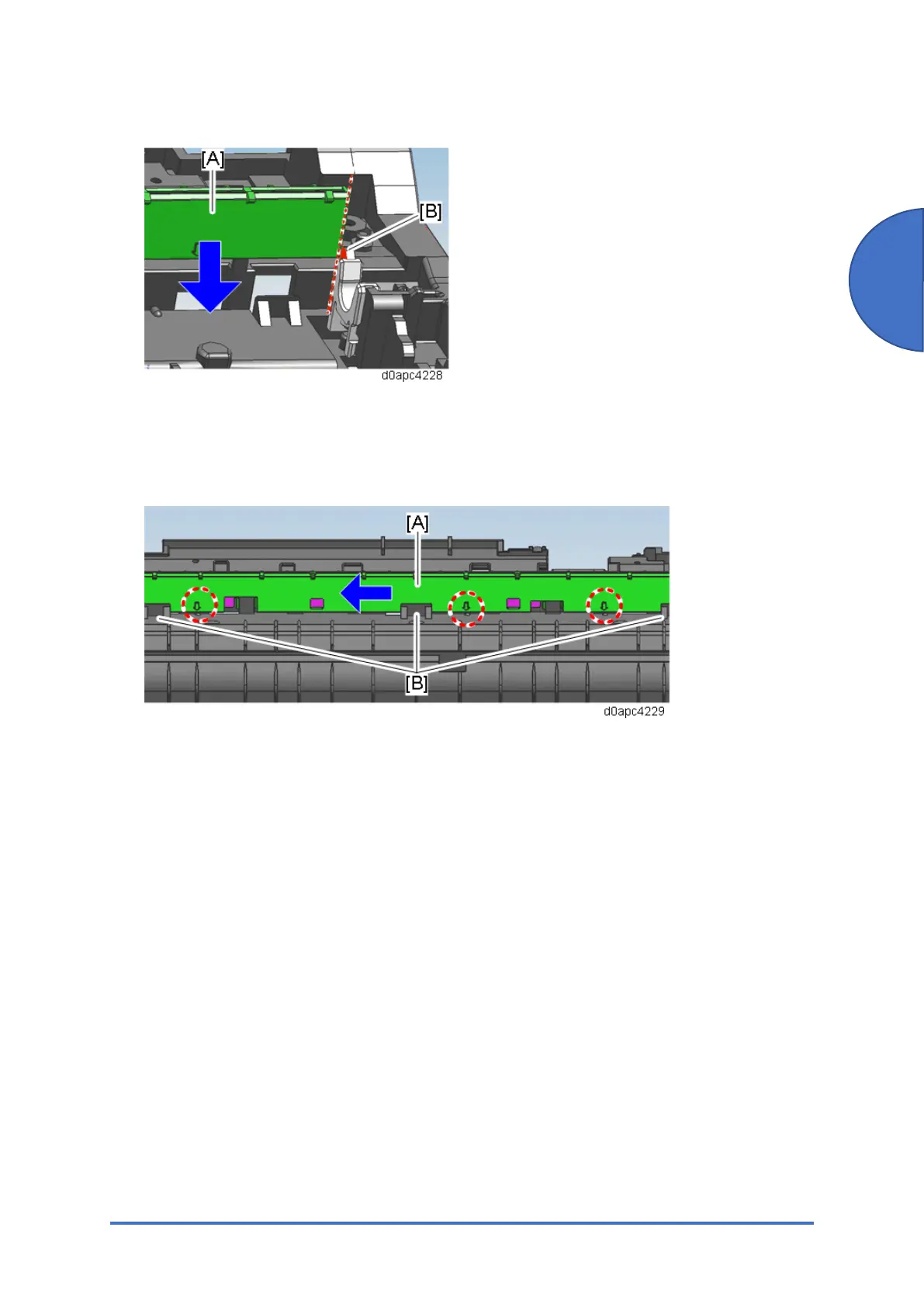
1. Set the discharge plate [A] against the right side [B], and then insert it at the bottom.
2. Insert the discharge plate [A] into the gap between the tabs [B] and the back frame, and
then slide it to the left.
3. Make sure that the position of the arrow marked on the discharge plate matches the three
marks on the main frame shown below.



 To Next Page