Main Machine Installation (P 502/501)
SM 2-9 D0AP/D0C4/D0C5/D0C6/M0BQ/M0D1
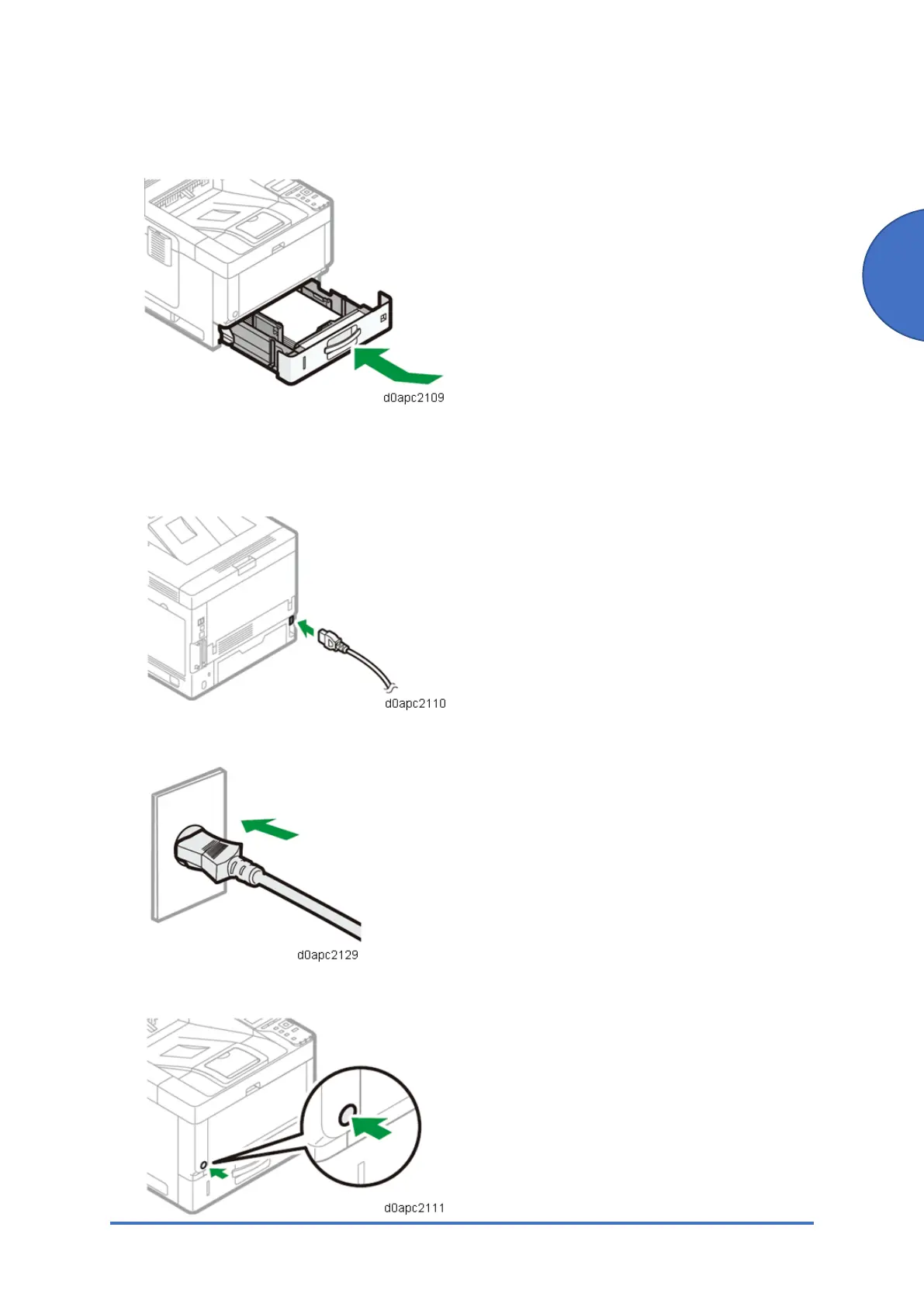
5. Lifting the front side of the tray, insert it into the machine, and then push it in carefully until it
stops.
Turning the Power On
1. Connect the power cord to the power connector at the back of the machine.
2. Connect the power cord to the wall outlet.
3. Press the main power switch.



 To Next Page