SPDF (MF Model Only)
D0AP/D0C4/D0C5/D0C6/M0BQ/M0D1 4-54 SM
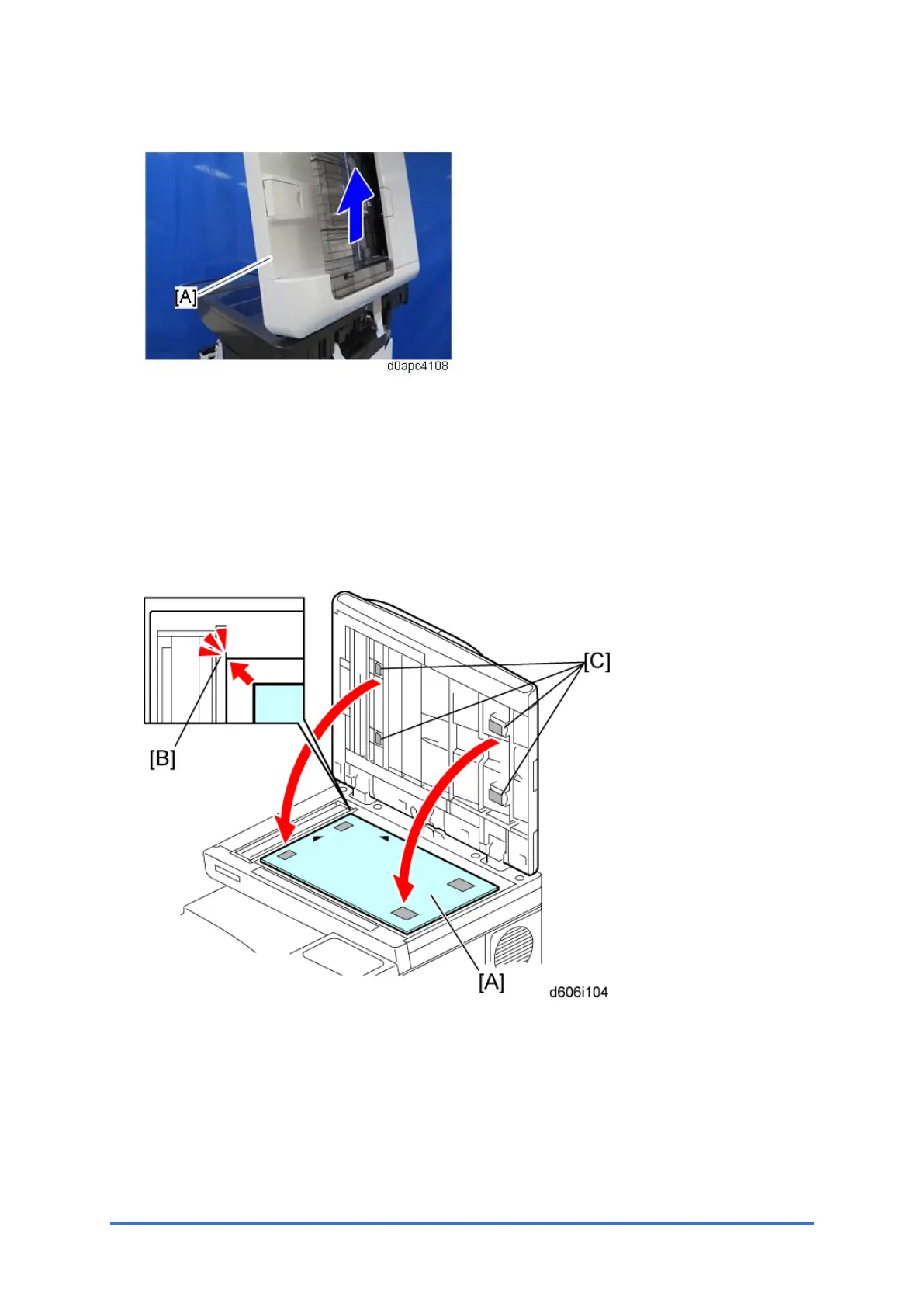
8. Open the SPDF, and then remove the SPDF unit [A].
When Installing the SPDF
1. Open the SPDF.
2. Do the following steps:
• Place the platen sheet [A] on the exposure glass.
• Align the platen sheet with Velcro tape [C], with the rear left corner [B] on the exposure
glass as a reference.
3. Close the SPDF.
4. Reopen the SPDF.
5. Press the surface of the platen sheet gently to fix it on the SPDF firmly.



 To Next Page