NFC Card Reader Type M27 (M502-10)
D0AP/D0C4/D0C5/D0C6/M0BQ/M0D1 2-58 SM
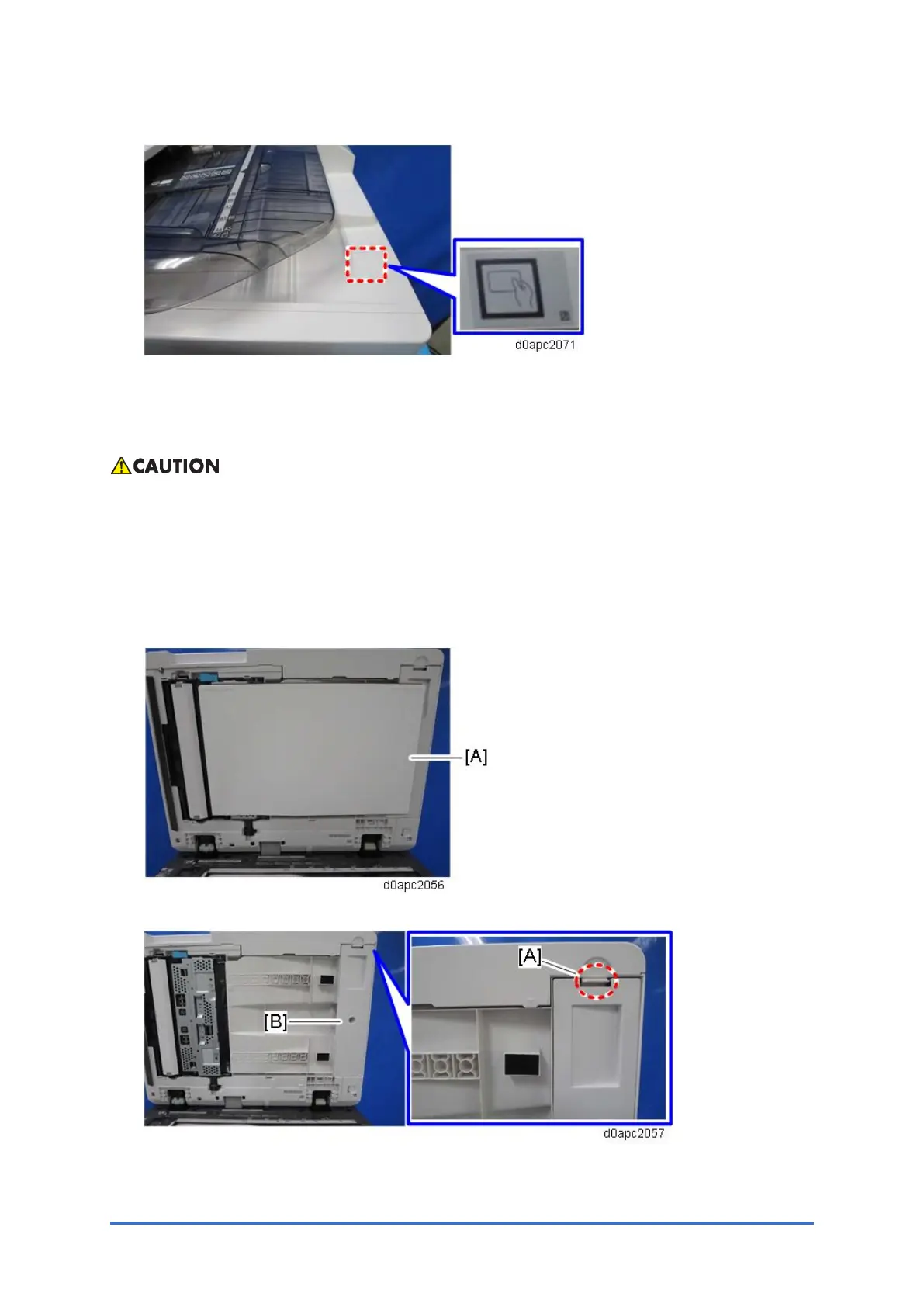
23. Attach the decal as shown below.
2.11.3 INSTALLATION PROCEDURE (2): USB CABLE INSIDE THE
MACHINE
To prevent injury from electrical shock or damage to the machine, before installation always,
turn the main machine power off, and then unplug the machine power supply cord from the
power source.
1. Open the SPDF.
2. Remove the platen sheet [A]. Do not place the removed platen sheet on the exposure
glass.
3. Release the tab [A] to remove the SPDF bottom cover [B].



 To Next Page