Main Machine Installation (IM 350F/350/430F)
D0AP/D0C4/D0C5/D0C6/M0BQ/M0D1 2-18 SM
Turning the Power On
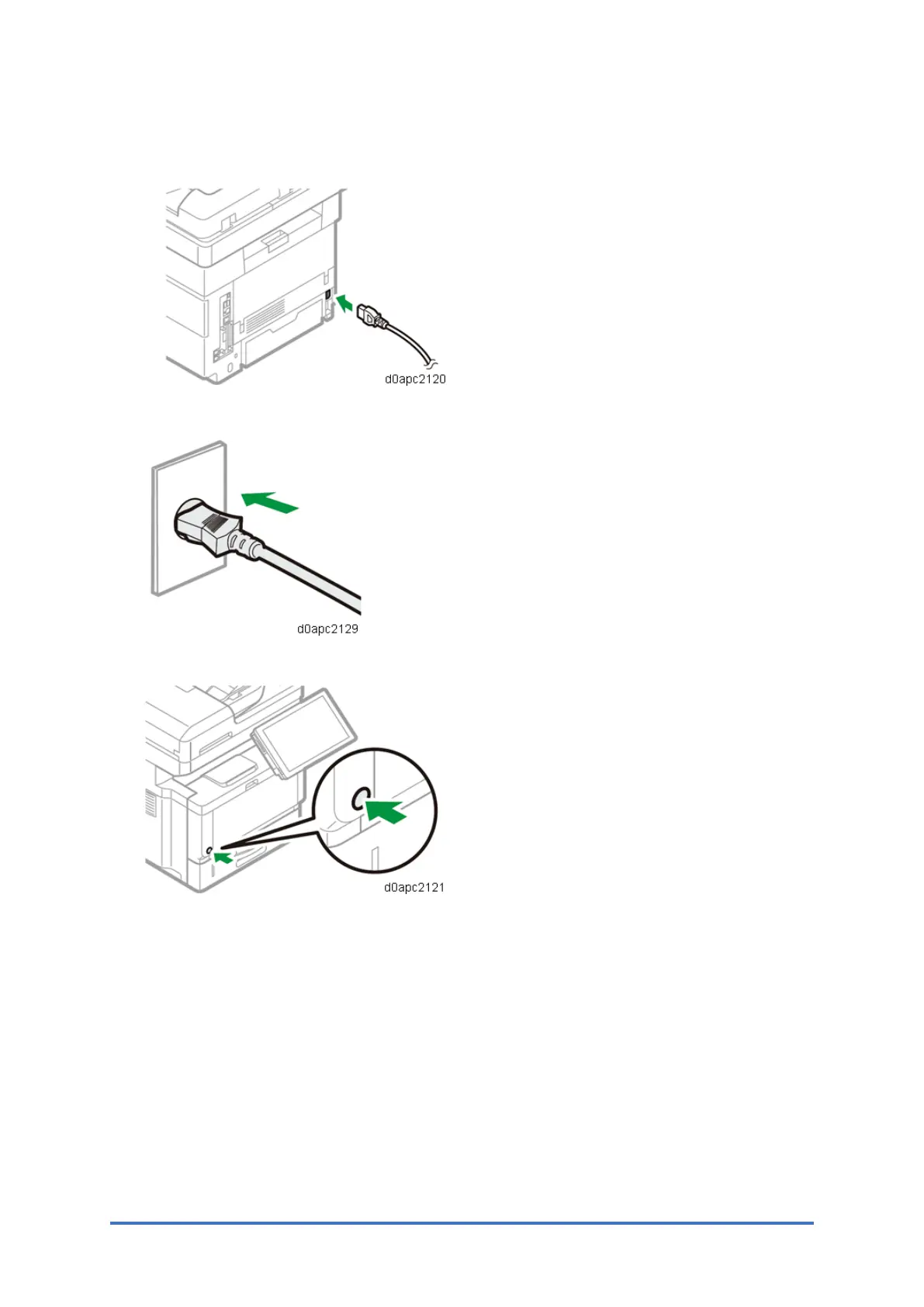
1. Connect the power cord to the power connector at the back of the machine.
2. Connect the power cord to the wall outlet.
3. Press the main power switch.
The machine starts up. Following the start screen, the [Program/Change Administrator]
screen appears.
4. Set the Administrator/Supervisor Login password or skip this screen temporarily.
If your customer change the password soon, go to step 5.
If you want to skip this screen, go to step 6.



 To Next Page