Security Settings
D0AP/D0C4/D0C5/D0C6/M0BQ/M0D1 2-134 SM
12. Press [Exit].
13. Log out.
14. Power cycle the machine.
The machine will start to convert the data on the memory. Wait until the message "Memory
conversion complete. Turn the main power switch off." appears, and then turn the machine
off again.
Backing Up the Encryption Key (Printer Model)
The encryption key can be backed up. Select whether to save it to an SD card or to print it.
The encryption key is required for data recovery if the machine malfunctions. Be sure to store
the encryption key safely for retrieving backup data.
1. Press the [Menu] key.
2. Log in as the machine administrator from the operation panel.
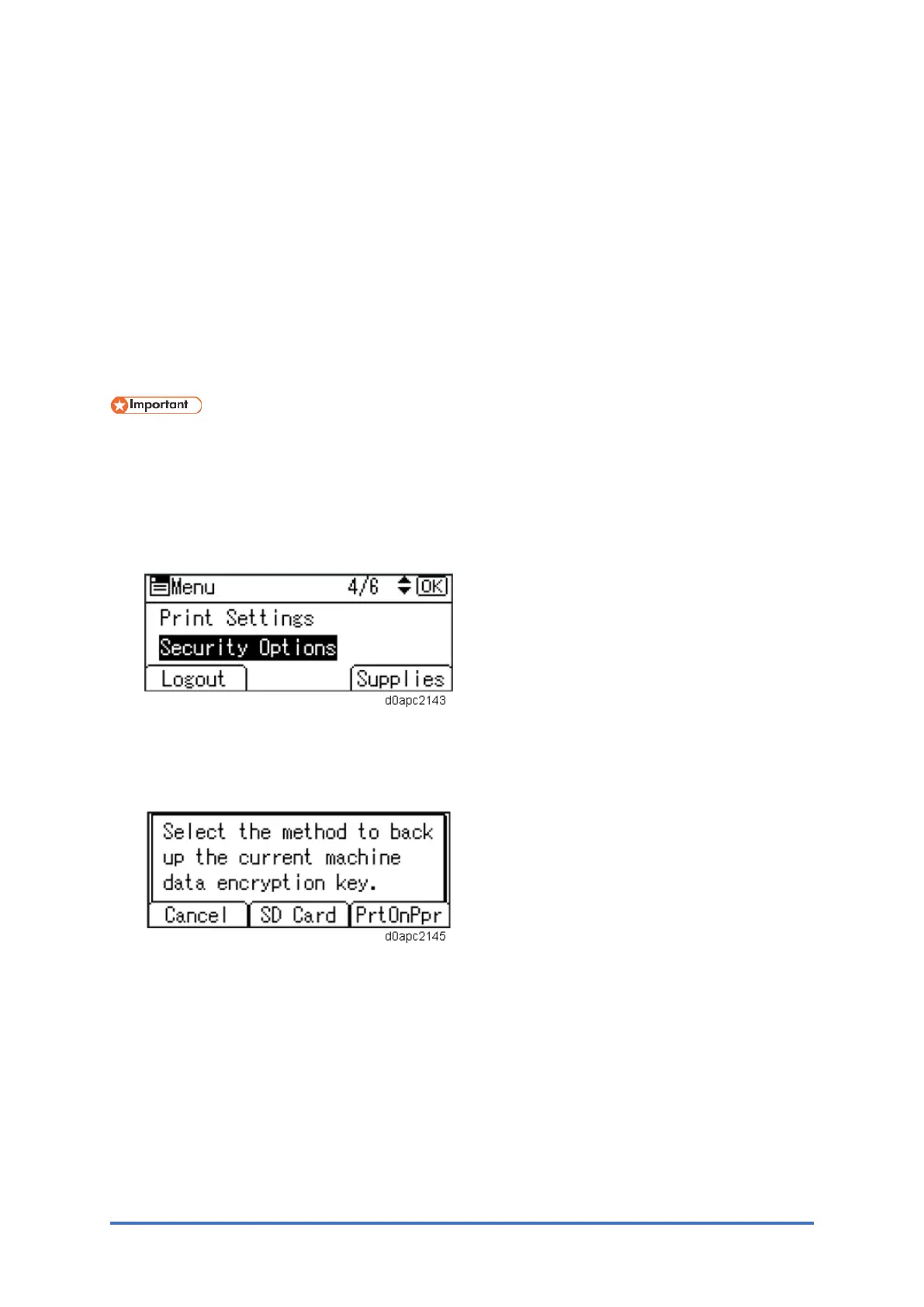
3. Select [Security Options], and then press the [OK] key.
4. Select [Machine Data Encryption], and then press the [OK] key.
5. select [Back Up Encryption Key], and then press the [OK] key.
6. Select how to back up the encryption key.
If you have selected [SD Card], insert an SD card into the upper slot on the back of the
machine and press the [OK] key to back up the machine's data encryption key.
If you have selected [PrtOnPpr], press the [Start] key. Print out the machine's data
encryption key and then press the [Exit] key.
7. Press [Exit].
8. Log out.



 To Next Page