Scanner (MF Model Only)
SM 4-79 D0AP/D0C4/D0C5/D0C6/M0BQ/M0D1
&
Reinstalling the Scanner Carriage
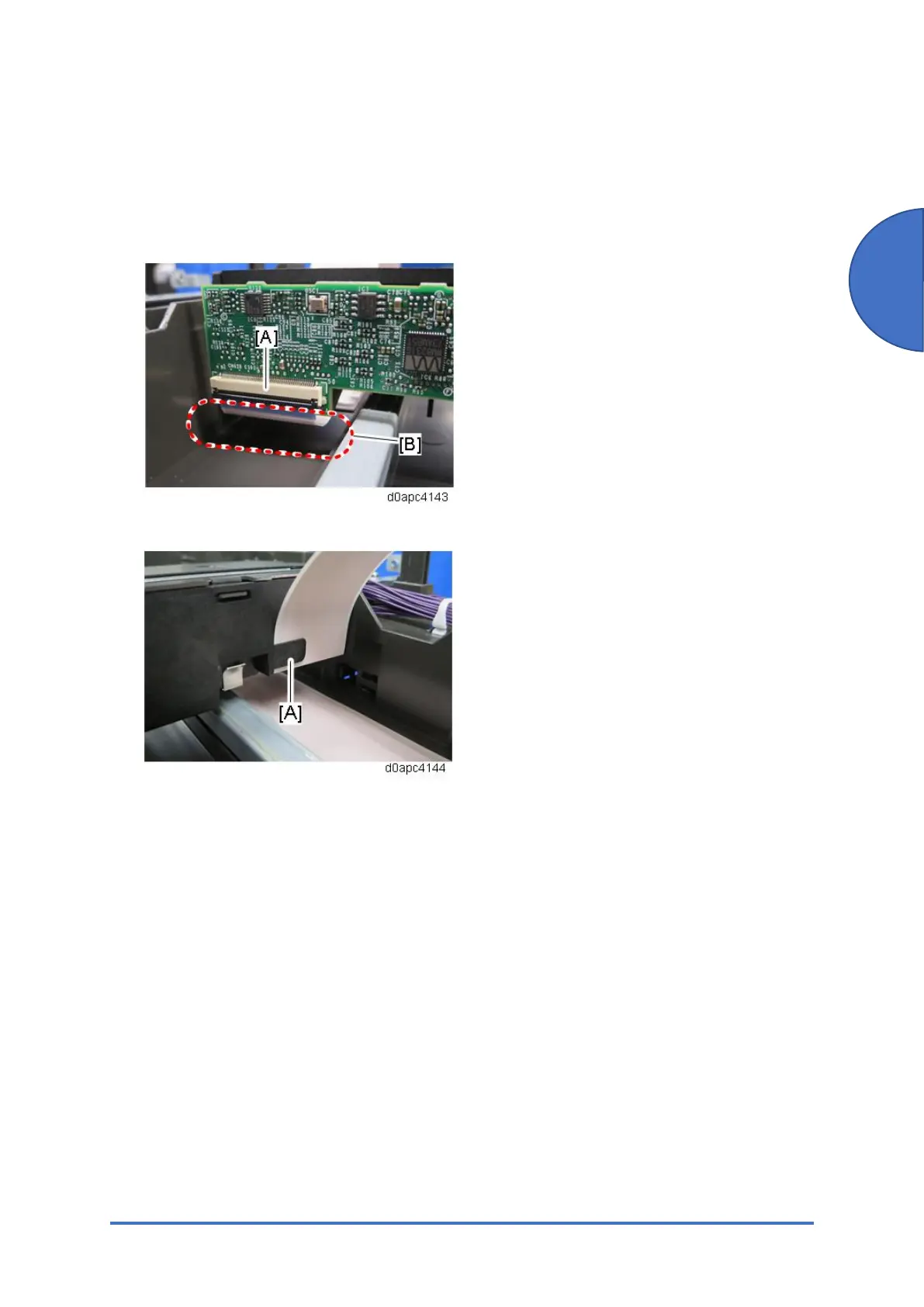
Make sure that the FFC of the scanner carriage is connected and routed correctly:
• The FFC [A] must be connected straight, and not at an angle. Otherwise, the SCB may be
damaged.
• The FFC must not sag or drag on the bottom of the scanner unit [B].
• FFC must be hooked at [A] of the scanner carriage.



 To Next Page