Main Machine Installation (P 502/501)
D0AP/D0C4/D0C5/D0C6/M0BQ/M0D1 2-10 SM
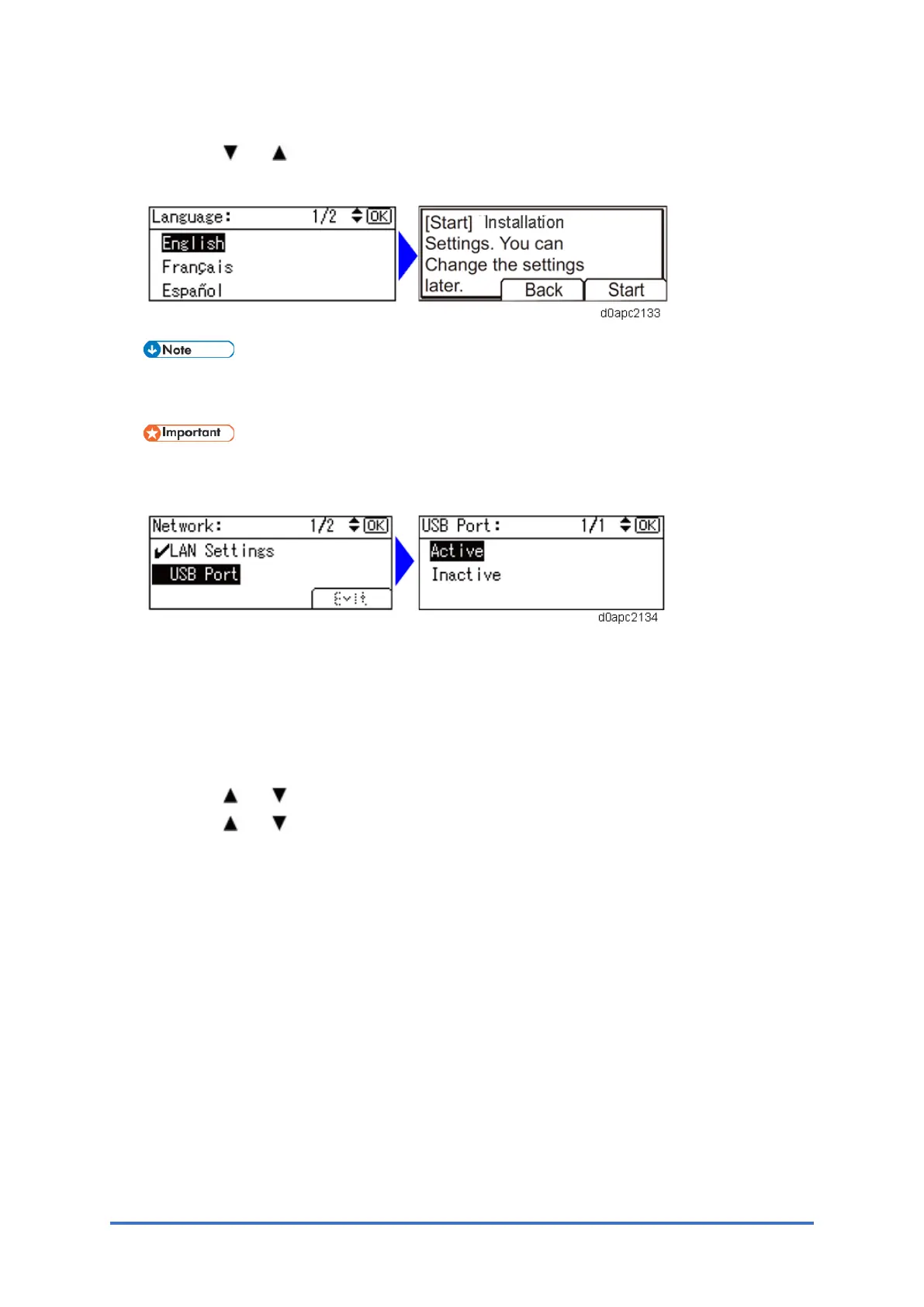
The machine starts up. Following the start screen, the language select screen appears.
4. Press the [ ] or [ ] key to select the language, and then press the [OK] key.
The Installation Settings starts. Follow the instructions on the screen to complete setup.
There are "Time Zone Settings", "Date and Time Setting", "Daylight Saving Time", and
"Network" in the Installation Settings.
Only for EU/AA/KOR (code: -27); the USB Port setting is set to Inactive by default. If
necessary, set to [Active].
Printing a Configuration Page
After you have installed the machine or options, print the configuration page to check the
machine status.
1. Press the [Menu] key.
2. Press the [ ] or [ ] key to select [List / Te s t Print], and then press the [OK] key.
3. Press the [ ] or [ ] key to select [Config. Page], and then press the [OK] ke y.



 To Next Page