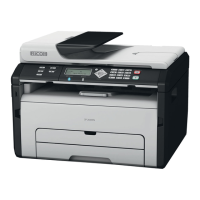
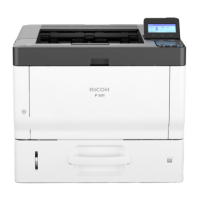
Fax Unit Options
D0C5/D0C6/D0C4/D0AP FAX UNIT 6 SM
2. Plug in, and then turn ON the main power.
3. Move the Fax Connection Unit application from the SD card in SD slot 2 (lower) to the SD
card in SD slot 1 (upper) with SP5-873-001.
4. Turn OFF the main power.
5. Remove the SD card from SD slot 2 (lower), and then keep it in a safe place (see “SD Card
Appli Move” in the field service manual for the mainframe).
6. Attach the SD card slot cover, and then turn on the machine ( x 1).
7. Turn ON the main power.
8. Press [Firmware Version] in the [Administrator Tools].
[User Tool s] > [Machine Features] > [System Settings] > [Administrator Tools]
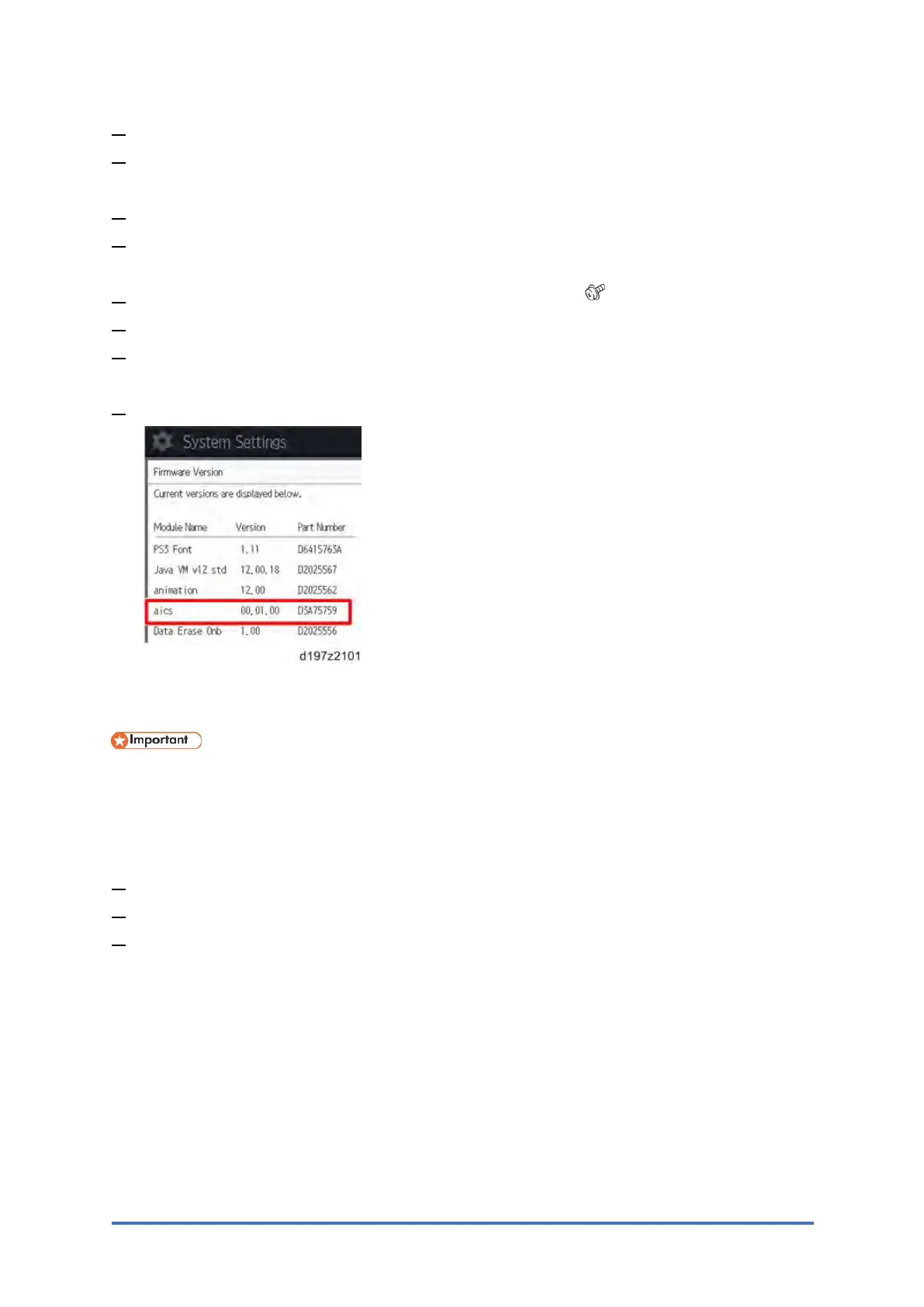
9. Check whether the aics version is displayed.
Registering the Client Machine(s)
• Do not register the Remote Machine in the Client-side machine before the Client-side
Machine is registered in the Remote Machine. Otherwise, registering the Remote
Machine fails.
On the Remote Machine:
1. Press [User Tool s] > [Machine Features] > [System Setting] > [Administrator Tools].
2. Press [Program/Change/Delete Remote Machine].
3. Press one of the machine registration lines, and then enter the IP address or hostname of
one of the Client-side Machines.


 To Next Page