SPDF (MF Model Only)
SM 4-59 D0AP/D0C4/D0C5/D0C6/M0BQ/M0D1
&
4.8.7 SPDF FEED SENSOR (S17)
1. Remove the SPDF rear cover. (SPDF Rear Cover)
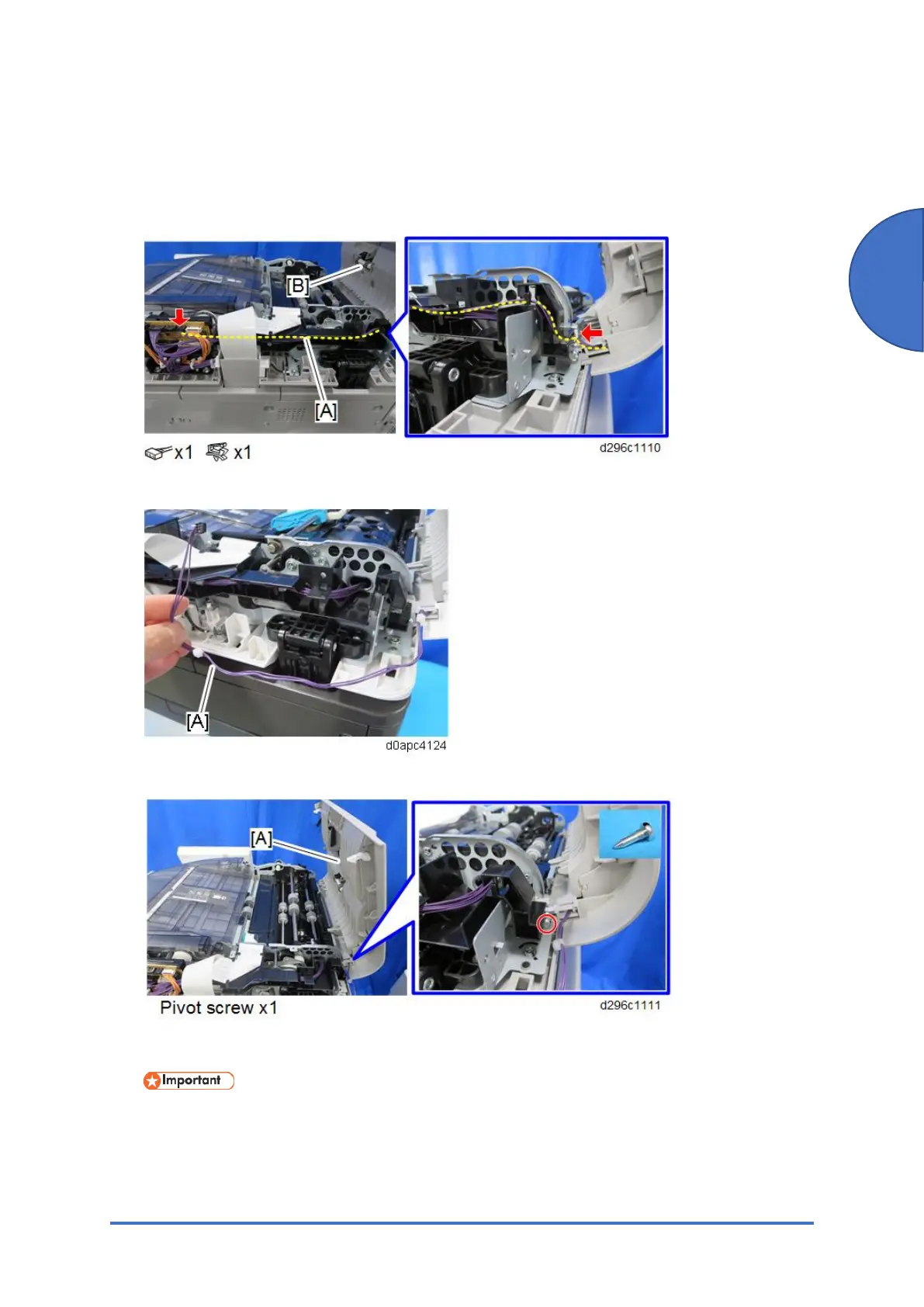
2. Disconnect the harness [A] from the SPDF top cover [B], and then release the clamp.
3. Remove the harness [A] from the harness guide.
4. Remove the SPDF top cover [A].
5. Remove the five screws and release the four tabs, and then remove the inner cover [A].
To prevent bending or damaging the inner cover, place it on a flat surface before you
remove it.



 To Next Page