Exterior Covers (Printer Model)
SM 4-33 D0AP/D0C4/D0C5/D0C6/M0BQ/M0D1
&
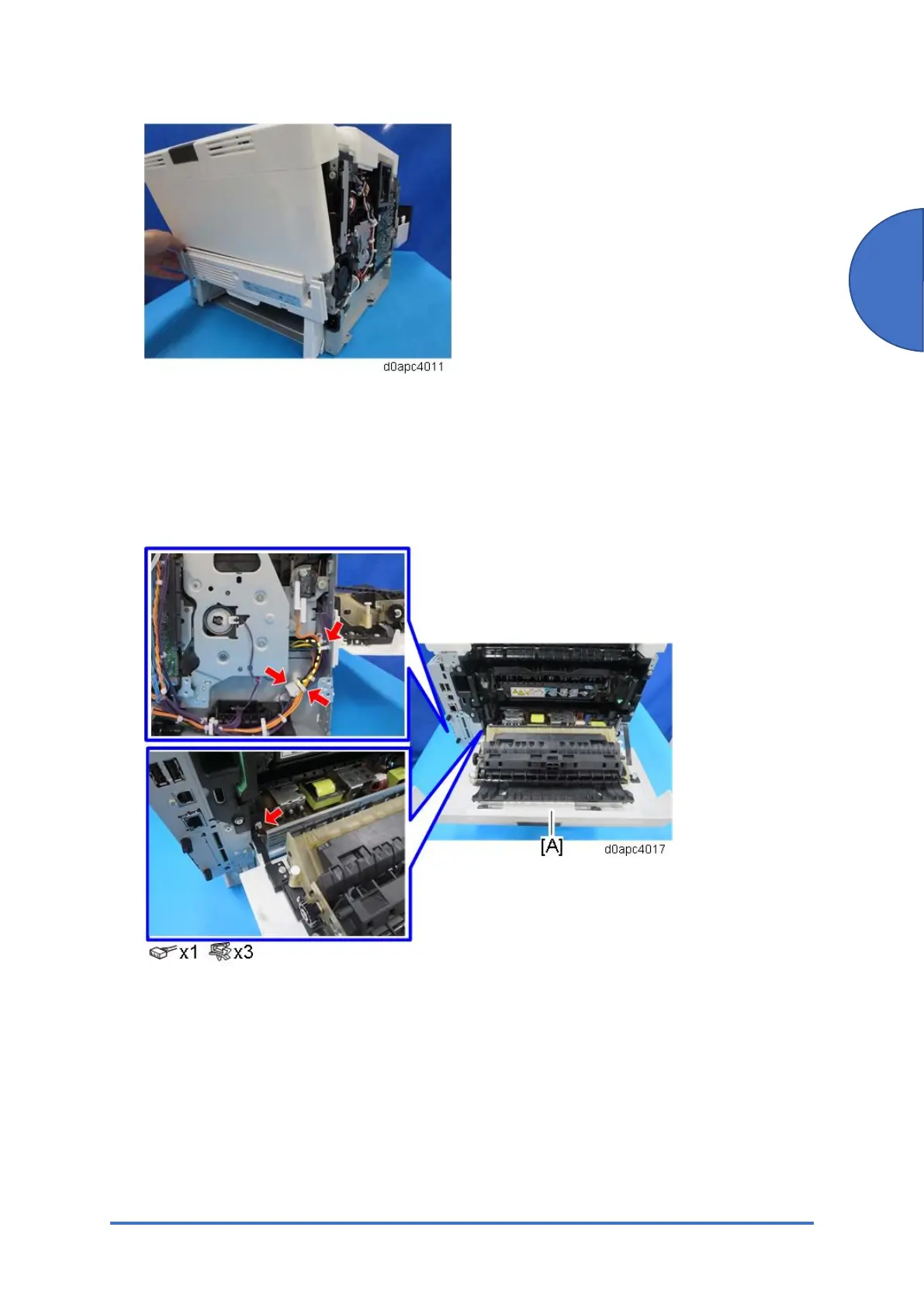
4.5.7 REAR COVER (PRINTER)
1. Remove the rear lower cover. (Rear Lower Cover (Printer))
2. Remove the controller board. (Controller Board (Printer Model))
3. Release the harness from rear cover [A].



 To Next Page