Drive Units
D0AP/D0C4/D0C5/D0C6/M0BQ/M0D1 4-122 SM
4.17 DRIVE UNITS
4.17.1 TONER SUPPLY CLUTCH (CL2)
1. Remove the right cover. (Right Cover (Printer), Right Cover (MF))
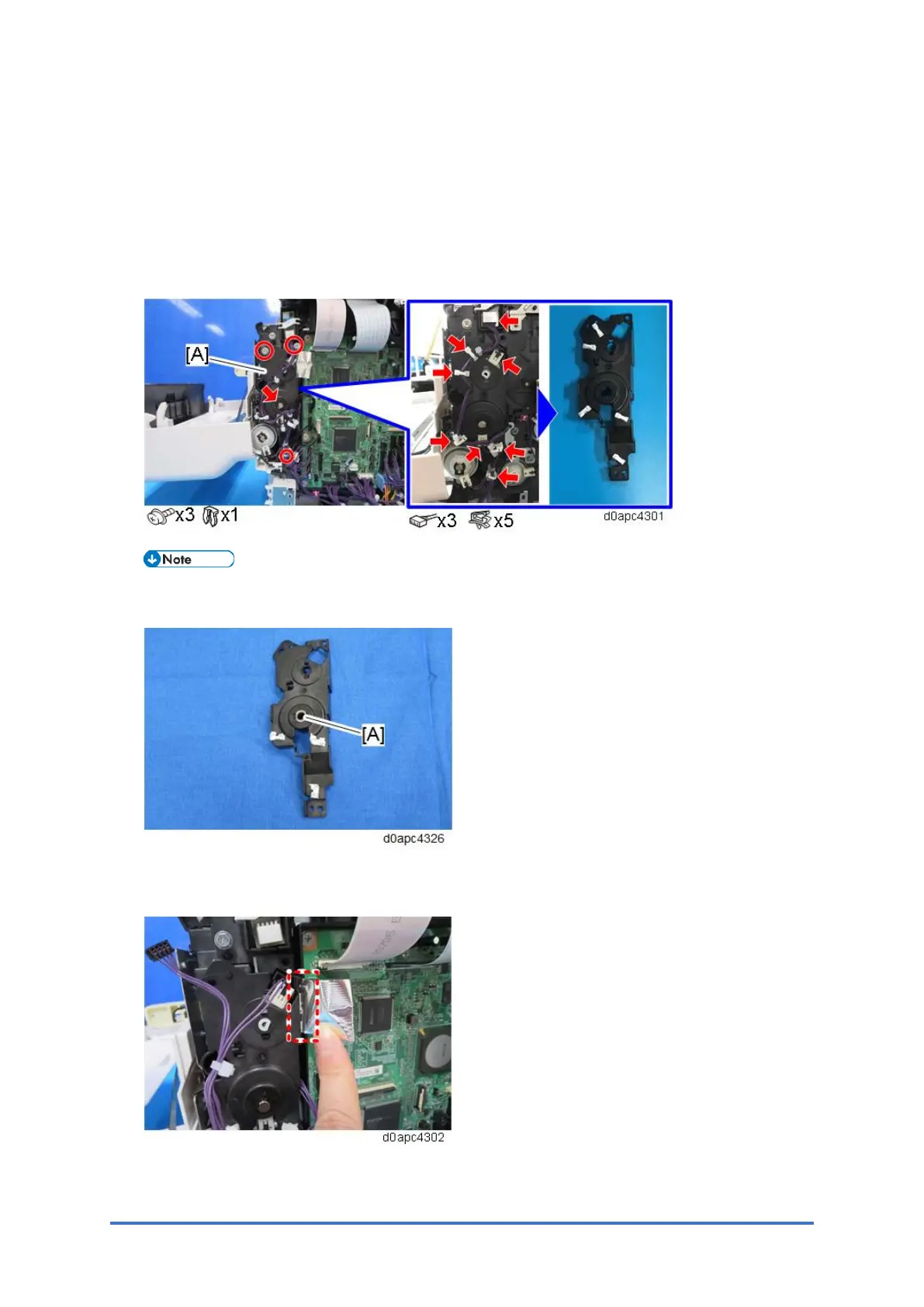
2. Remove the clutch cover [A].
Work carefully when assembling. The bearing [A] can catch easily on the clutch cover and
become disengaged.
MF model: Carefully remove the FFC attached to the clutch cover with double-sided tape
to avoid damage to the FFC.



 To Next Page