XPS Direct Print Option Type P18 (M543-11)/ M34 (D3EN-18, -19, -20)
SM 2-109 D0AP/D0C4/D0C5/D0C6/M0BQ/M0D1
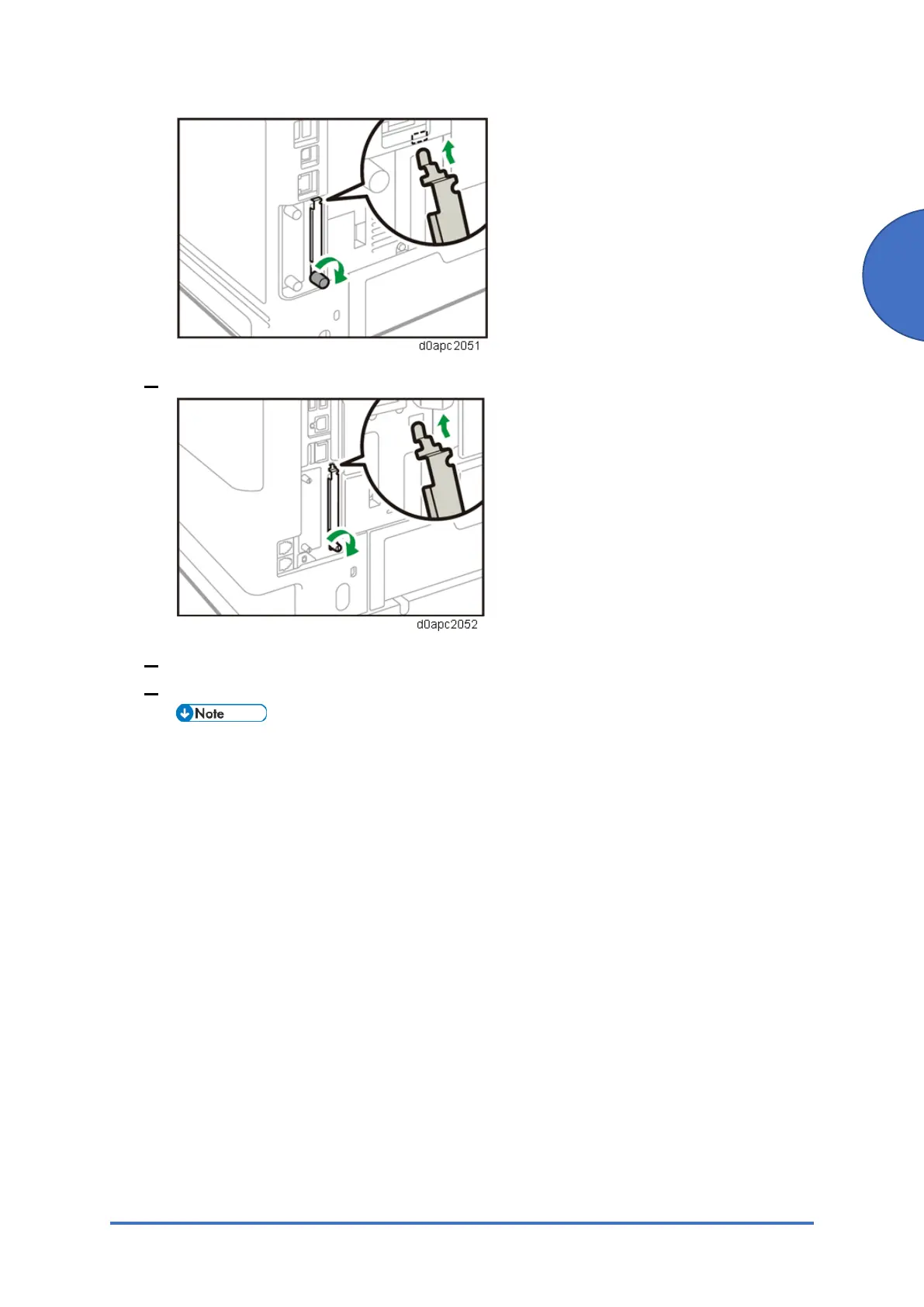
4. MF model:
5. Plug in the power cord, and then turn on the machine
6. Confirm that the SD card was installed correctly.
Printer model: The name of the installed emulation card appears in the [Prioritize
Emulation/Program] of [System Settings].
MF model: The name of the installed emulation card appears in the [Prioritize
Emulation/Program] of [System Settings] under [Initial Settings of the Printer]



 To Next Page