VM Card Type P18 (D3EN-03, -04, -05)
D0AP/D0C4/D0C5/D0C6/M0BQ/M0D1 2-120 SM
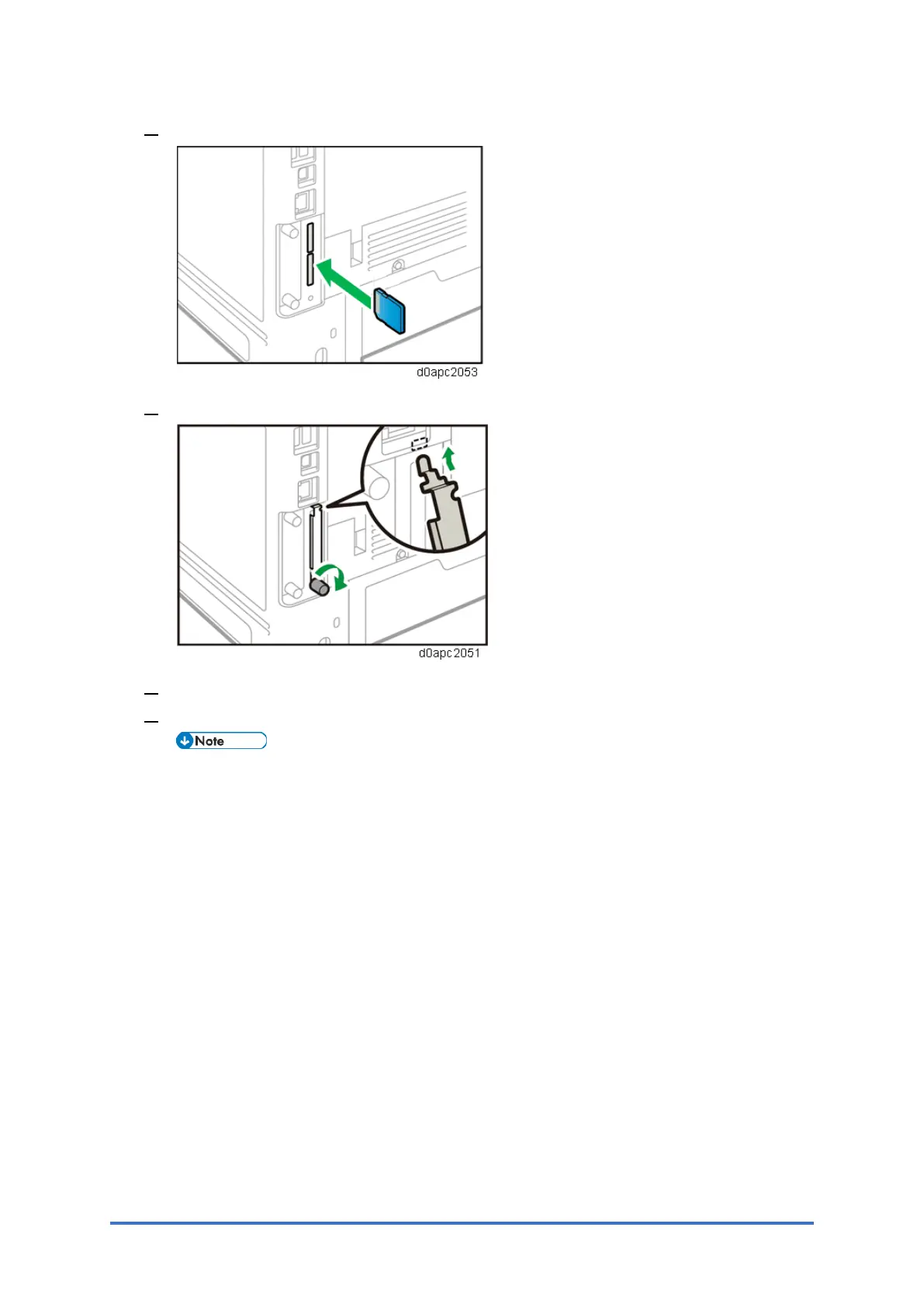
2. Insert the SD card into the lower slot.
3. Attach the SD card slot cover and fasten it.
4. Plug in the power cord, and then turn on the machine
5. Confirm that the SD card was installed correctly.
[JavaTM] appears when you press the [Switch Functions] key.



 To Next Page