SPDF (MF Model Only)
SM 4-67 D0AP/D0C4/D0C5/D0C6/M0BQ/M0D1
&
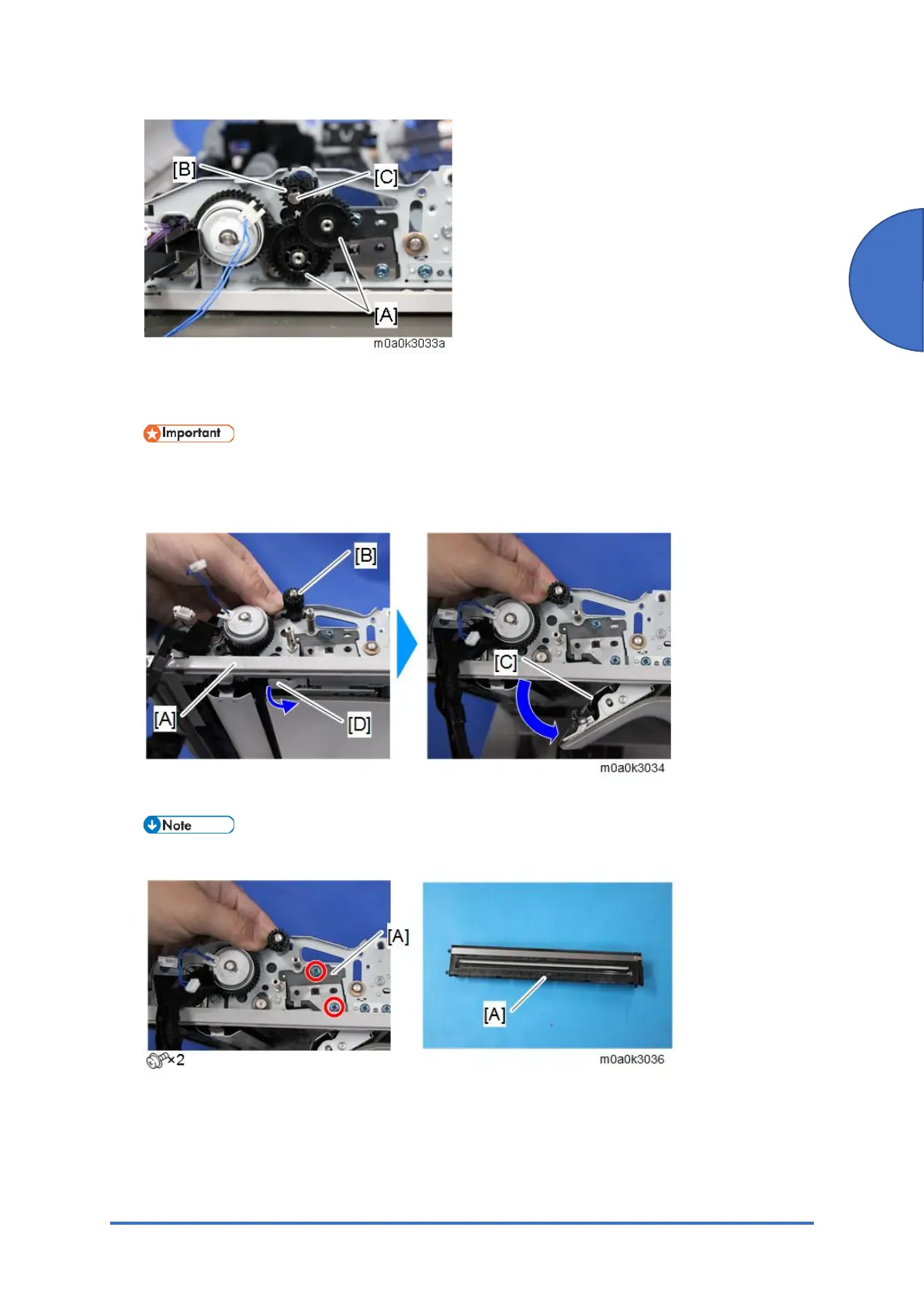
9. Open the SPDF unit [A] while holding the gear [B] by hand, and open the scanning guide
plate (rear side) [C] by pulling the release lever [D].
• Hold the gear [B]. It is not fastened, and it may drop into the machine.
• Open the scanning guide plate (rear side) [C] before replacing the CIS unit.
Otherwise, the surface could be damaged.
10. Pull out the CIS unit [A] from the SPDF unit.
• The CIS unit can be easily removed by pushing it from behind.


 To Next Page