Main Machine Installation (IM 430Fb)
D0AP/D0C4/D0C5/D0C6/M0BQ/M0D1 2-32 SM
1. Be sure to check the following:
The main power is turned OF F.
The power cord is unplugged from the wall outlet.
The interface cable is unplugged from the machine.
2. If optional paper feed units are attached, remove them.
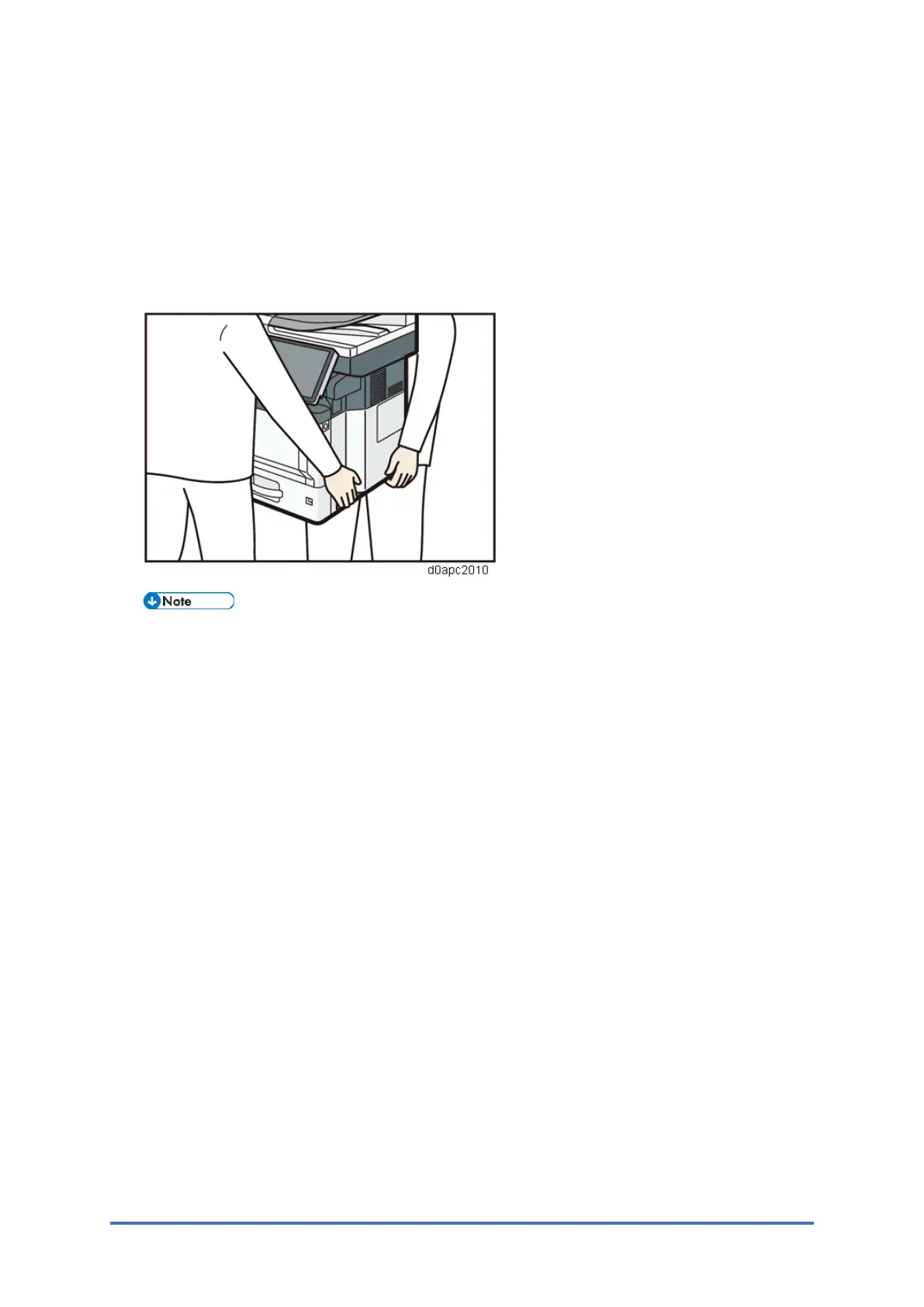
3. Lift the machine using the inset grips on both sides of the machine. Then move it
horizontally to the place where you want to use it.
Be sure to move the machine horizontally. To prevent toner from scattering, move the
machine slowly.
4. If you removed the paper feed units, reattach them



 To Next Page