Paper Feed Unit PB1120 (D3ER-17)/ PB1110 (D3EQ-17)
SM 2-37 D0AP/D0C4/D0C5/D0C6/M0BQ/M0D1
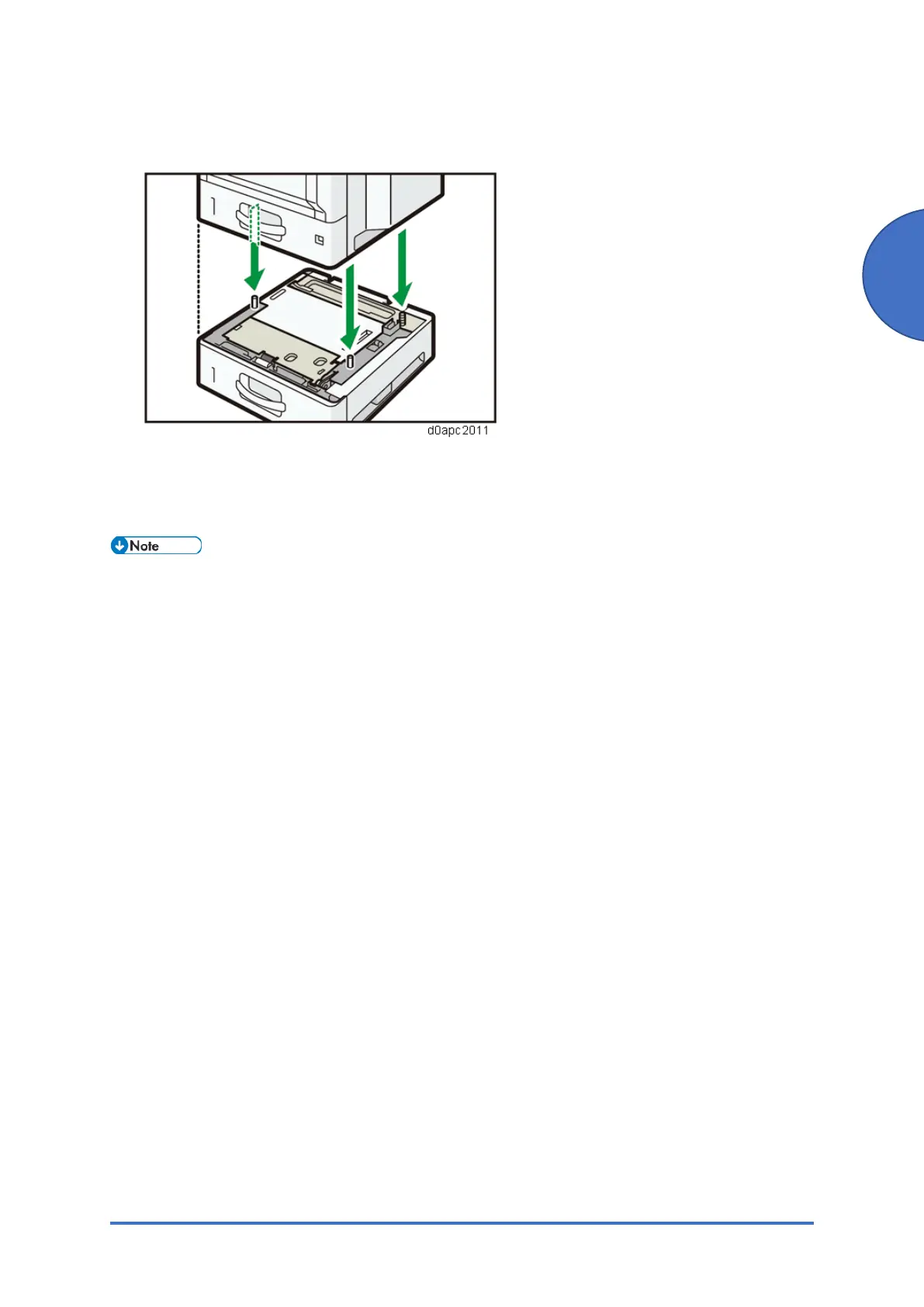
3. There are three vertical pins on the optional paper feed unit. Align the pins with the holes
on the underside of the machine, and then carefully lower the machine.
4. Plug in the power cord, and then turn on the machine.
5. Print the configuration page to confirm that the unit was attached correctly.
To confirm whether the optional paper feed unit is attached correctly, print the configuration
page.
Under the heading “Attached Equipment” on the configuration page, you should see "Tray 2",
"Tray 3", "Tray 4" for the attached units.



 To Next Page