MY CUSTOM STITCH
122
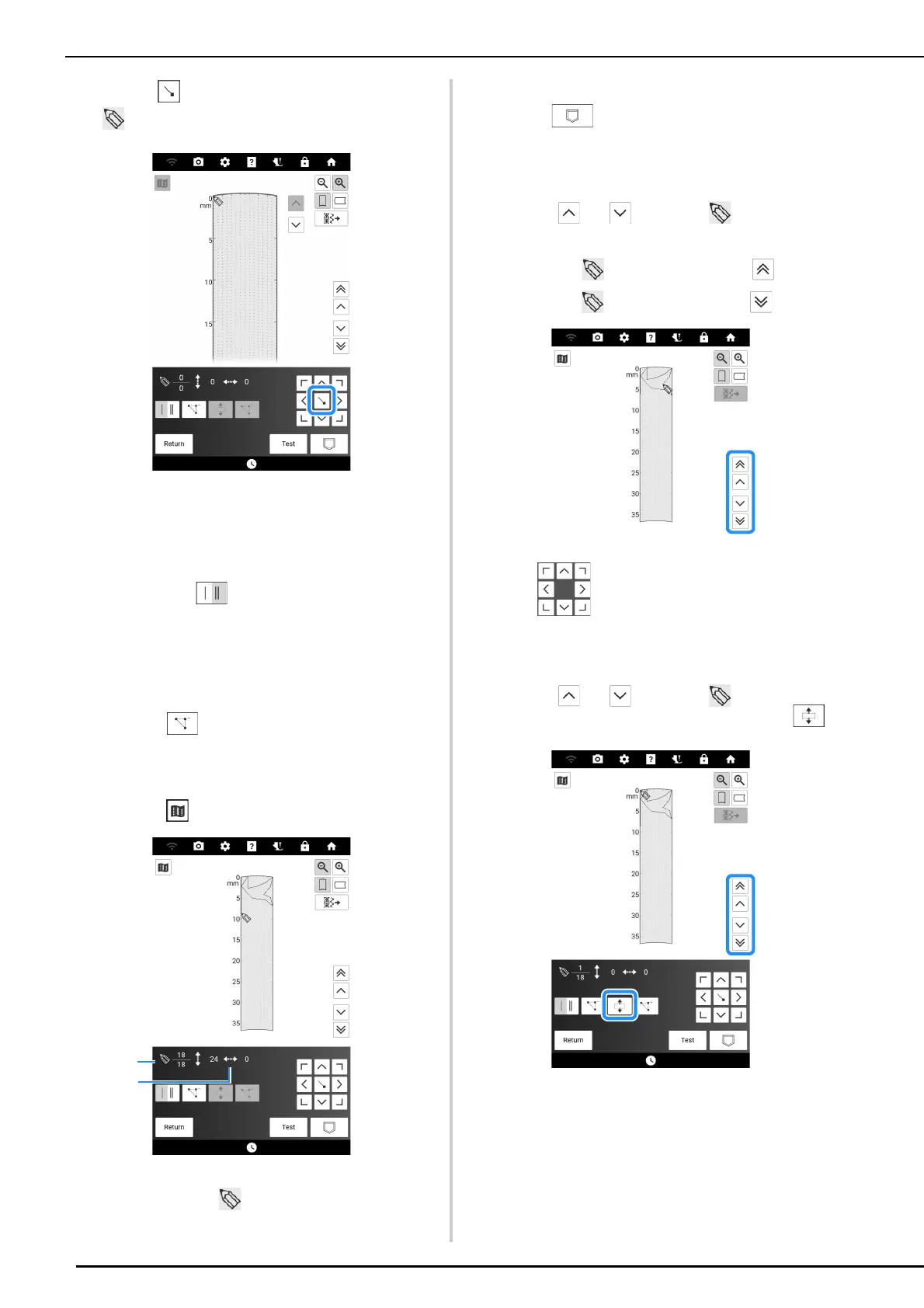
4 Touch to add the point indicated by
.
5 Select whether one stitch or triple
stitches will be sewn between the first
two points.
* To sew triple stitches, touch the key so that it
appears as .
6 Repeat the steps for each point that you
have drawn on the grid sheet until the
stitch design is drawn on the screen as a
continuous line.
* Touch to delete a selected point entered.
* Touch [Test] to sew a test-run of the stitch. Touch
[Edit] to finish trial sewing and return to the
previous screen.
* Touch to view an image of the stitch.
a Currently selected point/Total number of points
b Coordinates of
7 Once you finish entering the stitch data,
touch to save the stitch pattern.
Moving a Point
1
Touch or to move to the point
that you want to move.
* To move to the first point, touch .
* To move to the last point, touch .
2 Use to move the point.
Moving Part or All of the Design
1
Touch or to move to the first
point that you want to move. Touch .
The selected point and all points that were entered
after it are selected.



 To Next Page