Adjustments during the Embroidery Process
164
Depending on the position of the embroidery
frame, it may be difficult to thread the needle or
remove the embroidery frame. If this happens,
move the embroidery frame.
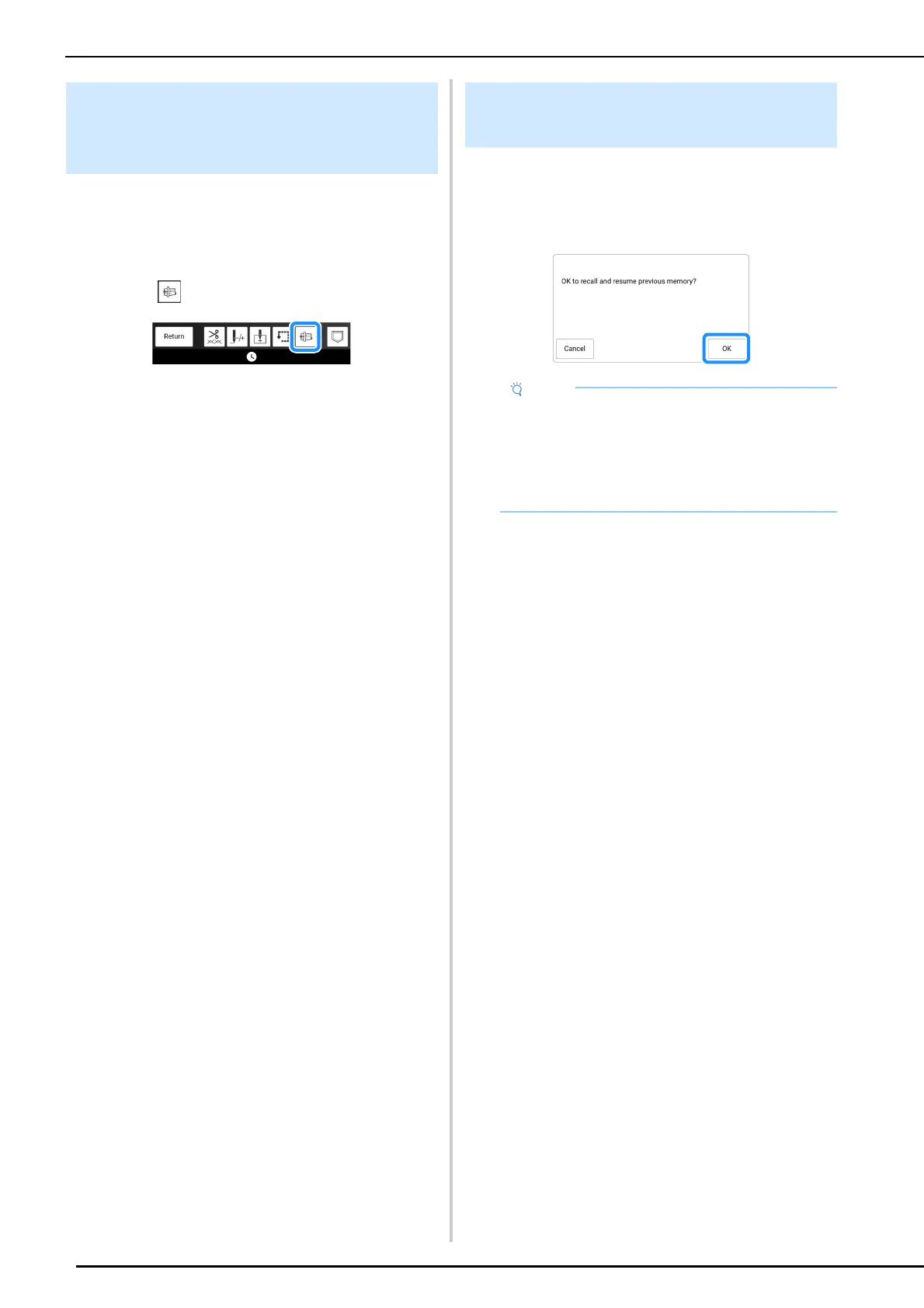
1 Touch in the embroidery screen.
2 When a message appears, warning that
the carriage will be moved, touch [OK].
The carriage moves. A message appears again.
3 Leave the message displayed, thread the
needle or remove the embroidery frame.
4 Touch [OK].
The embroidery frame will be moved to its original
position.
Even if the power goes out in the middle of
embroidery, the next time the machine is turned
on, you have the option to continue or delete the
pattern.
If It is Difficult to Thread the
Needle or Remove the Embroidery
Frame
Resuming Embroidery after
Turning Off the Power
• Do not remove the embroidery unit or the
memory will no longer remember your design.
• If embroidery was interrupted before a color
segment was completed, move the needle
back to overlap the previous stitching by a few
stitches to avoid unraveling. (page 163)



 To Next Page