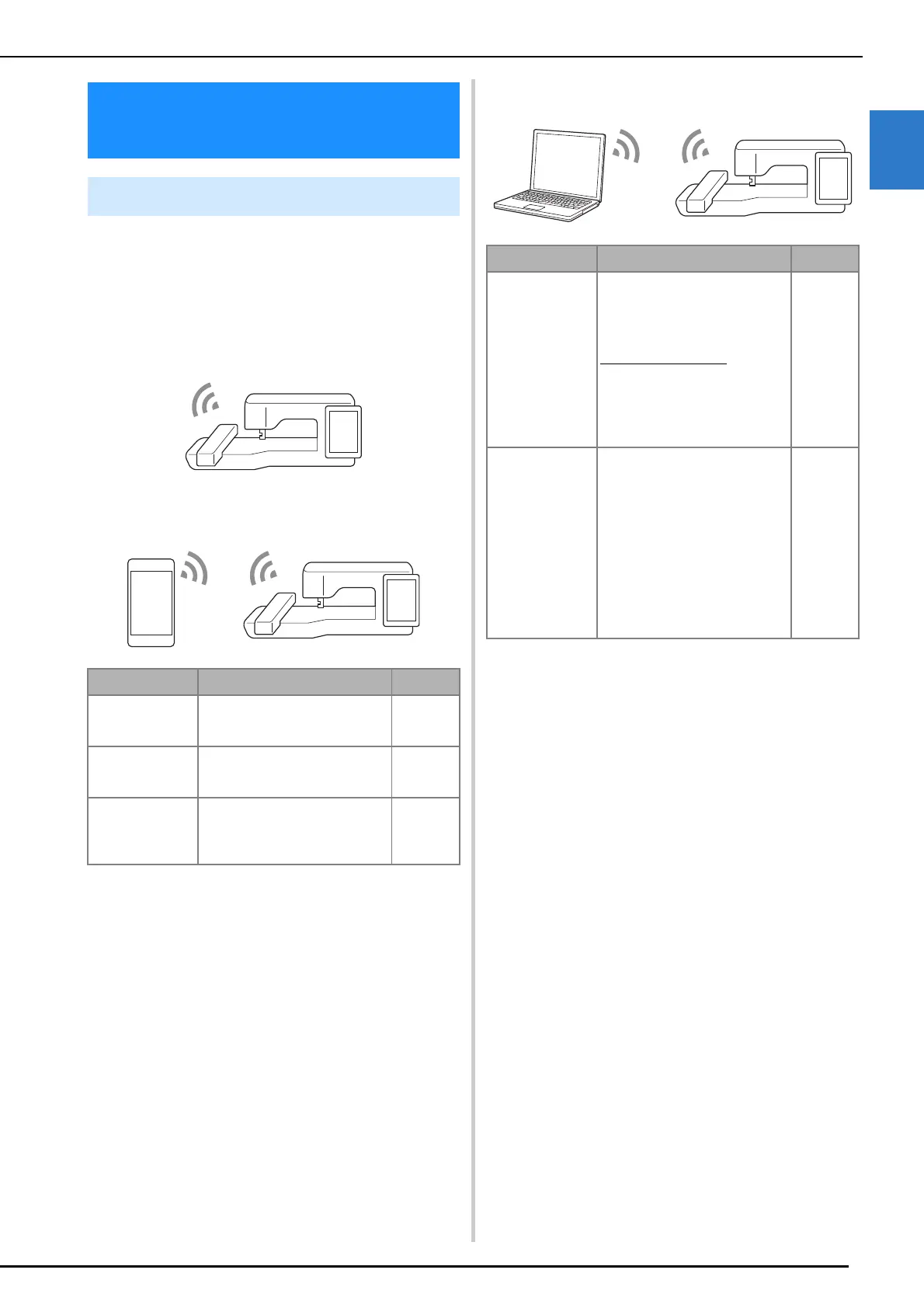
Wireless Network Connection Functions
Getting Ready
31
1
The following useful operations will be available if
the machine is connected to a wireless network.
For Updating
Directly download the update file to the machine.
(page 259)
Mobile Application
Windows application
Wireless Network
Connection Functions
Available Operations
Name Function Reference
My Stitch Monitor Conveniently check the operating
status of the machine from your
mobile device.
225
My Design Snap Transfer an image from the
mobile device to the machine to
create a design to embroider.
225
Artspira Transfer content published on the
app to the embroidery machine
and enjoy creating original works
using the functions on the app.
225
Name Function Reference
Design Database
Transfer
Wirelessly transfer an embroidery
pattern from your computer to the
machine. The application can be
downloaded to your computer
from the following URL.
https://s.brother/cadkb/
Settings must be specified in
Design Database Transfer. For
more information, refer to the
manual for Design Database
Transfer.
—
PE-DESIGN (Sold
separately)
Wirelessly transfer to the machine
an embroidery pattern edited with
embroidery editing software (PE-
DESIGN version 11 or later) on a
computer.
Also, transfer to PE-DESIGN an
embroidery pattern edited on the
machine.
Settings must be specified in PE-
DESIGN. For more information,
refer to the manual for PE-
DESIGN.
—



 To Next Page