Updating Your Machine’s Software
259
Maintenance and Troubleshooting
7
5 Remove the USB media, and turn the
machine off and on again.
If the machine is connected to a wireless network
with a strong, reliable connection, update files
can be downloaded directly to the machine using
this network.
1 Connect the machine to your wireless
network.
* Refer to “Wireless Network Connection Functions”
on page 31.
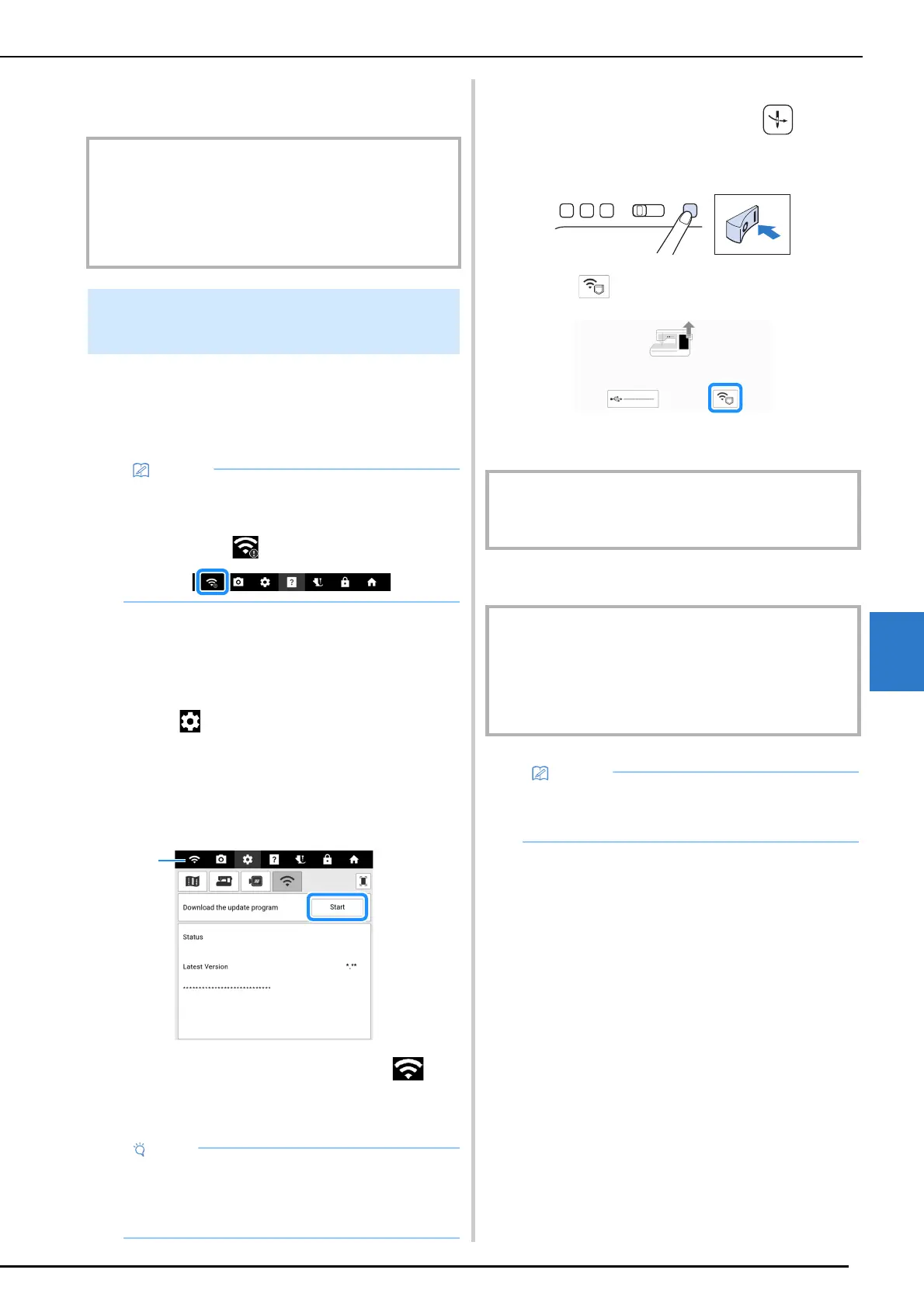
2 Touch to display [Download the
update program] of the settings screen.
3 Touch [Start].
* The machine starts to download the update file, if
there is a new update file on server.
a When the wireless LAN key appears as ,
touching [Start] causes the machine to check if
there is a new update file. If there is a new file,
downloading begins.
4 When downloading is finished, turn off
the machine, then hold down
(Automatic threading button) while
turning on the machine.
5 Touch .
6 Touch [Load] to update the machine.
7 Turn the machine off and on again.
IMPORTANT
• It will take a while to start up the machine. The screen
may get dark during the start up, do not turn off the
machine and wait until the opening screen appears.
Depending on the machine settings, a different screen
may appear instead of the opening screen.
Update Procedure Using Wireless
LAN Connection
• The machine periodically checks if there is a
new update file on the server. When there is a
new update file, the wireless LAN key is
displayed as .
• Do not turn off the machine during the
download.
• Touch [Pause] to pause the download. To
restart, touch [Resume].
IMPORTANT
• Do not turn off the machine during the update. When
updating is finished, the completion message appears.
IMPORTANT
• It will take a while to start up the machine. The screen
may get dark during the start up, do not turn off the
machine and wait until the opening screen appears.
Depending on the machine settings, a different screen
may appear instead of the opening screen.
• If there are changes or additions to functions,
manuals available on the machine may be
updated.



 To Next Page