Create the Pattern Using Scanned Images or Image Data Files
243
My Design Center
6
Scanning with an Embroidery
Frame
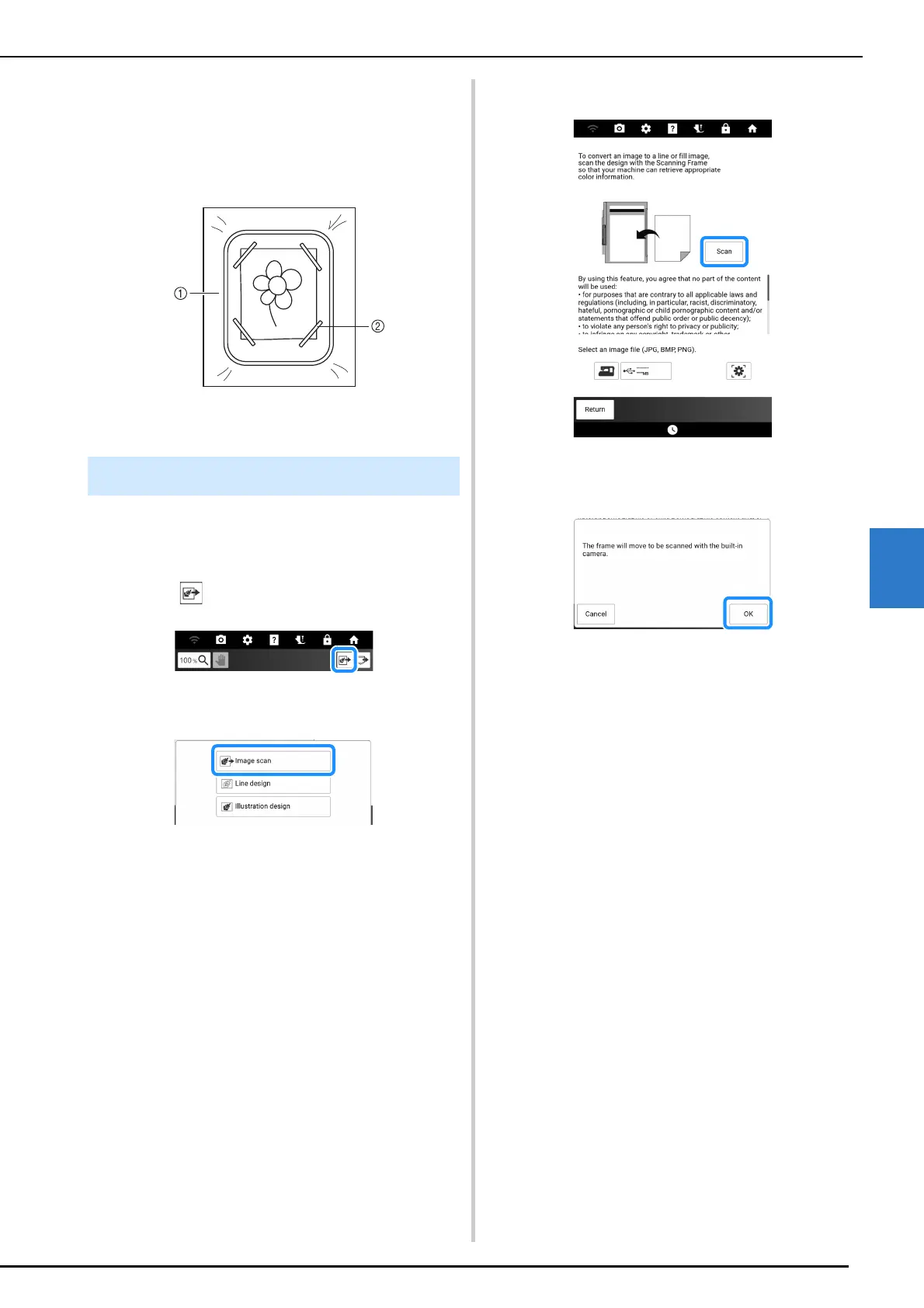
Drawings and illustrations can also be scanned
using an embroidery frame. Place the paper to be
scanned on the fabric, and then secure it with tape.
a Fabric
b Tape
Create patterns by scanning fabric or an
illustration, importing it into the machine, then
displaying it as a background image.
1 Touch .
2 Touch [Image scan].
3 Using the magnets, affix a picture to the
scanning frame and attach the frame to
the machine. (page 241)
When scanning the fabric, attach the
embroidery frame to the machine.
(page 131)
4 Touch [Scan].
5 When the following message appears,
touch [OK].
Scanning begins. When scanning is finished,
scanned image is displayed transparently in the
pattern drawing area.
Scanning the Background Image



 To Next Page