Align the Embroidering Position
Basic Embroidery
157
4
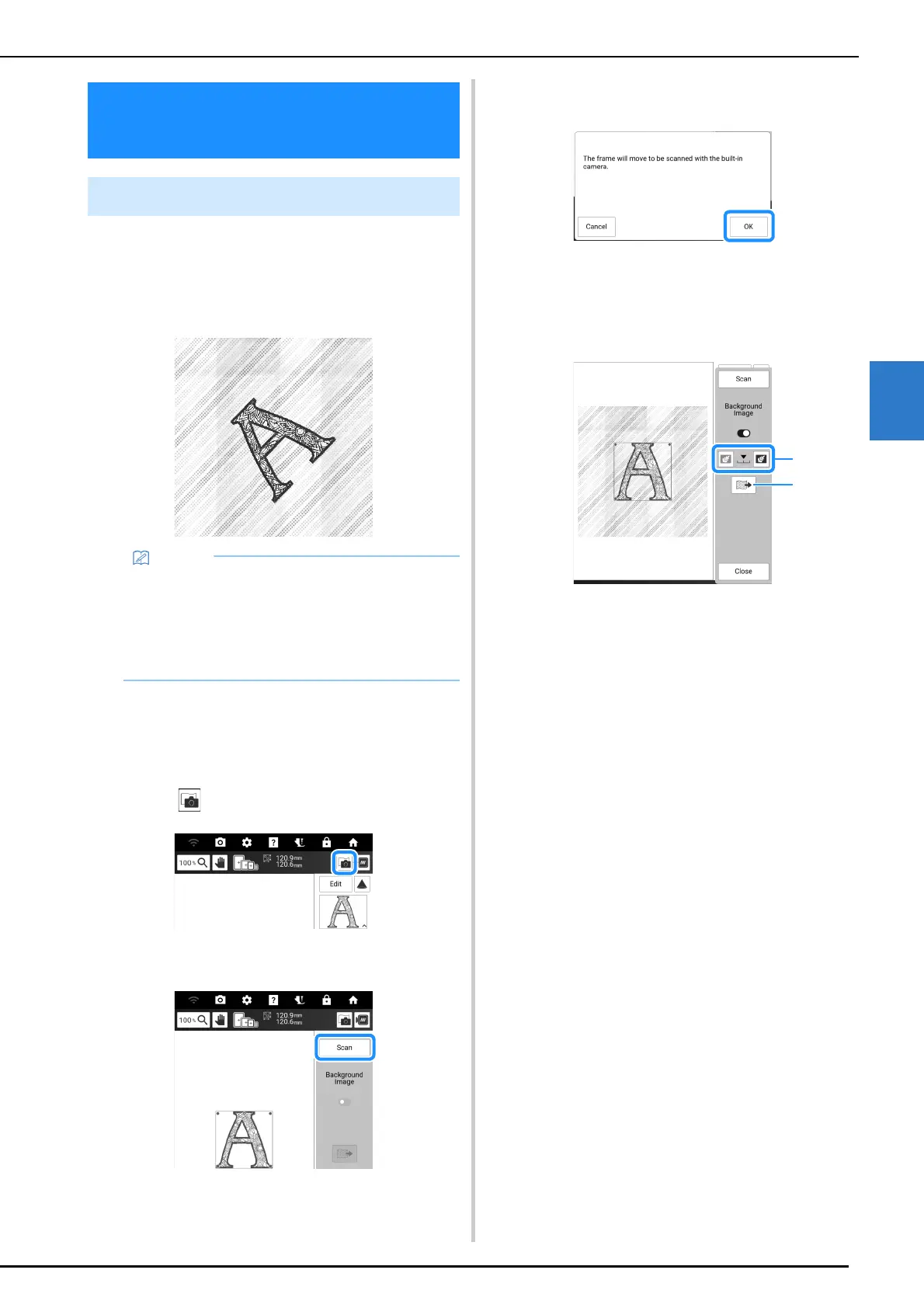
The fabric hooped in the embroidery frame can
be displayed on the screen so that the
embroidery position can be easily aligned.
Example:
1 Hoop the fabric in the embroidery frame,
and then attach the frame to the machine.
2 Select the pattern and, if necessary, edit
the pattern.
3 Touch .
4 Touch [Scan].
5 When the following message appears,
touch [OK].
The carriage moves so the fabric can be scanned.
6 When the fabric appears as a background
for the pattern, touch [Close].
a The transparency of the scanned background
image can be adjusted.
b The background image can be saved to USB
media.
* If two USB media are connected to the machine,
check the USB media names that are displayed,
and then touch the name of the USB media that
you wish to use.
Align the Embroidering
Position
Display the Fabric on the Screen
• When embroidery frame (20 mm (H) × 60 mm
(W) (approx. 1 inch (H) ×2-1/2 (W) inches) is
installed, this function cannot be used.
• For details on using thicker fabric such as
quilting, refer to “Positioning the Pattern on
Thick Fabric” on page 158.



 To Next Page