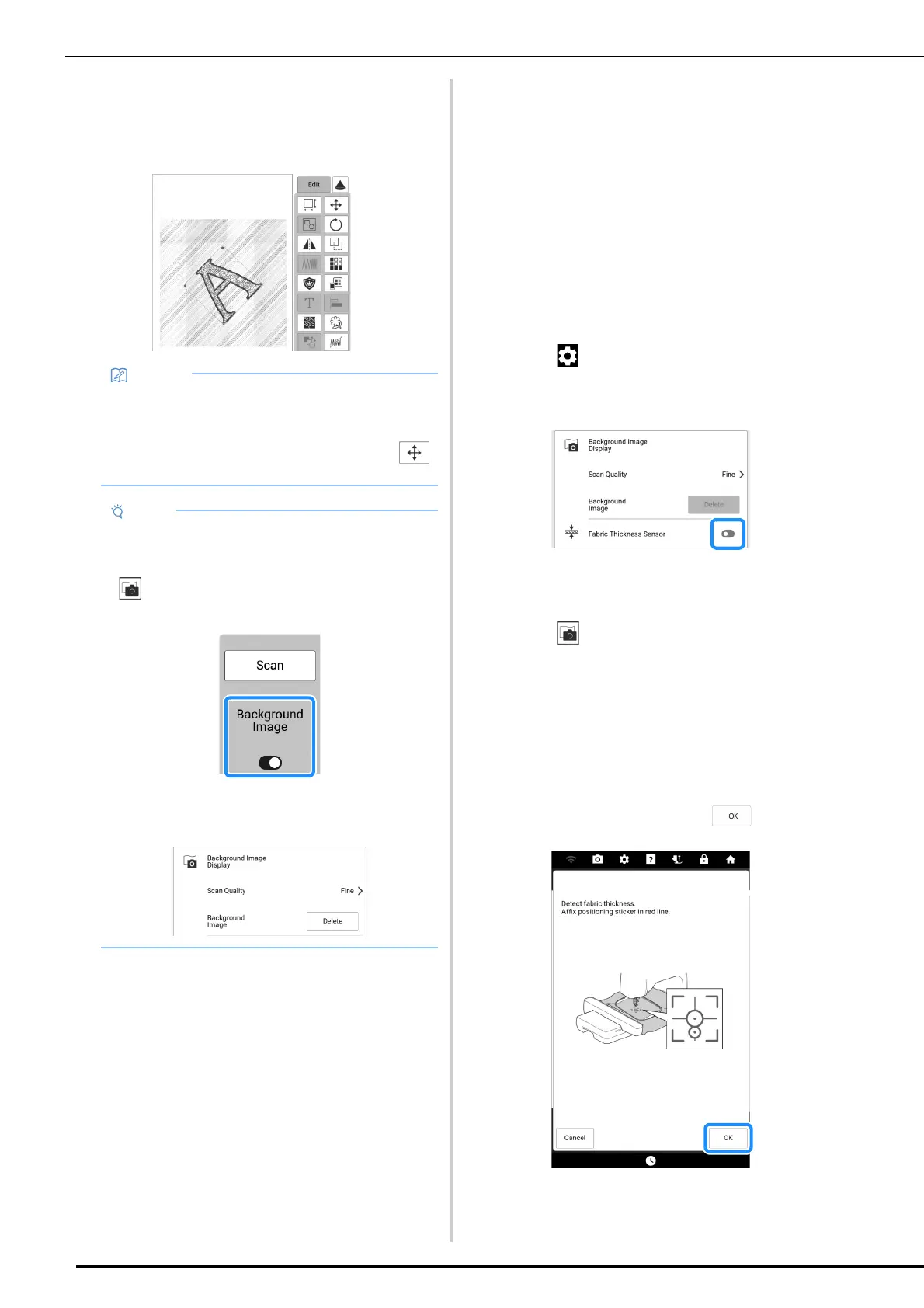
Align the Embroidering Position
158
7 Align the pattern to the desired
embroidery position.
* Refer to “Embroidery Edit Screen” on page 142
about the “Edit” display.
Positioning the Pattern on Thick
Fabric
When positioning the pattern on thick fabric such
as quilting, the fabric may not be detected
correctly. In order for the fabric to be correctly
detected, its thickness must first be measured.
1 Hoop the fabric in the embroidery frame,
and then attach the embroidery frame to
the machine.
2 Select the pattern and, if necessary, edit
the pattern.
3 Touch to display [Fabric Thickness
Sensor] of the settings screen and then
set to on.
4 Touch [OK].
5 Touch .
6 Touch [Scan].
7 Affix the embroidery positioning sticker
to the fabric within the area indicated by
the red frame displayed with the
projector, and then touch .
• The pattern can be moved to the desired
position by dragging on the screen using your
finger or the included dual purpose stylus pen.
If you need some fine adjustment, touch
to move the pattern.
• The fabric will appear in the background until
embroidering of the pattern is finished. In order
to show or hide the background image, touch
, and then set [Background Image] to on or
off.
• With the settings screen, the quality of the
background image can be set, or the scanned
image can be deleted.



 To Next Page