Troubleshooting
262
Cause 2
A needle and thread appropriate for the fabric
are not being used.
The machine needle that should be used depends
on the type of fabric sewn and the thread
thickness.
If a needle and thread appropriate for the fabric are
not being used, the thread tension will not be
adjusted correctly, causing wrinkles in the fabric or
skipped stitches.
* Refer to “Fabric/Thread/Needle Combinations” on
page 34 to check that a needle and thread
appropriate for the fabric are being used.
Cause 3
An appropriate upper tension is not selected.
Adjust the upper thread tension to select an
appropriate thread tension.
The appropriate thread tension differs according to
the type of fabric and thread being used.
* Adjust the thread tension while test sewing on a
piece of scrap fabric that is the same as that used
in your project.
* When the bobbin thread is visible on the right side
of the fabric, set the upper thread tension to a
lower number. (Loosen the thread tension.)
* When the upper thread is visible on the wrong side
of the fabric, set the upper thread tension to a
higher number. (Tighten the thread tension.)
If the fabric is caught in the machine and cannot
be removed, the thread may have become
tangled under the needle plate. Follow the
procedure described below to remove the fabric
from the machine. If the operation could not be
completed according to the procedure, instead of
attempting to complete it forcefully, contact your
authorized Brother dealer or the nearest Brother
authorized service center.
Removing the Fabric from the
Machine
1
Immediately stop the machine.
2 Turn the main power to OFF, and then
unplug the machine.
3 Remove the needle.
If the needle is lowered into the fabric, turn the
handwheel away from you (clockwise) to raise the
needle out of the fabric, and then remove the needle.
* Refer to “Changing the Needle” on page 36.
4 Remove the presser foot.
If the thread is entangled on the presser foot, remove
the entangled thread, and then raise the presser foot
lever to remove the presser foot. Otherwise, the
presser foot may be damaged.
* Refer to “Replacing the Presser Foot” on page 48.
5 Lift up the fabric and cut the threads
below it.
If the fabric can be removed, remove it. Continue with
the following steps to clean the race.
6 Remove the needle plate and bobbin
case.
If threads remain in the bobbin case, remove them.
* Refer to “Cleaning the Race” on page 255.
7 Remove any threads in the race and
around the feed dogs.
* Refer to step 8 of “Cleaning the Race” on
page 255.
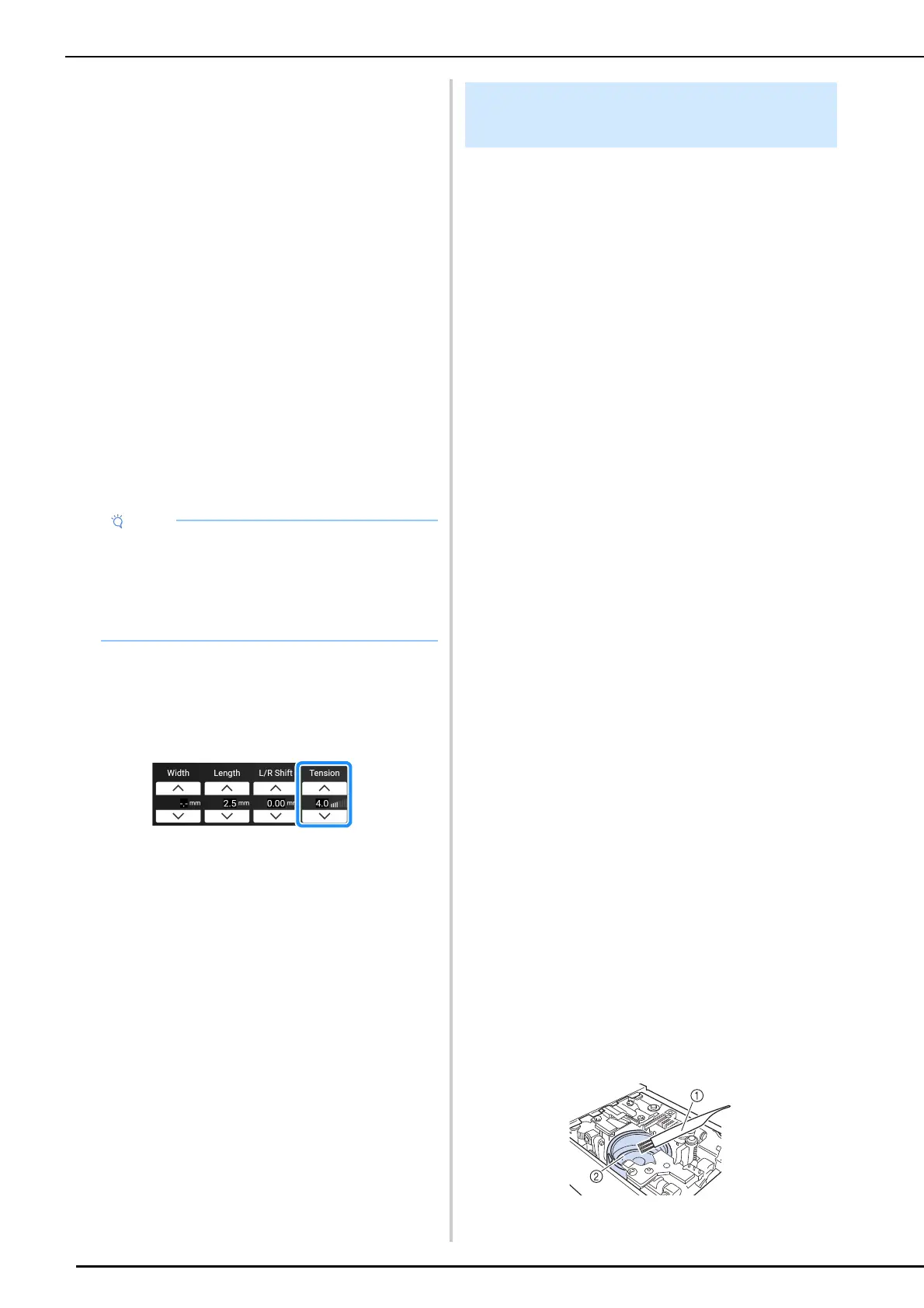
a Cleaning brush
b Race
• If the upper threading and bobbin threading
are incorrect, the thread tension cannot be
adjusted correctly, even by adjusting the upper
thread tension. Check the upper threading and
bobbin threading first, and then adjust the
thread tension.
Fabric Is Caught in the Machine
and Cannot be Removed



 To Next Page