Embroidering Quilting
208
Then, align the end point of the part with the start point of the
first part. If the pattern is not angled correctly, rotate it. If the
length of the pattern does not match, enlarge or reduce the
pattern.
After making adjustments, touch [OK].
Creating Quilting Border Data
1
With a chalk pencil, mark the quilt top
with the inner outline of the quilting
border to be embroidered.
Measure the longest diagonal of the inner
outline and the width of the quilting
border.
a Inner outline (used for positioning)
b Longest diagonal
c Width of quilting border
2 Touch .
3 Touch .
4 Select the pattern that you want to
embroider, and then touch [Set].
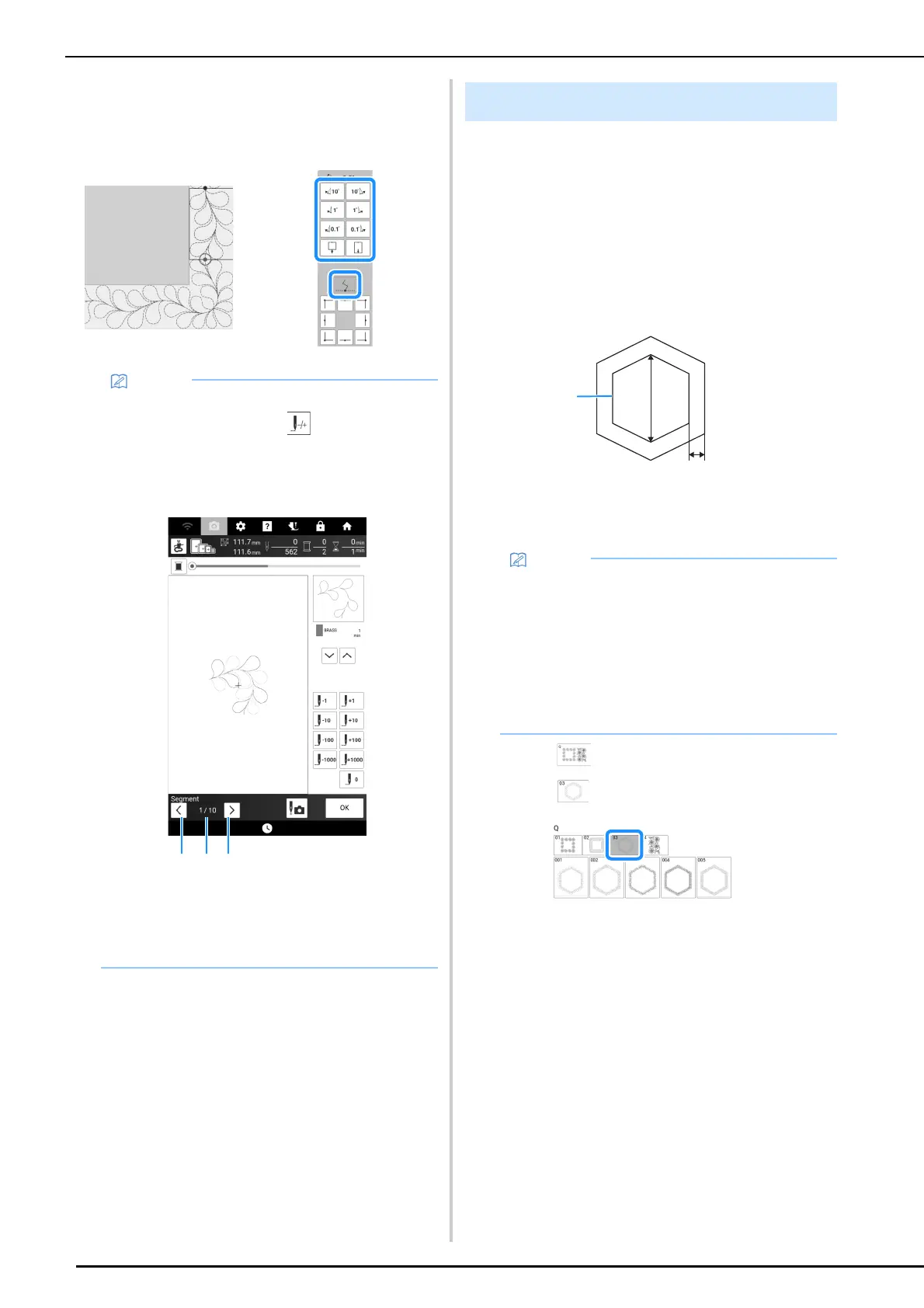
• If you need to restitch a segment or skip a
segment, you can touch in the embroidery
screen to continue to the next pattern or return
to the previous pattern. Select the desired
pattern in the embroidering order, and then
touch [OK].
a Return to the previous pattern.
b Embroidering order of current pattern/Total
number of segments
c Continue to the next pattern.
Hexagonal Quilting Borders
• Be sure to cut the quilt layers (quilt top,
batting, and quilt backing) with an excess of
about 10 cm (approx. 4 inches) so that the
quilt will extend to the edges of the embroidery
frame.
• Hexagonal patterns can be embroidered with
a diagonal width of maximum 2600 mm
(approx. 102 inches) and a quilting border
width of maximum 100 mm (approx. 4 inches).



 To Next Page