Embroidering Patterns
Basic Embroidery
139
4
Checking the Needle Drop Point
with the Projector
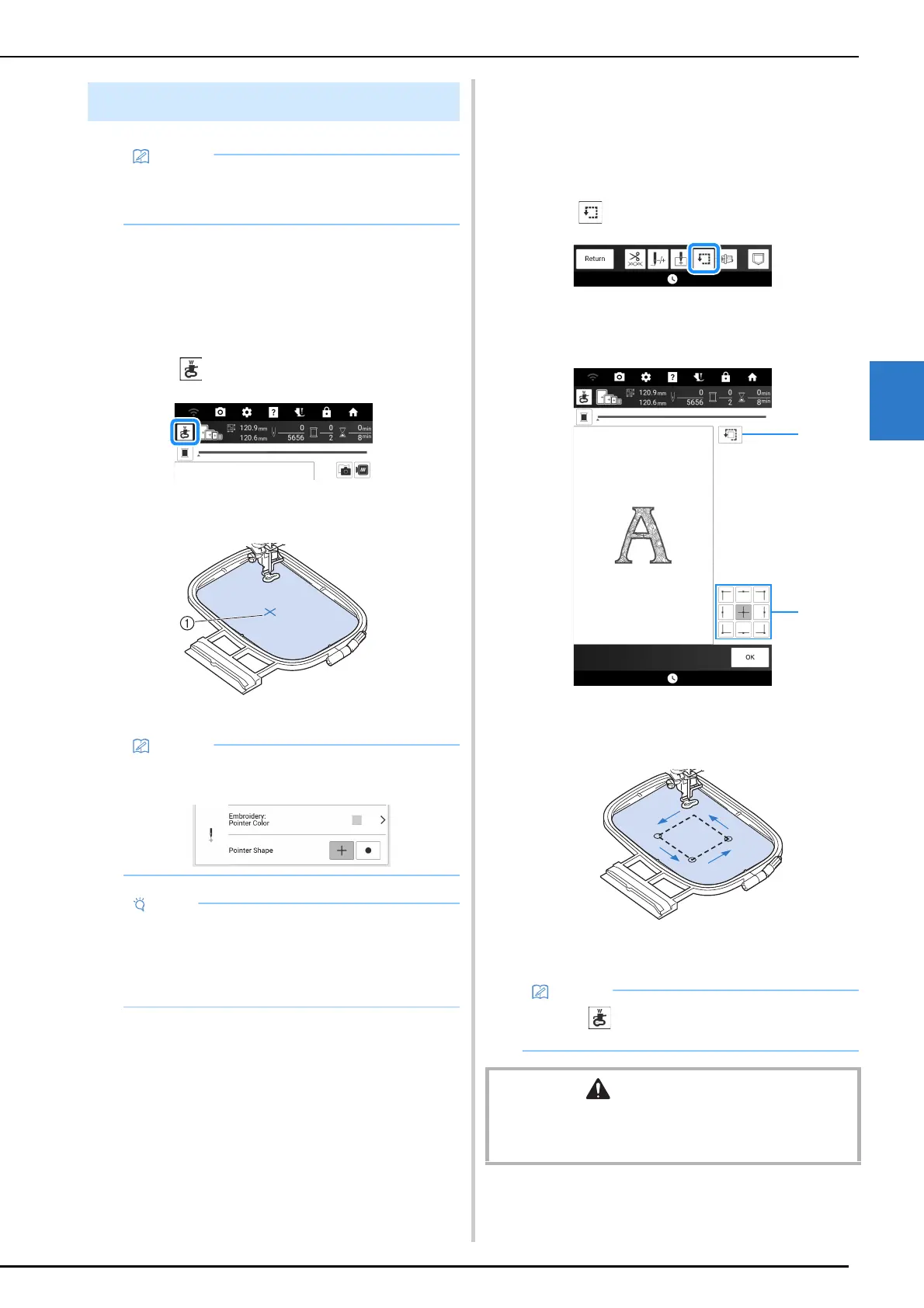
With the projector pointer, you can check the
needle drop point before embroidering.
1 Touch in the embroidery screen.
The pointer of the projector indicates the needle
drop point onto the fabric.
a Needle drop point
Checking the Pattern Position
The carriage moves and shows the pattern
position. Watch the embroidery frame closely to
make sure the pattern will be embroidered in the
right place.
1 Touch .
2 Touch the key for the position that you
want to check.
a Touch to check the selected position.
b Touch to check the entire embroidering area.
The carriage will move to show the pattern
position.
3 Touch [OK].
Confirming the Pattern Position
• The pattern can be projected onto the fabric in
order to check the position of and edit the
pattern. (page 154)
• The color and shape of the pointer can be
changed in the settings screen.
• With fabric that has a very uneven surface
such as thick fabric or quilting, the fabric
thickness may not be correctly measured. In
this case, the pointer indication should be
used only as a reference.
• Touch so that the pointer of the projector
indicates the needle drop point onto the fabric.
CAUTION
• Do not lower the needle when the embroidery frame is
moving. If the needle is down, it could break and result in
injury.



 To Next Page